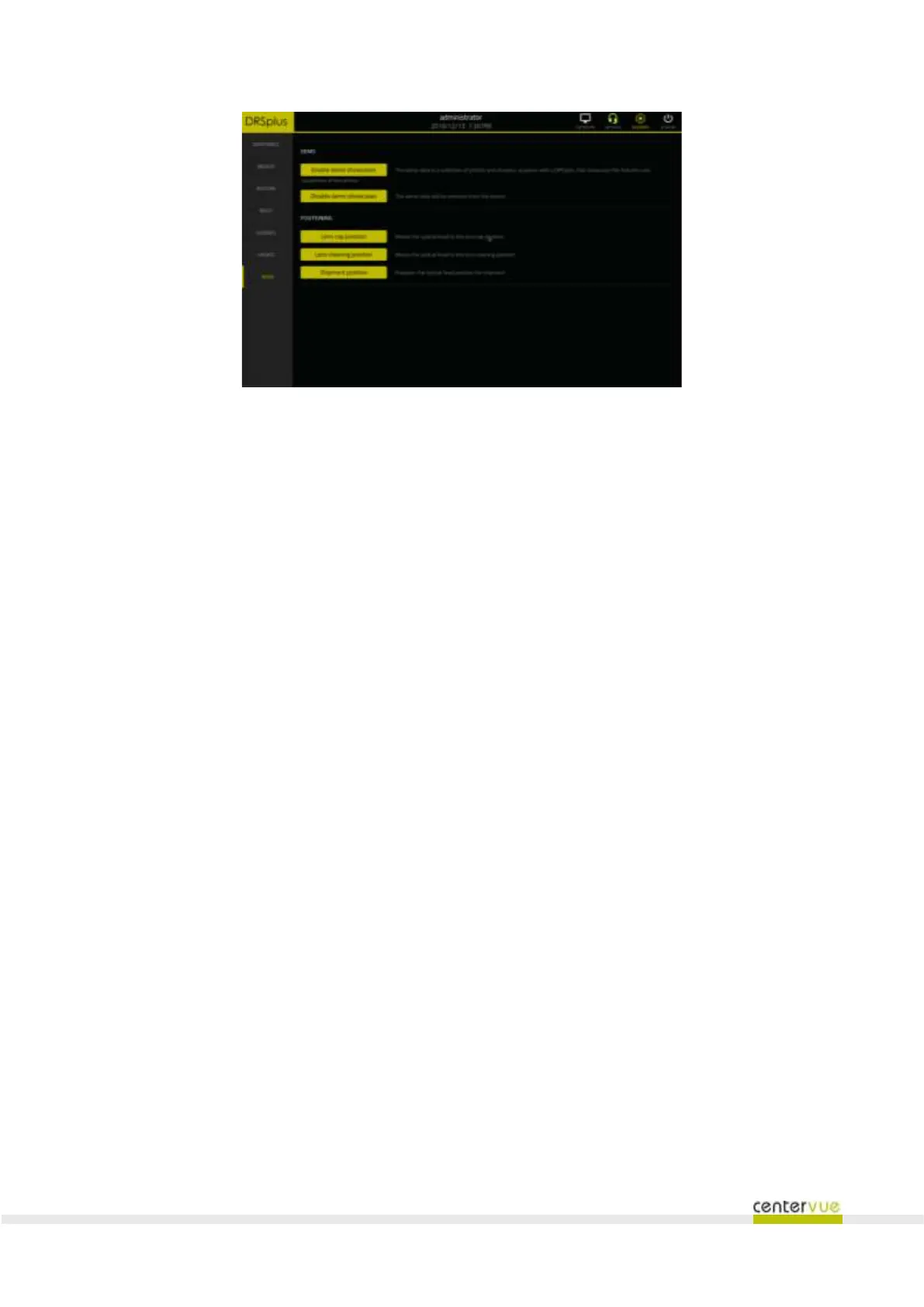
Fig. 53 - "More" panel
14.8 Demo dataset
Once the demo dataset is enabled, the patient list will be populated with a small number of dummy
patient records each containing a few sample images intended to showcase the quality of the images
that can be acquired with the drsplus.
The dummy patients cannot be edited. When reviewing the images of a dummy patient the
“new exam” button is not available.
The demo dataset can be enabled and disabled with no restrictions by the Administrator.
14.9 Optical head position
Except during startup and when an exam is in progress, the optical head is always positioned in the
“lens cap position”, where the back of the headrest protects the front lens.
To clean the front lens the operator can press the “Lens cleaning position” button to move the optical
head to a position that exposes the front lens to the operator. Pressing the “Lens cap position” button
will return the optical head to the default position.
Prior to shipment, the operator should press the “Shipment position” button to completely retract the
optical head so that the device can fit the shipping container.



 To Next Page