10. Patients Database
10.1 Adding a new patient
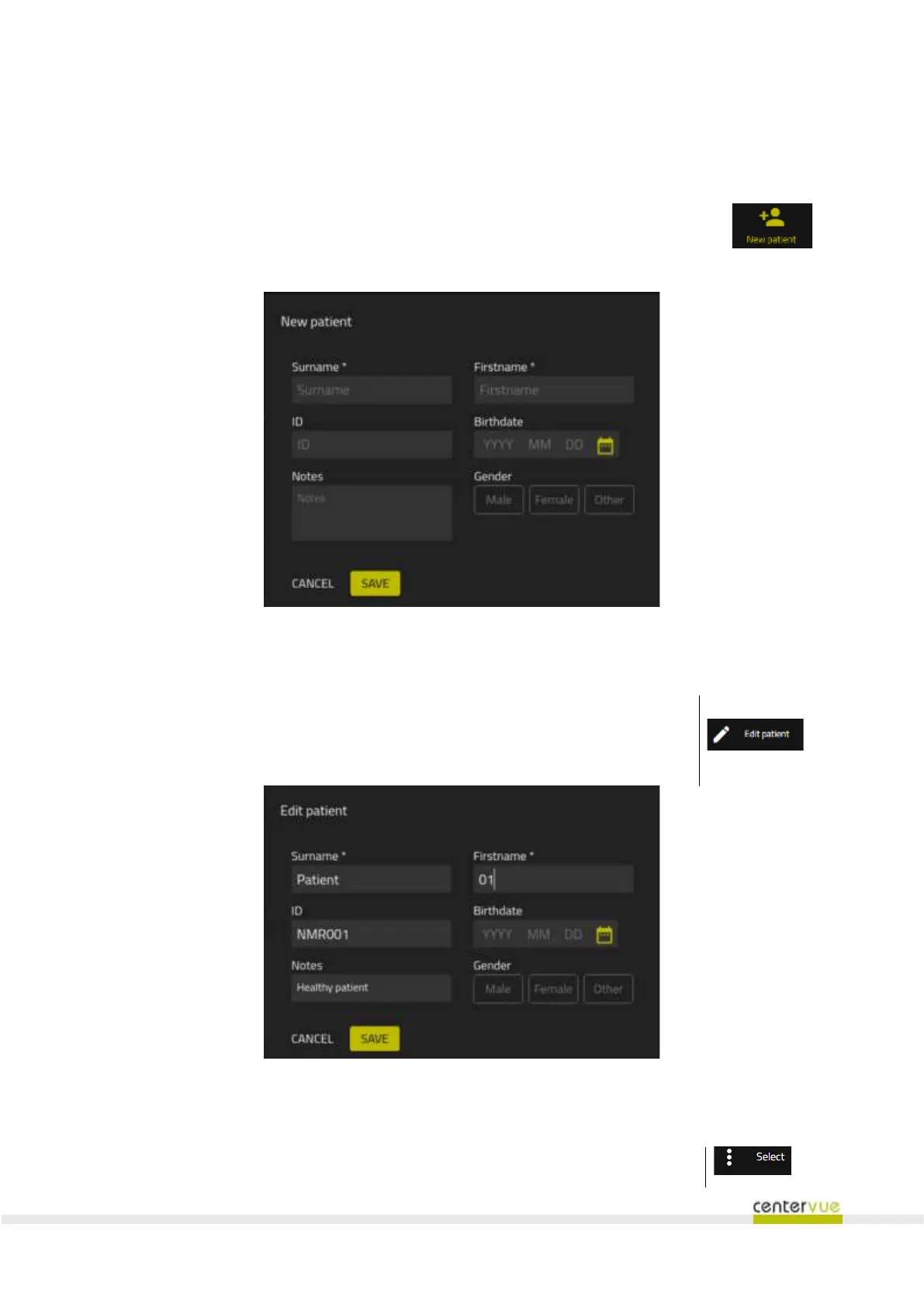
Open the “New Patient” dialog by pressing the button in the Patient List (Fig. 26). Enter
Surname and Name (mandatory fields) for the new patient; enter additional fields if
available: ID, Birthdate, Gender and Notes. Press SAVE to save the new patient or
CANCEL to cancel the operation.
Fig. 26 – New Patient dialog
10.2 Editing an existing patient
To modify the information of an existing patient, open the Patient Details screen
(see §11.1 ) and press the Edit Patient button. →
This will open the Edit Patient dialog (Fig. 27).



 To Next Page