13.3 Network
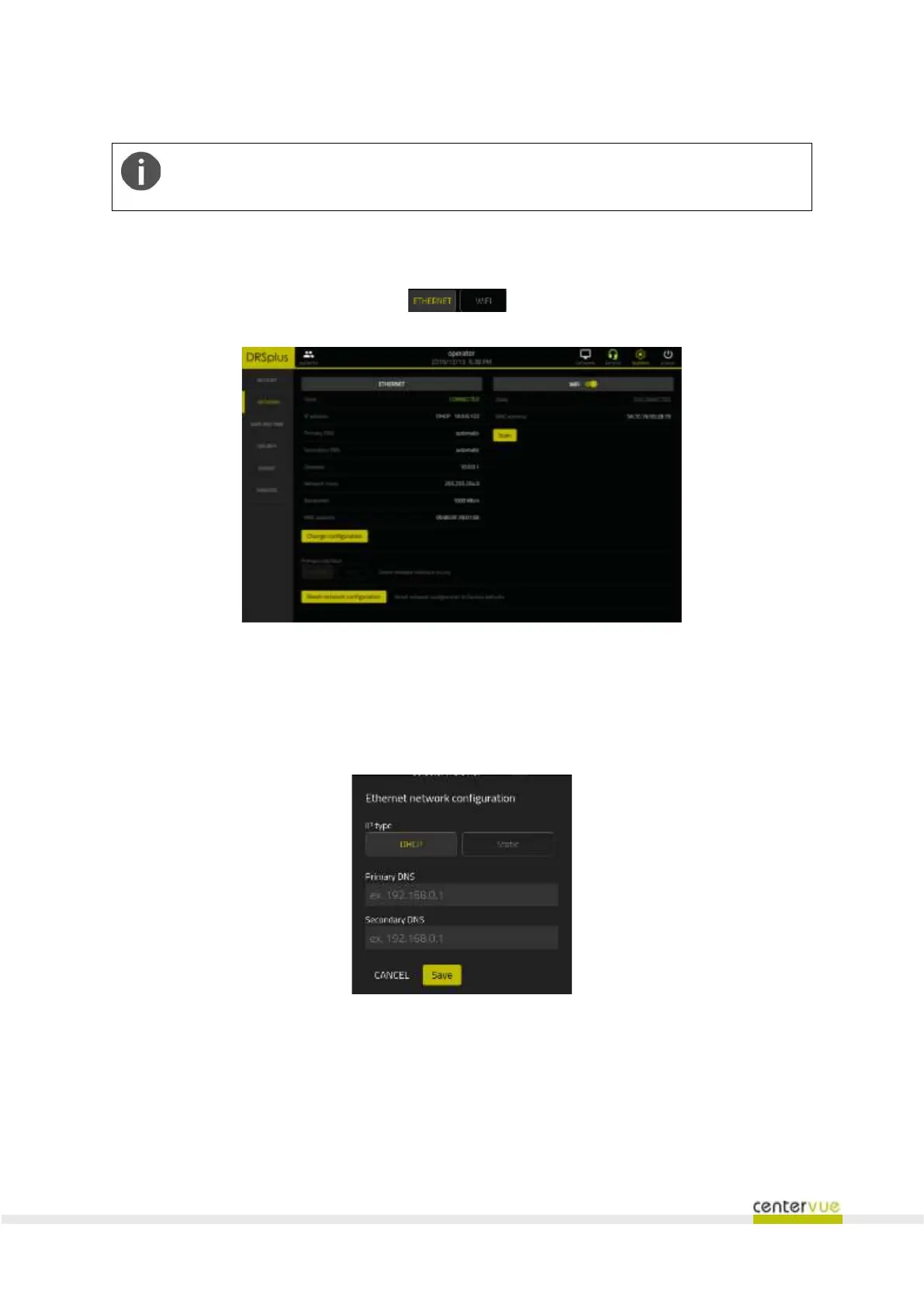
This panel (Fig. 39) makes it possible to configure the parameters required for the network connection
and specify the primary network using the selector.
Fig. 39 – “Network” panel
Ethernet connection (wired)
DHCP / manual setting can be configured. In this latter case the IP address and DNS must be configured
manually.
Fig. 40 – Ethernet connection settings
Wi-Fi connection
The network parameters can be configured as per the Ethernet.
The following functionalities are also available:



 To Next Page