EasyManua.ls Logo

CenterVue drs plus - Data Restore Procedure

CenterVue drs plus
57 pages
Print Icon
To Next Page IconTo Next Page
To Previous Page IconTo Previous Page
Loading...
DRSplus – Operating Manual
44/58
Function
Command
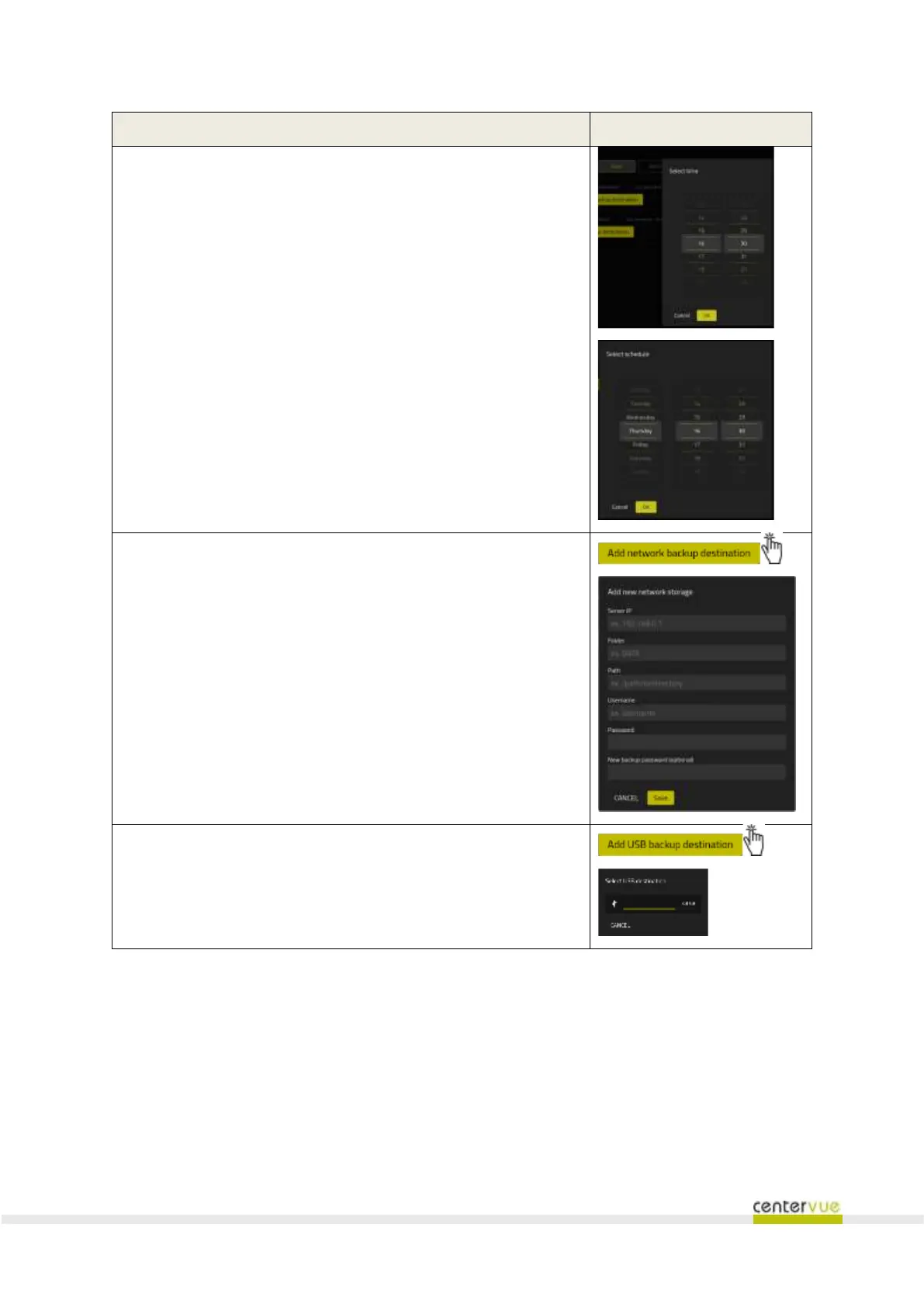
Activation of automatic backup utility and setting of frequency, day
and time of execution
Configuration of storage units in networks on which backup is
performed automatically (= destination)
Configuration of external storage units (USB keys and discs) on
which backup is performed automatically (= destination)
14.3 Restore
This panel (Fig. 49) provides the utility to restore from a backup. The panel displays a list of available
destinations that contain a compatible backup image that can be restored. Only the Administrator
user is allowed to perform a restore operation.

Related product manuals