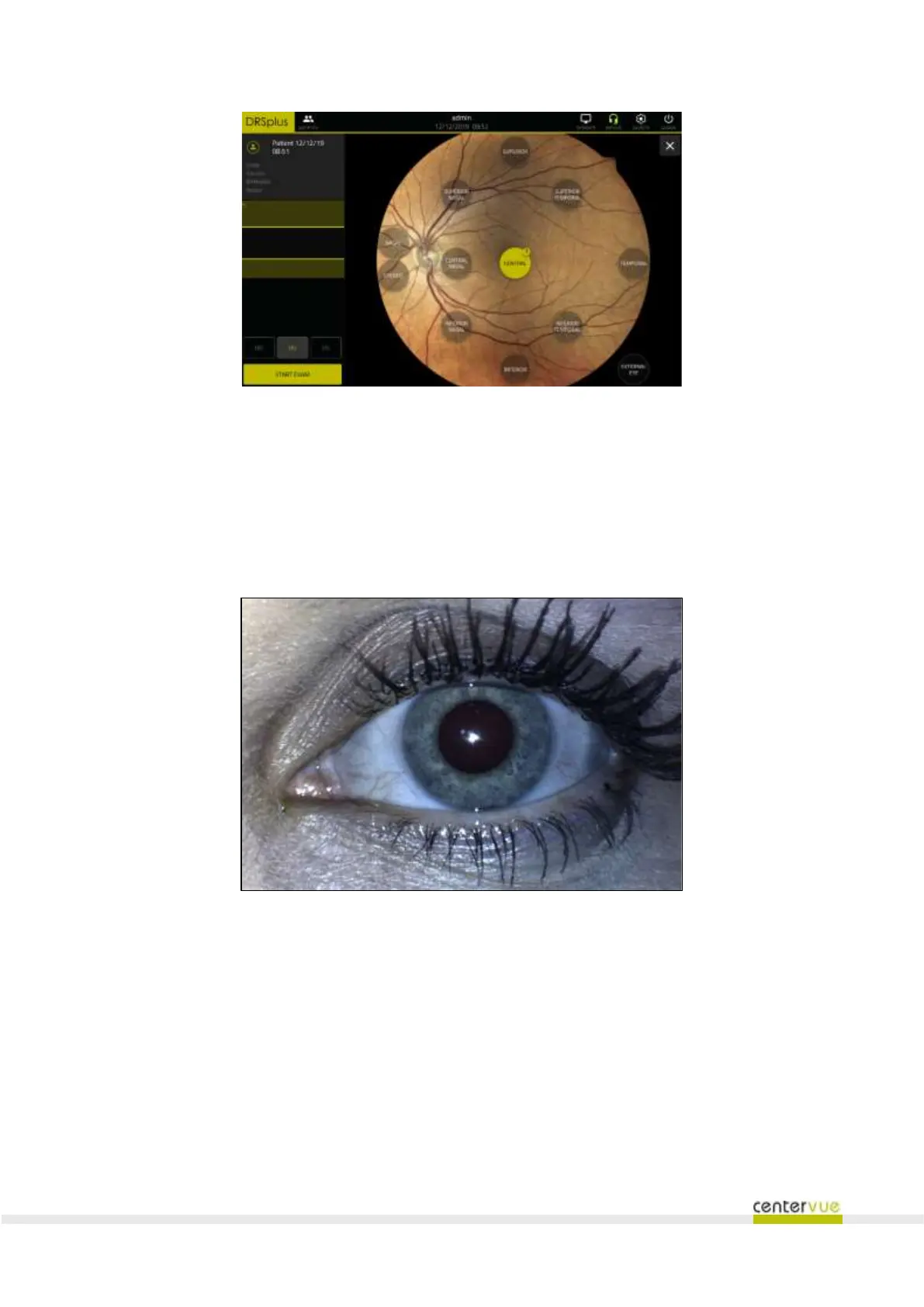
Fig. 24 – Exam configuration screen (“Fast exam” mode)
After the acquisition of the images, the Patient Detail screen will be shown, where the operator can
edit any of the patient information.
9.4 “External eye” examination
When this modality is set, the drsplus will automatically acquire an image of the external surface of
the eye (see Fig. 25).
Fig. 25 – Image of the external surface of the eye (zoom)
9.5 Stereo modality (available under license only)
When this modality is set, drsplus will automatically acquire a couple of retinal images using the nasal
fixation target. The two acquisitions differ just by a small transverse displacement acquired to add the
stereoscopic effect when reviewing the two images using the prismatic goggles, as shown in §3.



 To Next Page