DRSplus – Operating Manual
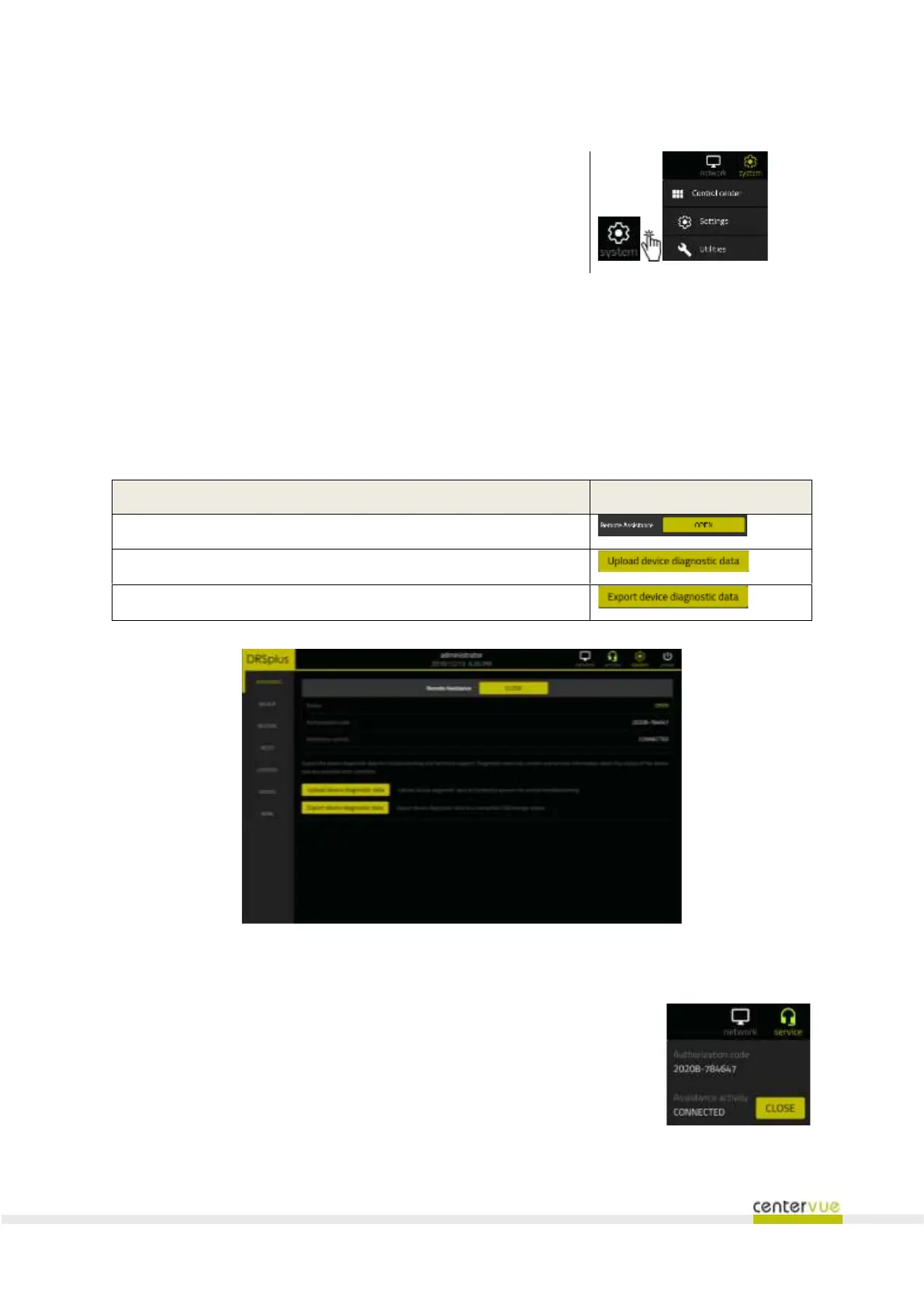
To access system utilities, click on the icon →
in the toolbar and then Utilities in the drop-down menu.
14.1 Assistance
This panel (Fig. 47) can be used to open a Remote Assistance (R.A.) session or to export diagnostic
data for technical troubleshooting purposes.
Once the R.A. session is established, the panel will show the Authorization Code that the remote
operator will need in order to connect to the device.
Open a Remote Assistance (RA) session
Upload diagnostic data to a CenterVue server
Export diagnostic data to USB
Fig. 47 – Assistance Utilities
The current status of the Remote Assistance session is always available through
the “service” icon on the top bar.
Pressing the button will open a menu that will show the current authorization
code and a button that can be used to close the session.



 To Next Page