DRSplus – Operating Manual
11.2 Image review
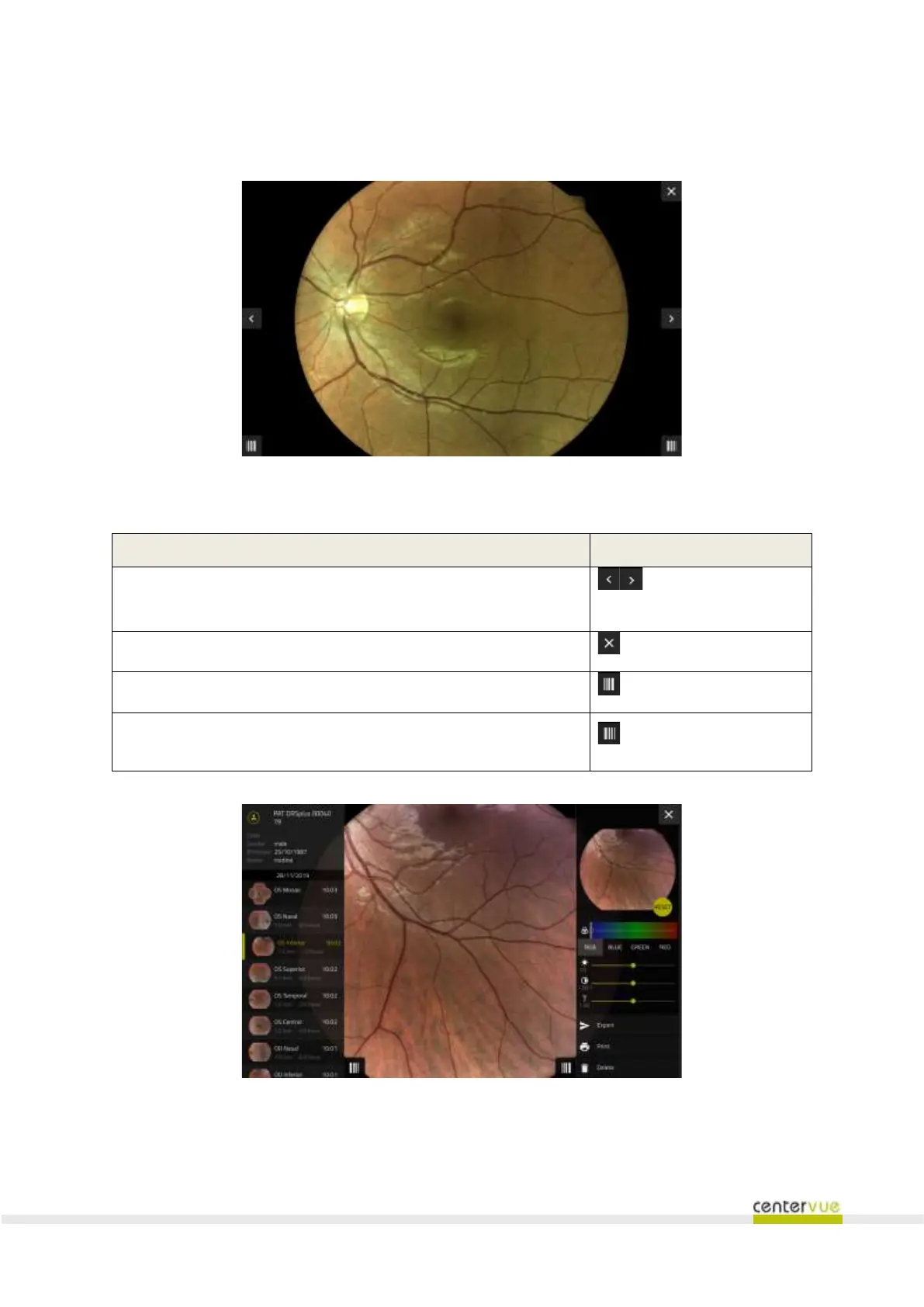
The image review screen (Fig. 29) is used to review a single image at full resolution.
Fig. 29 – Single image review screen
Available functionalities
Browse to the previous / next image
buttons located on the
left / right edge of the screen
Browse back to the patient details screen
Open the list of images for quick access (Fig. 30)
Open the toolbar that includes: image adjustment, export, print
and deletion.
Fig. 30 – Image review screen. Here the list of images for quick access is shown on the left panel, and the
toolbar is shown on the right panel.



 To Next Page