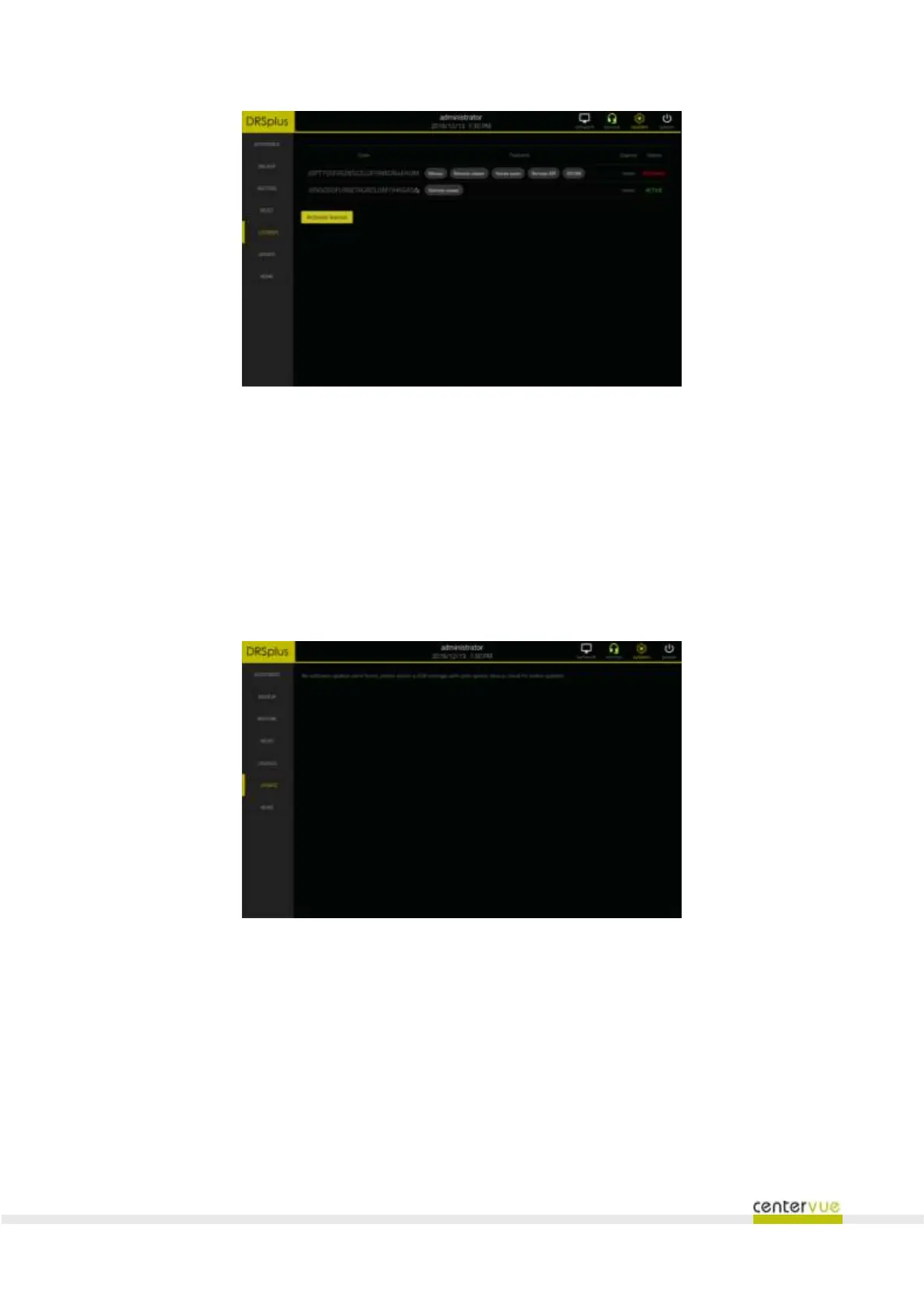
Fig. 51 - "License" panel
14.6 Update
This panel (Fig. 52) provides the utility to install software updates and upgrades. Access to this panel
is limited to the Administrator user.
The installation package should be saved on the top folder of a USB flash memory which then must be
plugged into one of the three USB ports. The device will detect the installation package and prompt
the operator for a confirmation before proceeding with the installation.
Fig. 52 - "Update" panel
14.7 More
This panel (Fig. 53) provides a few utilities that can be used to
• Enable or disable the “demo” dataset
• Move the optical head to positions that are suitable for cleaning the lens, shipping or
performing the exam.



 To Next Page