DRSplus – Operating Manual
11. Image review
11.1 Patient Details screen
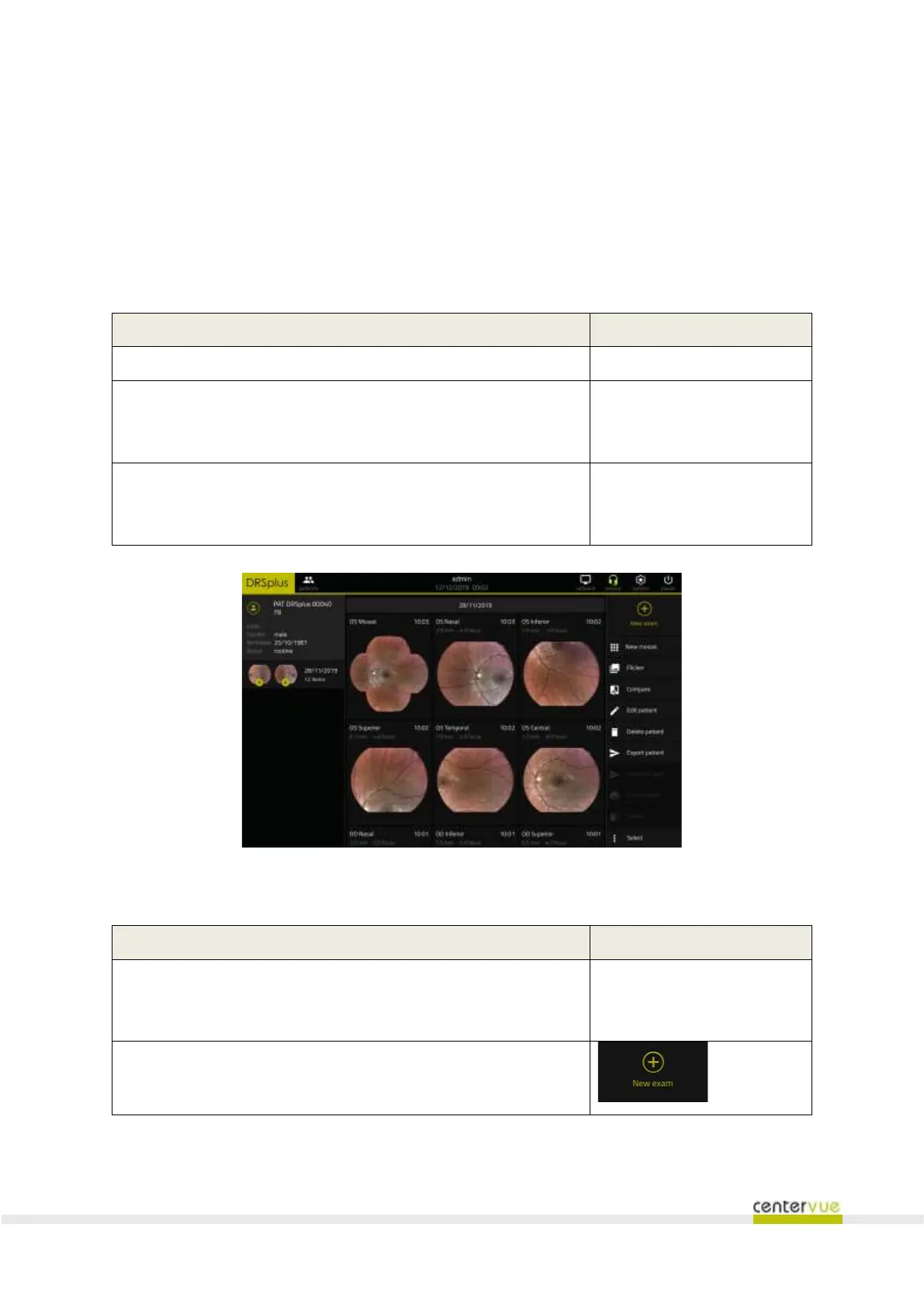
Upon the acquisition of images, drsplus will show the Patient Details screen (Fig. 28), which includes
patient information and all of the images acquired.
Patient information shown:
List of dates when the patient was examined. Each row includes the
thumbnails of the last acquired images (both OD and OS) and the
number of images for that date (OD and OS).
Thumbnails of the images acquired in the selected date, including
additional information: (eye, retinal field, estimated pupil size,
acquisition date and time)
Fig. 28 – Patient Details screen
Available functionalities
Review of images acquired in a certain date
Click on the date of interest
in the list located into the left
panel



 To Next Page