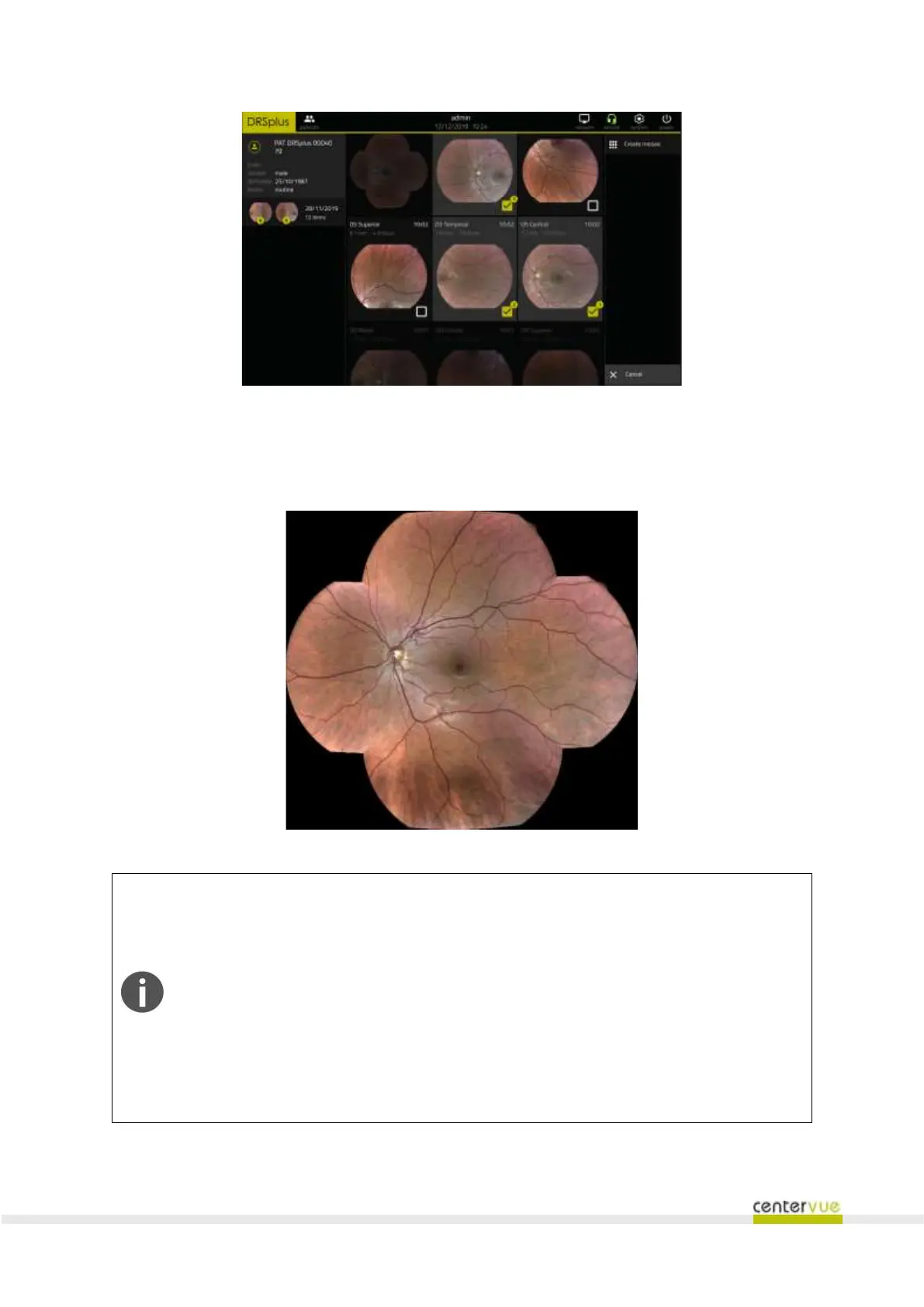
Fig. 34 – Selection of images for mosaic
The drsplus will generate the mosaic automatically and will save it as a new image, available in the
Patient Details screen.
Fig. 35 – A mosaic
The creation of a new mosaic is possible only under certain conditions:
a) The selected retinal fields belong to the same eye;
b) The selected retinal fields have been acquired in the same date;
c) At least one CENTRAL field has been selected.
A maximum of 9 images can be stitched together into a mosaic.
The drsplus cannot be used to acquire images, during a mosaic creation. The creation
of a mosaic with 9 images takes at maximum 40 seconds.



 To Next Page