LEDs
Quantum Maestro Getting Started Guide|34
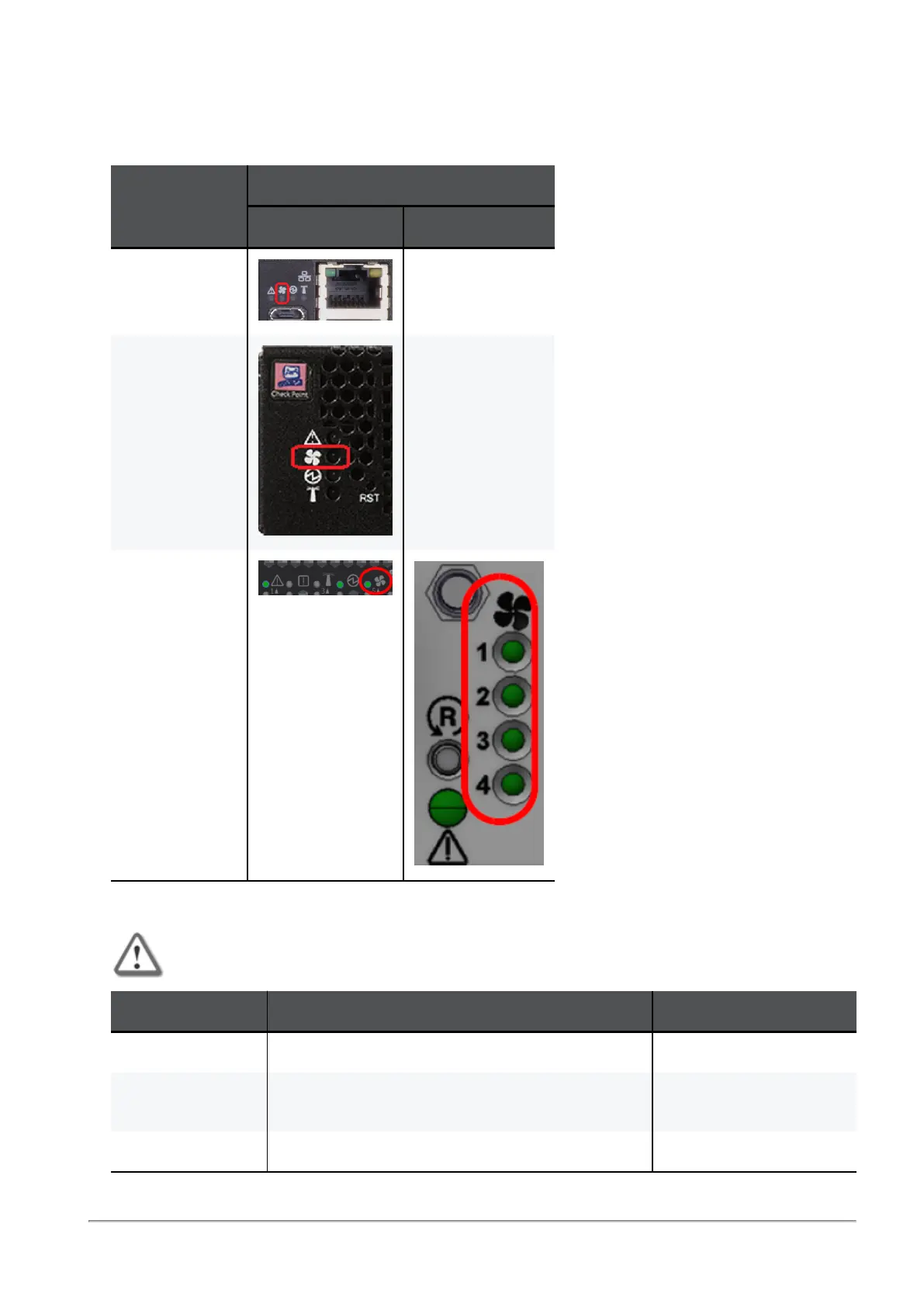
Fan Status LED
Fan Status LED Location
Orchestrator
Model
Location of the Fan Status LED
On the front panel On the rear panel
MHO-175 N / A
MHO-170 N / A
MHO-140
Fan Status LED Behavior - Front Panel
Important - Currently, FAN LEDs are always off.
LED Behavior Instructions Action Required
Steady green All fans are up and running normally. None.
Steady red or
amber
Error. One or more fan units are not operating
properly.
Replace the faulty fan
units.
Off The Orchestrator boots. None.









 To Next Page