Reset Button
Quantum Maestro Getting Started Guide|49
Reset Button
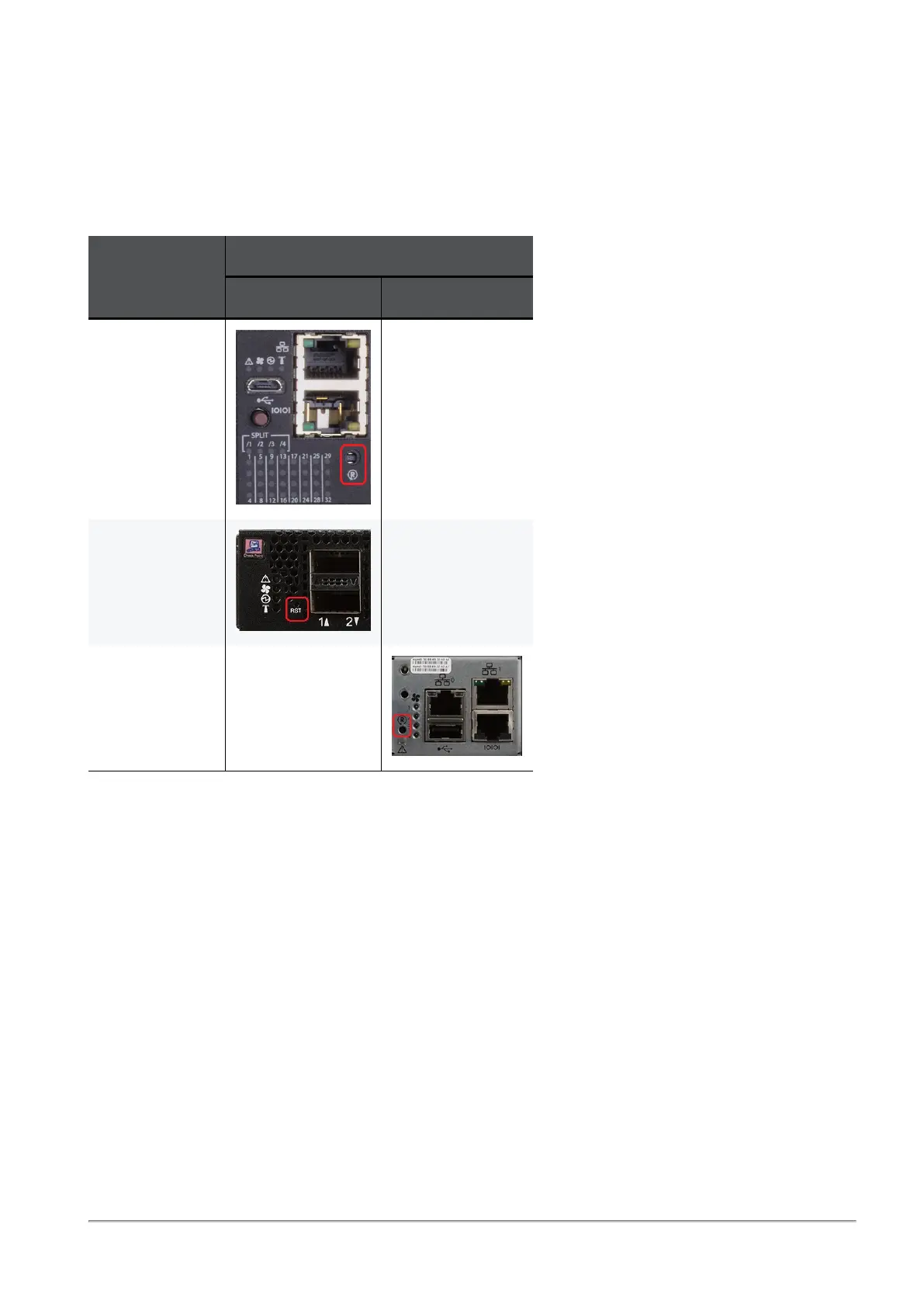
To perform a power cycle (cold reboot) of the Quantum Maestro Orchestrator, use a flat object to push the
reset button.
Do not use a sharp pointed object, such as a needle or a push pin to press the reset button.
Orchestrator
Model
Location of the Reset Button
On the front panel On the rear panel
MHO-175 N / A
MHO-170 N / A
MHO-140 N / A









 To Next Page