Single Site
Quantum Maestro Getting Started Guide|85
Important:
n
After you connect a breakout cable to port 31, the Dual Site External
Synchronization works on the 4th split of this port:
l
On the first Orchestrator - Port 1/31/4
l
On the second Orchestrator - Port 2/31/4
n
After you connect a breakout cable to port 32, the Single Site Internal
Synchronization works on the 4th split of this port:
l
On the first Orchestrator - Port 1/32/4
l
On the second Orchestrator - Port 2/32/4
MHO-170 Splitting Options
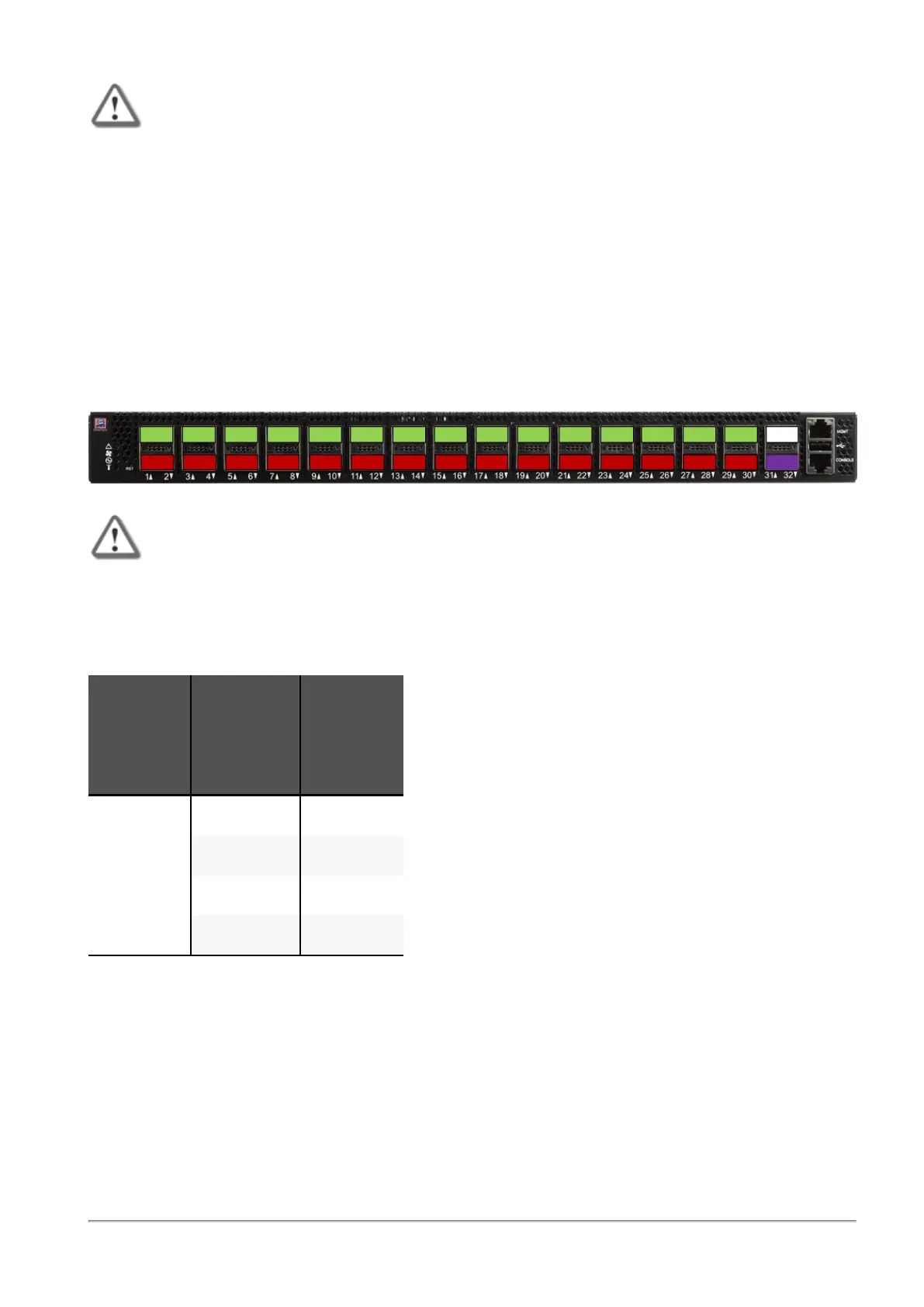
It is possible to split only the top QSFP28 odd ports 1 to 29 (colored green) into four SFP28 ports, each.
When the top odd ports 1 to 29 (colored green) are in split mode, the corresponding bottom QSFP28 even
ports 2 to 30 are disabled (colored red).
Important - It is not supported to connect a breakout cable to Port 31 because it
disables the dedicated synchronization Port 32.
After you connect breakout cables to the top ports, you get
four
additional interfaces starting from the
original interface name. You assign these interfaces to Security Groups.
Example - When you connect a breakout cable to the top port 15 (interface "eth1-29"), you get:
Port
Number
on the
Front
Panel
Interface
Name
in Gaia OS
Port
Name
in Gaia OS
15 eth1-29 Port 1/15/1
eth1-30 Port 1/15/2
eth1-31 Port 1/15/3
eth1-32 Port 1/15/4
Note - For more information about the ports and interface names in Gaia, see
"Quantum Maestro
Orchestrator Ports and Gaia OS Interfaces" on page170
.









 To Next Page