Ports
Quantum Maestro Getting Started Guide|47
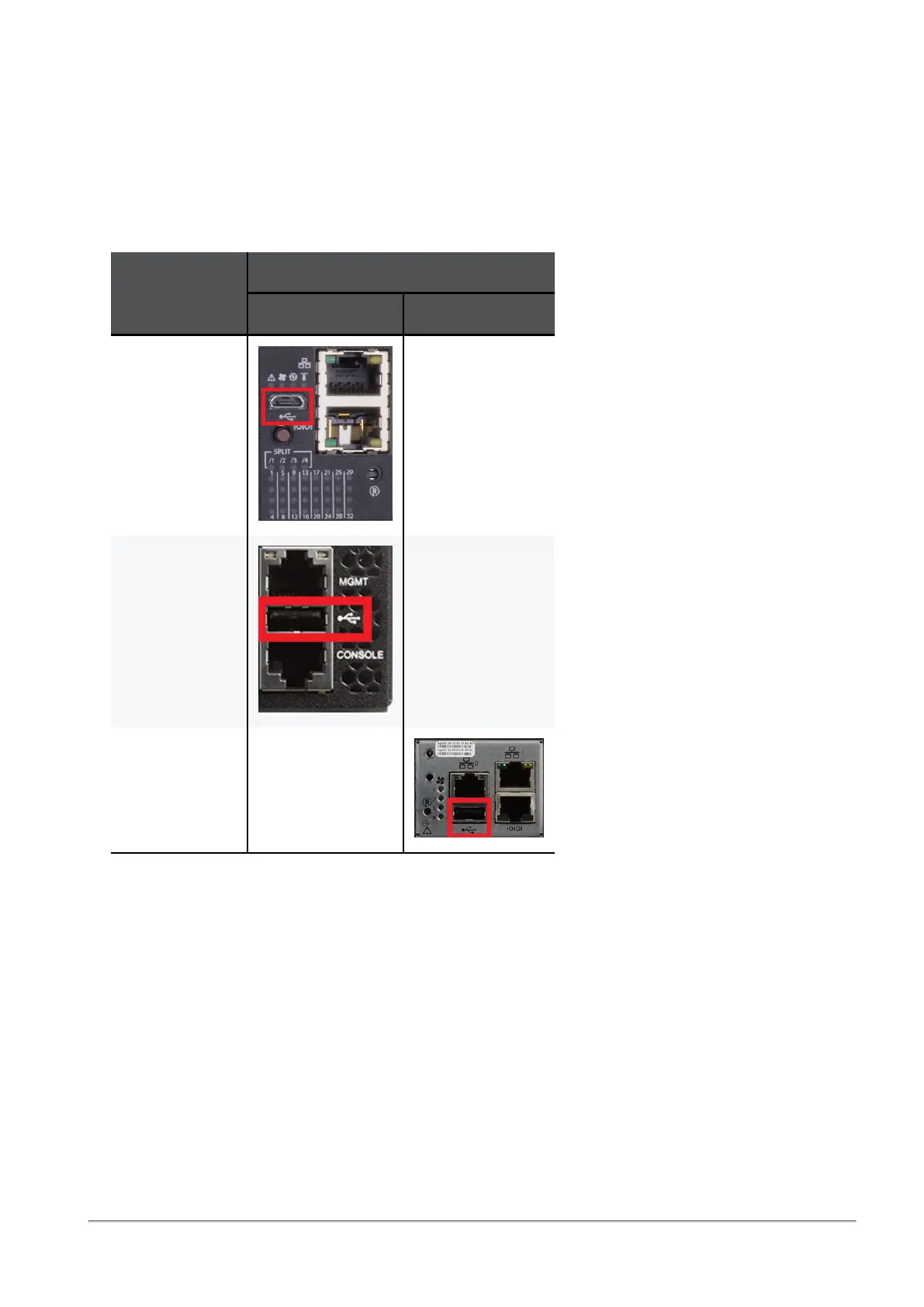
USB Port
The USB interface is USB 2.0 compliant (USB 1.0 is not supported).
It is possible to connect to this interface an external USB storage device for software upgrade or file
management.
Do not use excessive force, when inserting or removing the USB storage device to and from the
connector.
Orchestrator
Model
Location of the USB Port
On the front panel On the rear panel
MHO-175 N / A
MHO-170 N / A
MHO-140 N / A









 To Next Page