Mounting the Quantum Maestro Orchestrator MHO-140 and MHO-170 in a Rack
Quantum Maestro Getting Started Guide|69
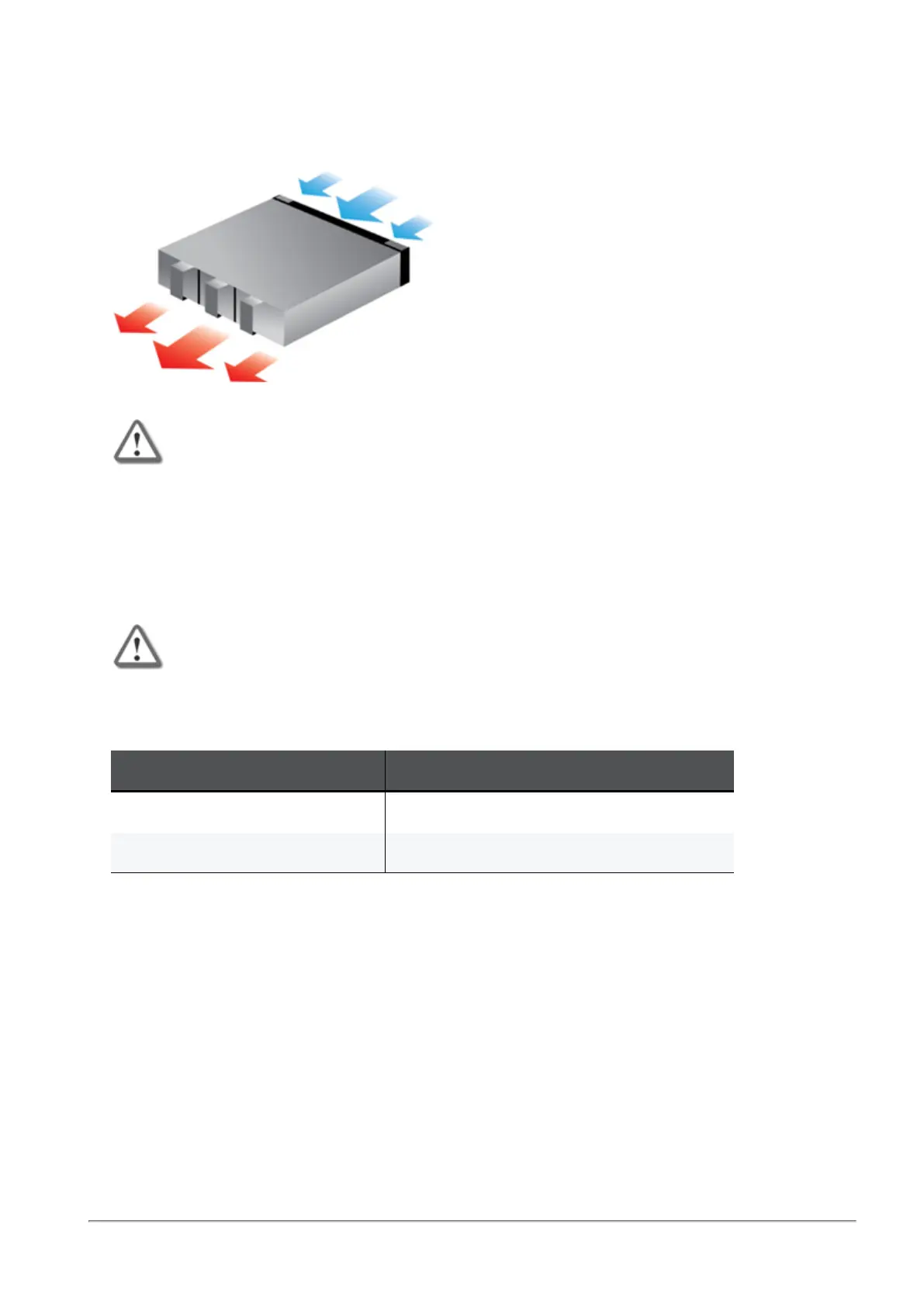
Airflow in MHO-170 and MHO-140
The fan units in the Quantum Maestro Orchestrator generate the airflow from the front panel (intake) to
the rear panel:
Important:
n
All systems in the same rack should be planned with the same airflow
direction.
n
All fan units in the same rack need to have the same air flow direction.
A mismatch in the air flow affects the heat dissipation in the rack.
Static Rail Kit for MHO-170 and MHO-140
The Quantum Maestro Orchestrators are sold with the static rail kit.
Important - At least two people are required to mount the Quantum Maestro
Orchestrator safely in the rack.
Installation Rail Kit:
Rack Size and Rack Depth Range Comments
60 to 80 cm (23.6 - 31.5 inches) When installed in the rack before shipping
61 to 86.3 cm (24 - 34 inches) When installed in the rack at the customer site









 To Next Page