Mounting the Quantum Maestro Orchestrator MHO-140 and MHO-170 in a Rack
Quantum Maestro Getting Started Guide|73
Step 1: Installing the Cage Nuts
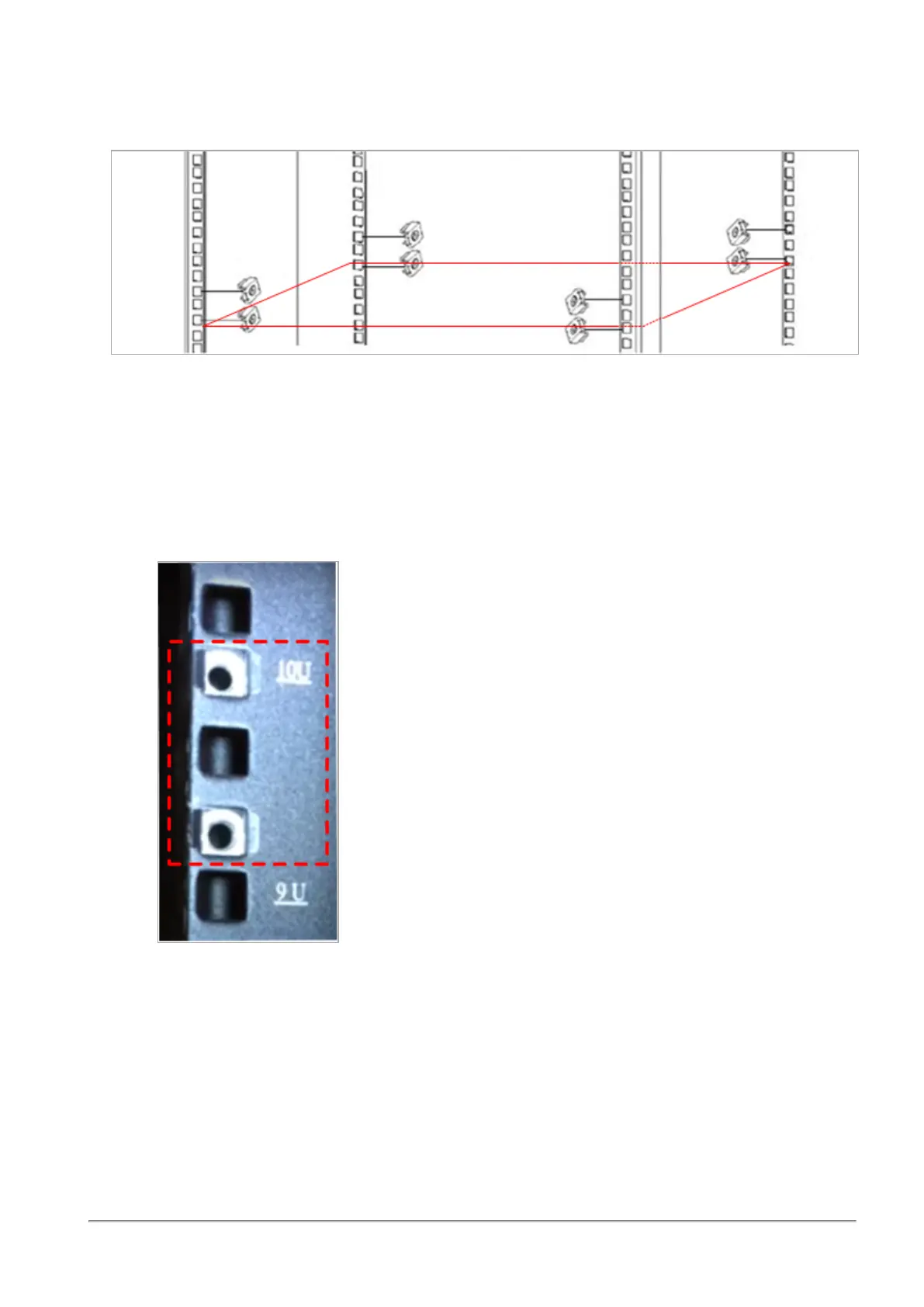
Install eight cage nuts (C) in the desired 1U slots of the rack.
Notes:
n
The red frame on the image denotes the Quantum Maestro Orchestrator inside the rack.
n
Install four cage nuts on each side of the Quantum Maestro Orchestrator.
n
Each rack 1U (unit) consists of three holes.
Install the cage nuts vertically, so that its ears engage the top and bottom holes only.
Example:









 To Next Page