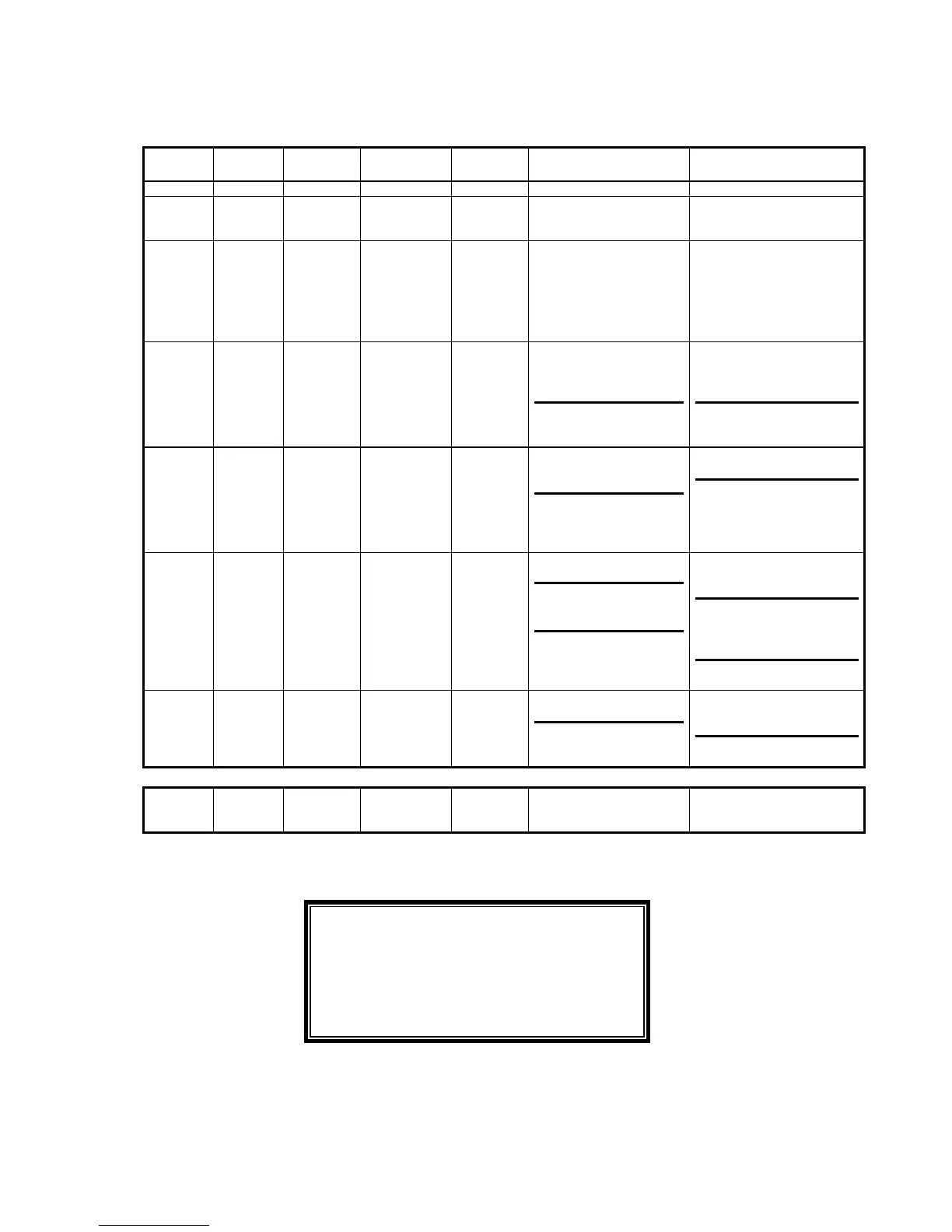
TABLE
D OPERATIONAL STATUS OF CONTROL PANEL INDICATORS
LED 1
Red
LED 2
yellow
LED 3
green
ACOUSTIC
ALARM
STATUS COMMENT/
REASONS
ACTIONS
Off Off ON Silent Normal Normal Operation None
Off Off Flashing Silent Normal Not functioning in
accordance with assigned
priority.
None
Off Flashing ON Active WARNING Battery supplying load:
the battery is discharging
Silence the acoustic alarm.
If the condition persists,
acoustic alarm will begin
again towards the end of
autonomy and, in a short
time, the UPS will switch
OFF.
Off ON Flashing Active WARNING Load supplied by low
priority source, because
high priority source is
unavailable.
UPS operating outside
permitted parameters.
Ensure that power supply to
UPS is present. Verify the
status of the protection
devices upstream of UPS.
If the condition persists for
more than 24 hours, call the
Customer Service Center.
Off ON Off Active WARNING UPS supplying load with
INVERTER OFF.
UPS supplying load in
pre-alarm condition (e.g.
high ambient temperature
or mains interruption)
Start INVERTER by
pressing appropriate button.
If the condition persists for
more than 24 hours contact
the Customer Service
Center.
ON ON Off Active FAILURE UPS supplying load, with
battery switch OPEN.
UPS supplying load, with
blown fuses (mounted
inside battery switch).
UPS supplying load with
faulty batteries.
Close battery switch.
Check fuses
Call Customer Service
Center as soon as possible.
ON Off Off Active FAILURE Load NOT supplied due
to output switch OPEN.
Load NOT supplied due
to serious UPS
malfunction.
Close output switch
Call Customer Service
Center as soon as possible.
Flashing Flashing Flashing Active TEST UPS self test in progress. None: This happens
automatically whenever
UPS is switched on.
NOTE:
Only qualified personnel should operate this
equipment. Refer to Figure V or Y for switch
locations.
32



 To Next Page