2.0 CONTROLS AND OPERATION
2.1 INTRODUCTION
The following instructions provide complete system start-up and operation procedures. It is
important to note that in performing some of these procedures the buzzer may sound. This
will happen each time the system goes into its emergency mode operation or if the battery
voltage drops to approximately 150 volts. Pressing the alarm silence button silences the
buzzer, see Section 2.2.
NOTE:
If at any time during these procedures a problem occurs, refer to
Section 3.4: Troubleshootin
Procedures.
2.2
CONTROL PANEL
2.2.1 COMMANDS AND SIGNALS
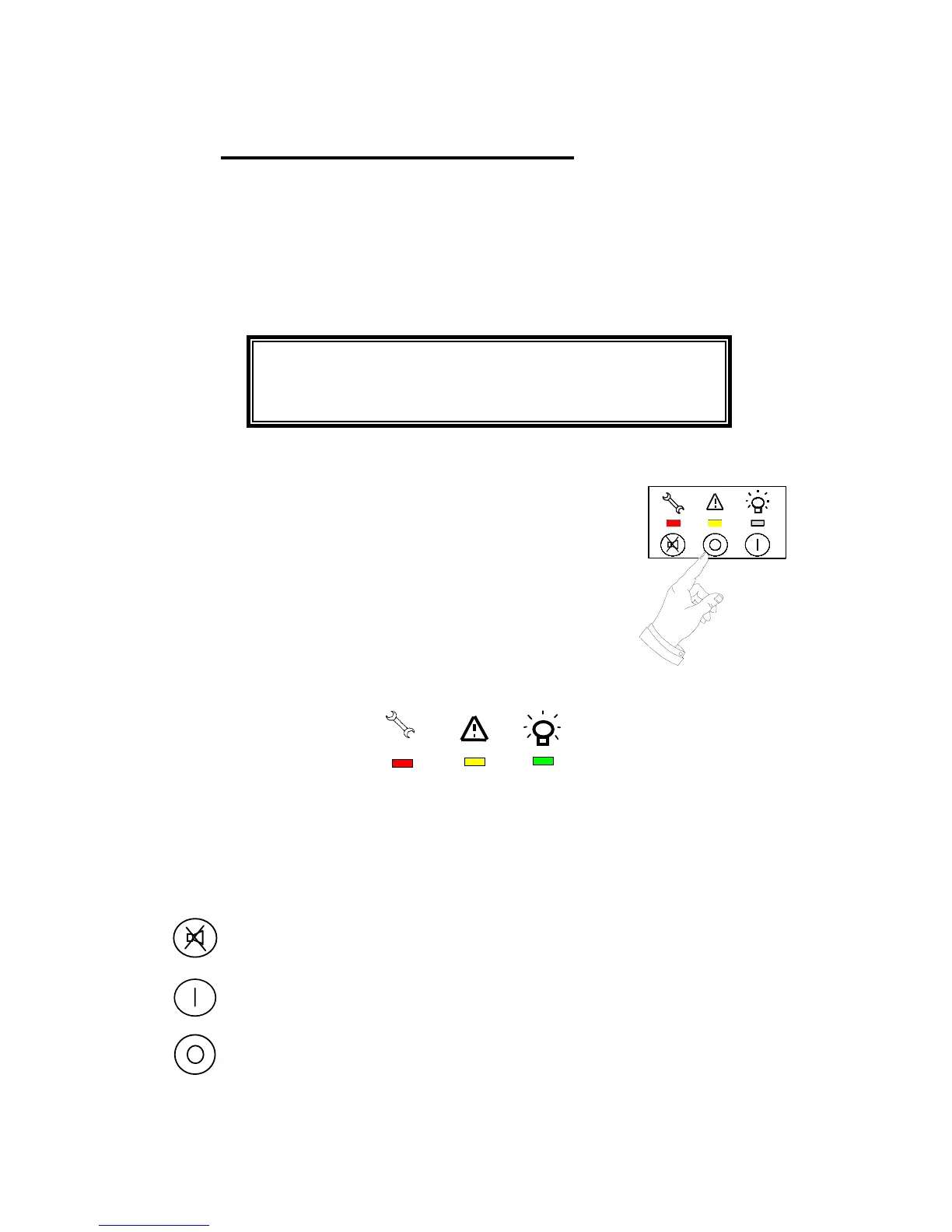
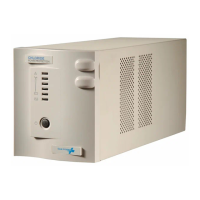
Synthesis comes complete with a control panel on the front of the
UPS, which provides visual (LED) and audible indications of the
current condition of the supply to the load.
2.2.2 VISUAL INDICATIONS
The visual indications are in three different colors that are
associated with a set of easy to understand symbols.
LED 1 LED 2 LED 3
Red Yellow Green
NOTE: For a description of the significance of the visual indications see Table
D
.
2.2.3 COMMAND BUTTONS
These buttons allow the activation of the following commands:
Silence Audible Alarm: pressing this button deactivates the
audible alarm (buzzer)
Inverter On: pressing this button activates the inverter
Inverter Off: pressing this button stops the inverter.
To avoid accidental stopping of the inverter, this
button must be pressed for at least 2 seconds.
NOTE: Pressing of the Inverter On and Silence Acoustic Alarm buttons
simultaneously activates the manual battery test.
31



 To Next Page