Ciara Enterprise/Discovery 945GTP
- 33 -
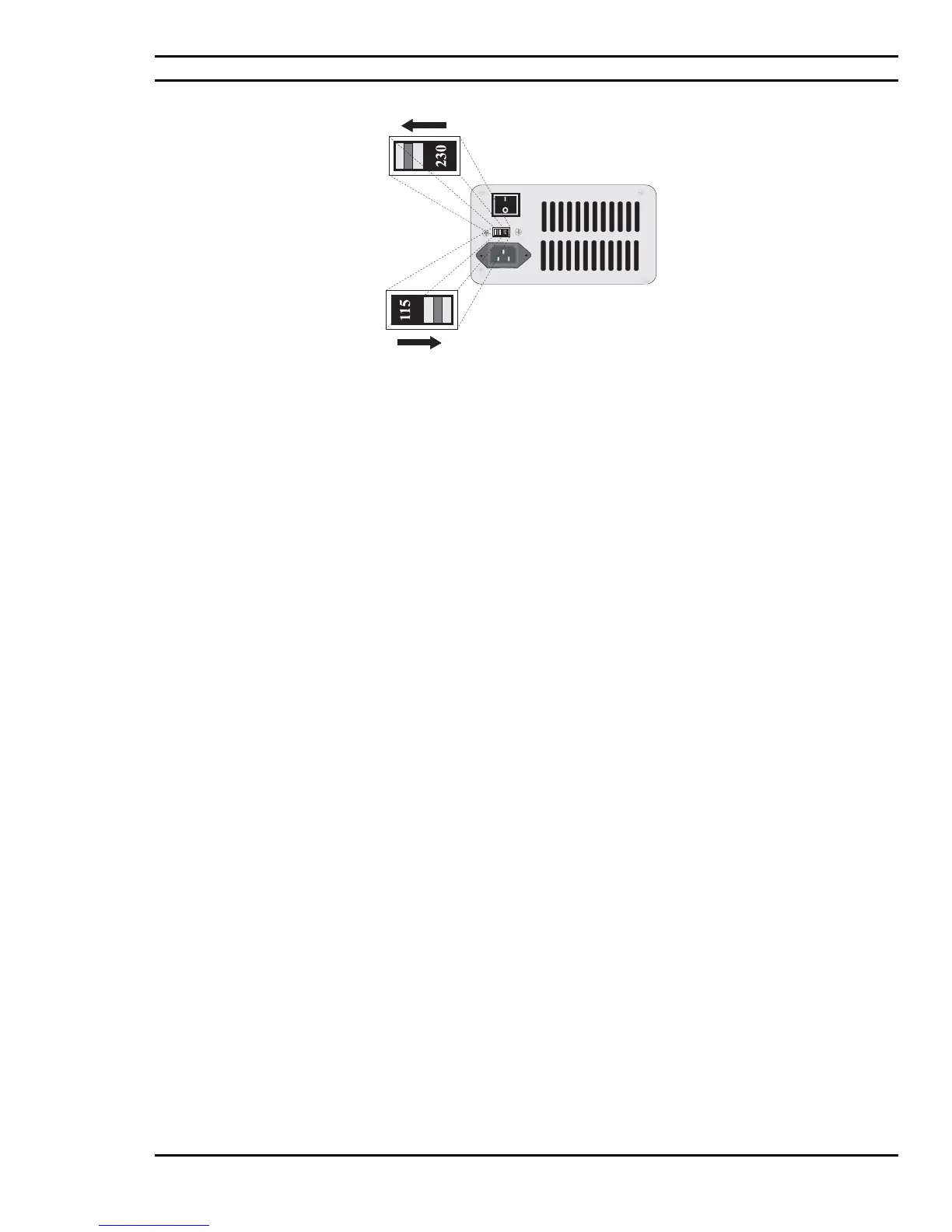
Figure 4.2: Setting the Voltage Selector
A few general precautions should always be observed. These are:
1) Never connect any peripheral such as a monitor, printer, modem, etc. to the system unit if the
power is turned "ON". Always turn the power switch to "OFF" first.
2) Never remove any internal adapter cards in the system unit if the power is turned "ON" as this
will ruin the Card/Computer and Void the Warranty
.
3) Never install and connect more peripherals than available power supply plugs to exceed the
maximum power of the system.



 To Next Page