Ciara Enterprise/Discovery 945GTP
- 34 -
4.3: Connecting I/O Devices
Unpack the monitor and all of its connecting cables. Place the monitor on the table as close as possible to the
computer. Connect the monitor signal and monitor power cable.
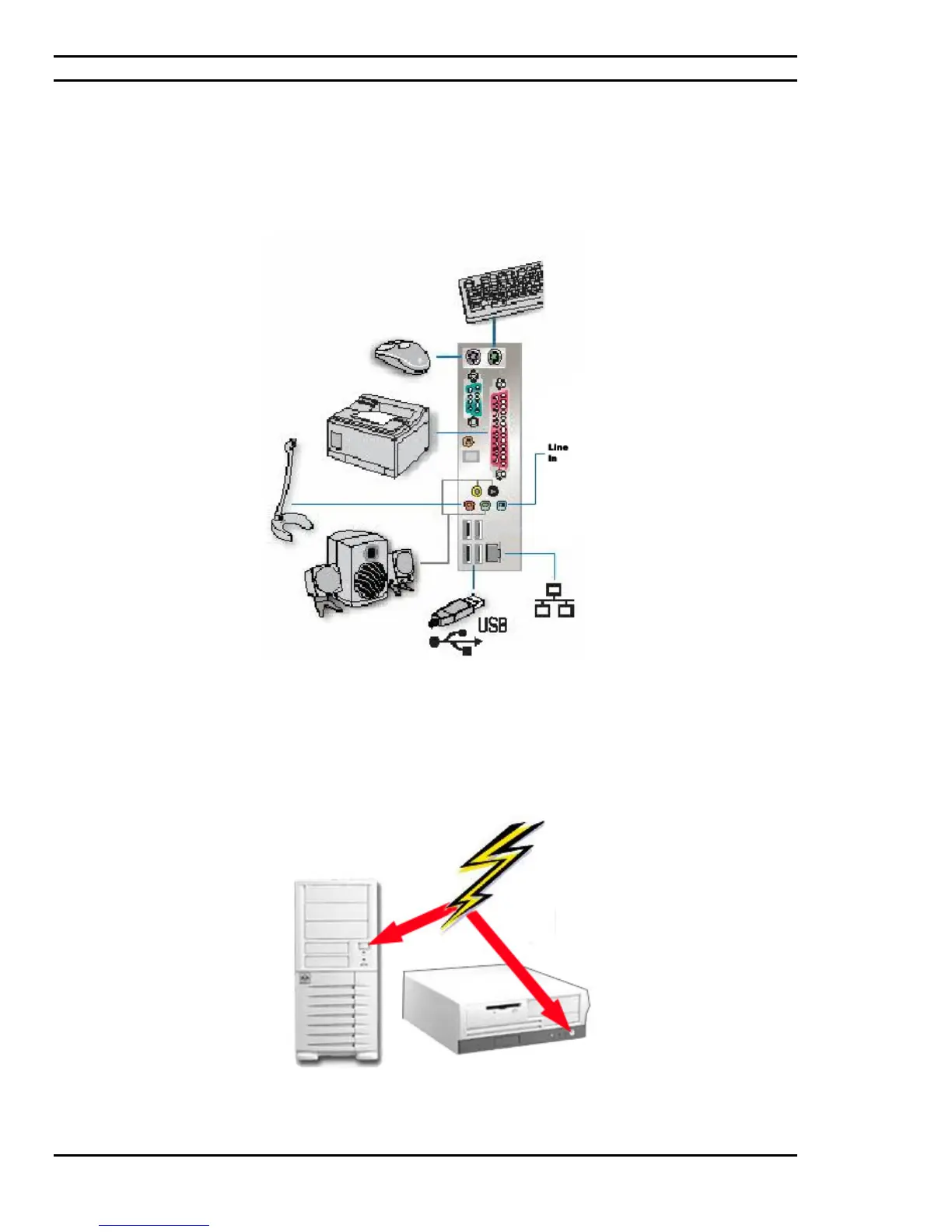
External USB, audio, PS2, serial and parallel port devices may be connected to the appropriate ports whose locations
are as illustrated in Figure 4.3.
Figure 4.3: Connecting the Peripherals.
NOTE: Some Monitor Power Cables may be plugged directly into the main power receptacle of your home or office.
Figure 4.4: Turning "ON" the Power Switch



 To Next Page