Ciara Enterprise/Discovery 945GTP
- 52 -
7.8: Installation of the hard drive
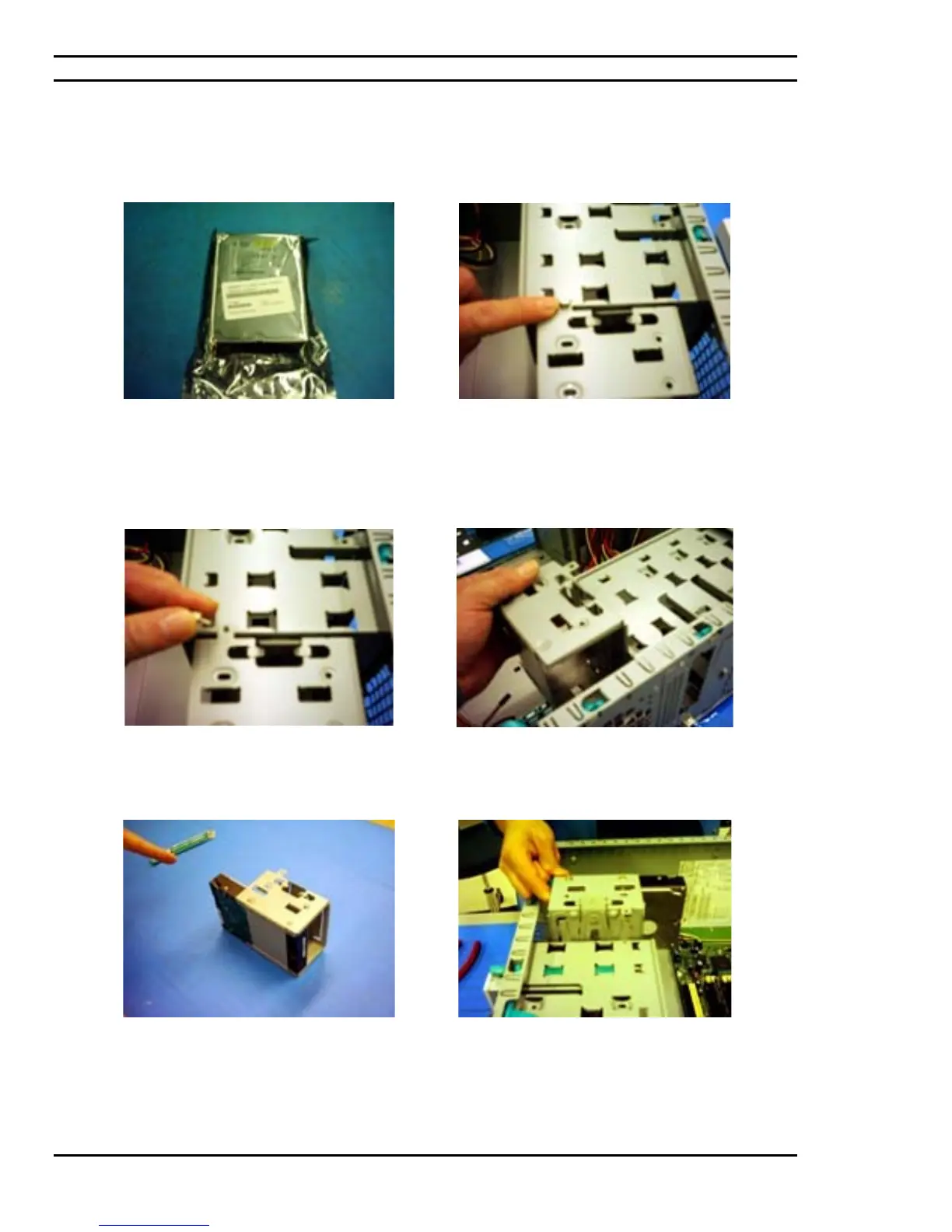
A typical IDE hard drive still in its packaging and
ready for installation onto its cage.
The inside of the chassis contains an area
designated for hard drive installation and more
specifically a hard drive cage. This cage is
typically installed onto the chassis by means of a
thumbscrew.
Remove the tool-less thumbscrew.
Proceed in lifting the hard drive cage from the
chassis. The hard drive cage is where the hard
drive will then be installed.
Place the hard drive into position and fasten the
hard drive by screwing it onto the hard drive
cage.
Once fastened, reinsert the hard drive cage onto
the chassis.



 To Next Page