Ciara Enterprise/Discovery 945GTP
- 53 -
7.8:
Installation of the hard drive (followed)
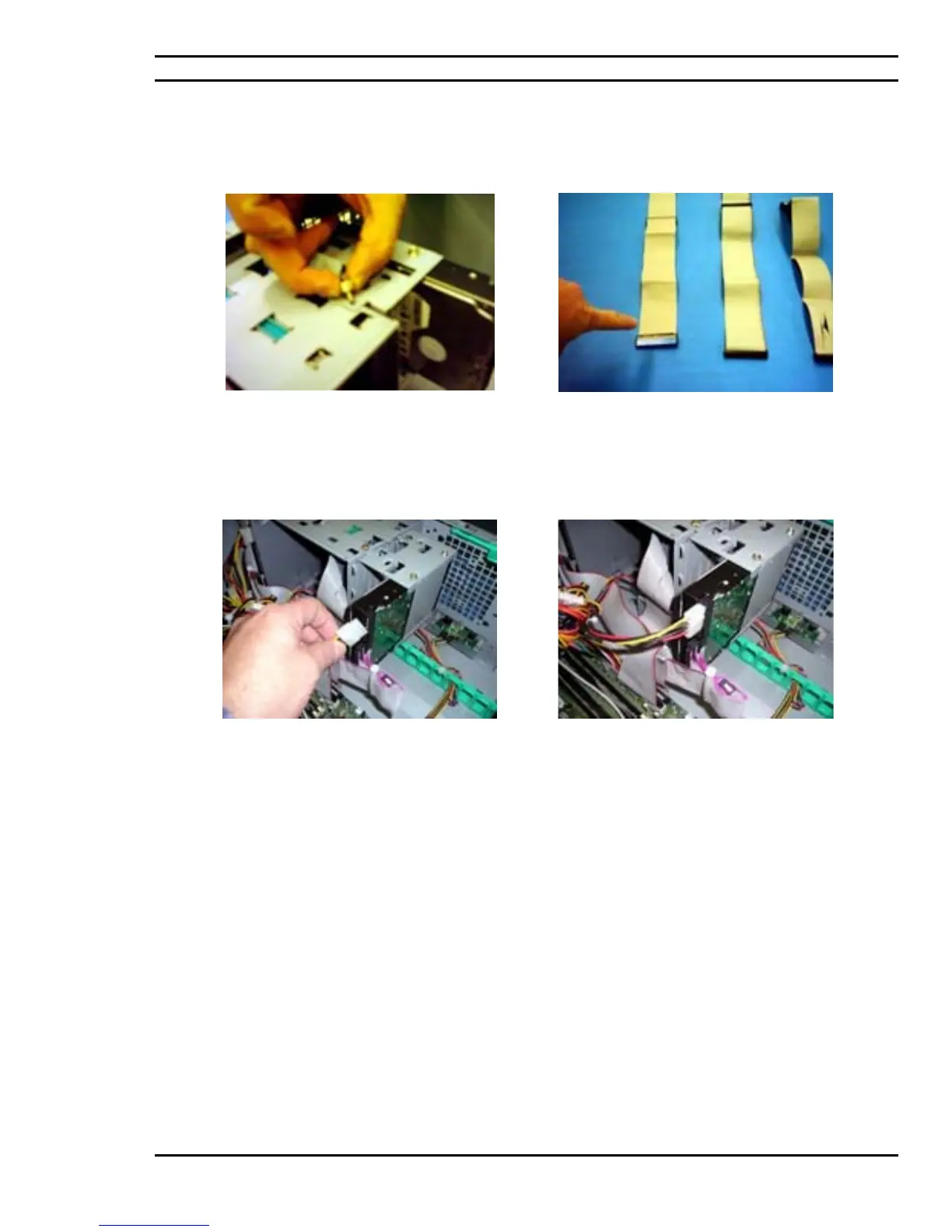
Use the provided thumbscrew should there be a
requirement to have the hard drive cage remain
tool-less. Otherwise permanently fasten the hard
drive cage onto the chassis by using a regular
chassis screw.
Appropriate hard drive communication cables such
as an IDE cable should be used for communication
between the motherboard controller and the hard
drive.
Once done, the power source cabling for the hard
drive needs to be established and connected.
Hard drive installation onto its cage, in the chassis
with communication and power source
connections are complete.



 To Next Page