Ciara Enterprise/Discovery 945GTP
- 62 -
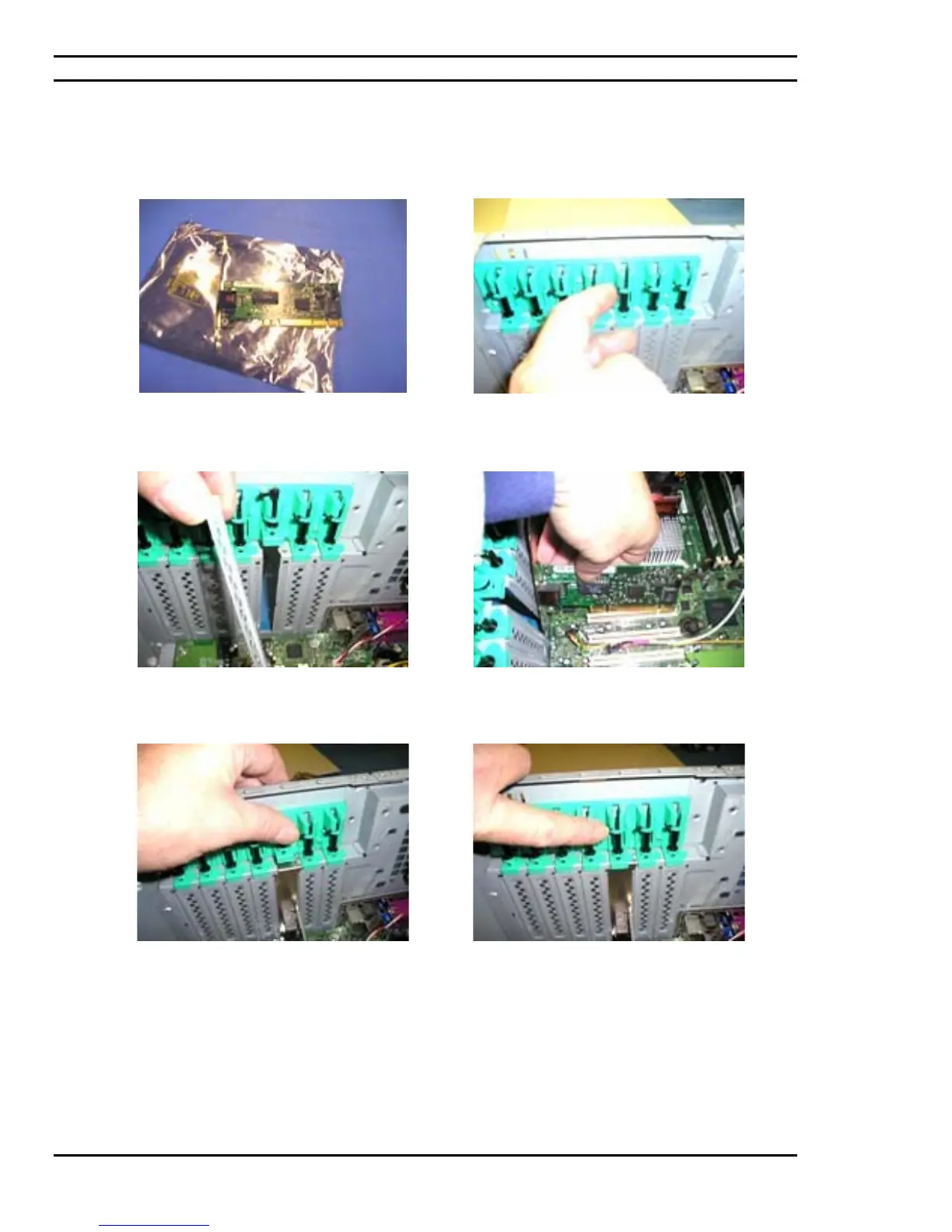
7.17: Installation of the network card
PCI Network card as shown.
Opening the tool-less latch of the chassis for the
installation of PCI peripherals onto the chassis.
Remove one chassis door in relation to the
installation of the network card in question.
Insert and secure the PCI network card into its slot
on the motherboard.
The vertical fit of the card once inserted should be
as such where the tool-less latch on the chassis is
properly secured.
Tool-less latch requires being closed after
installing the network card into the PCI slot of the
motherboard.



 To Next Page