20
Cirris® Easy-Touch™ Pro User Manual
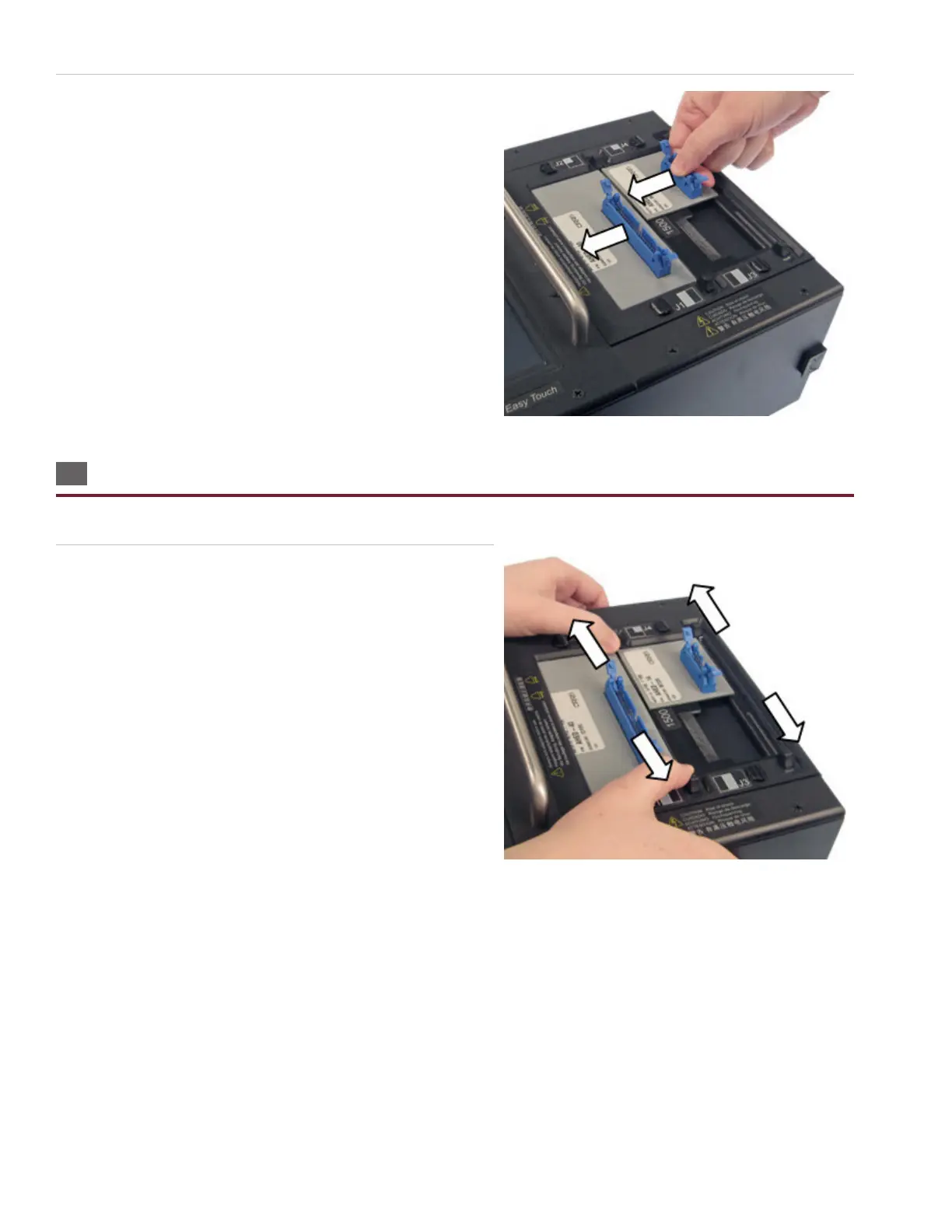
3. Move the slides inward until they tighten on the adapters. The
slides wedge down as you move them inward. If you have a
2000 V model, reattach the cover plate.
2.5 Removing Adapters
As with other Cirris scanners, adapters in the J3-J4 positions must be removed rst.
1. Move the slides all the way outward. If you have a 2000 V
model, remove the cover plate.



 To Next Page