Introduction and Setup
7
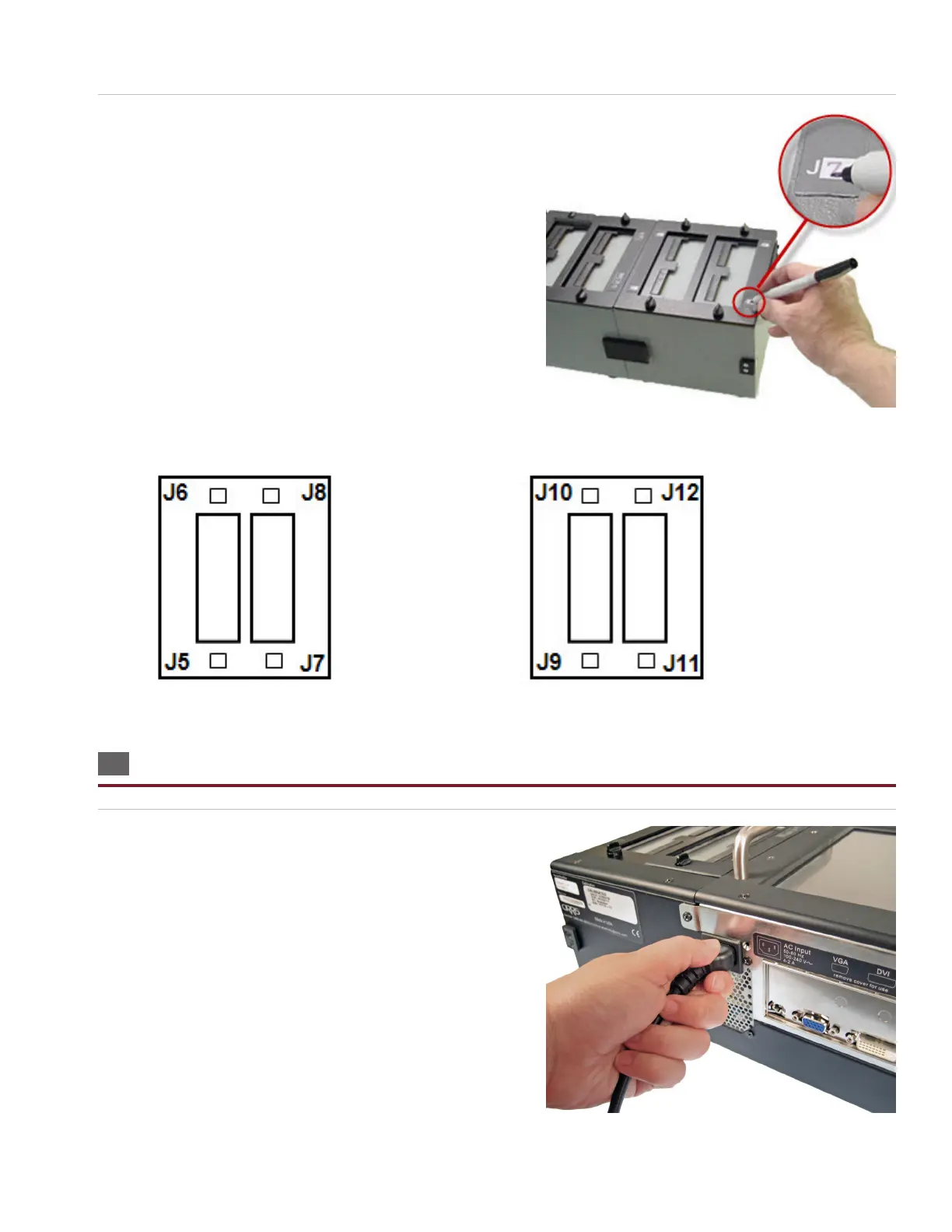
12. If you have multiple add-on scanners, you should write
the adapter positions on each add-on cover plate with a
permanent marker.
Note: Consider where you might place add-ons in the future
before deciding to use a permanent marker. You may want to use
removable stickers instead.
Label the rst add-on cover plate as follows: Label the second add-on cover plate as follows, etc:
1.7 Setting Up the Tester
1. Plug one end of the power cord into the tester. Plug the other
end into a grounded outlet.



 To Next Page