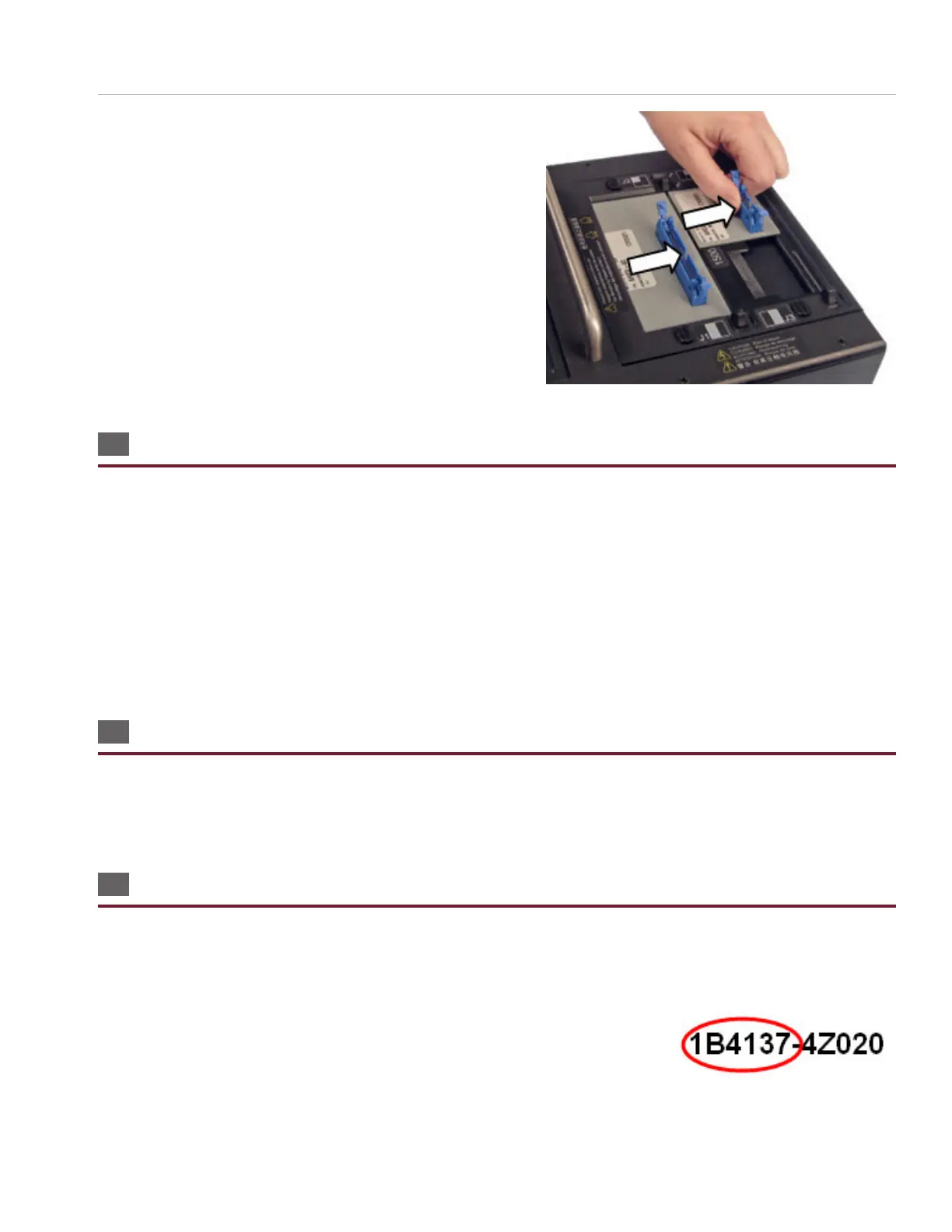
Adapters
21
2. Remove the adapters.
2.6 Duplicating the Adapter Setup
When you run a test program in Easy-Wire, the adapters must be placed in the same positions that were dened when the
test program was created. If you don’t know the original adapter positions of a test program, you can nd out the adapter
positions using one of the following methods:
● In the Easy-Wire main menu, select the desired test program and press ‘Edit/View.’ The part numbers and adapter
positions will be listed in the “Dene Adapters” tab (tab 1).
● In the Easy-Wire main menu, select the desired test program and press ‘Test.’ The test window will indicate a missing
adapter and display the part number and position of the missing adapter(s).
● Reference your written documentation.
2.7 Adapter Signatures
Each adapter has a numerical identier called the Adapter Signature, which veries the test setup. Adapter signatures
identify how many pins are in the adapter, where pin 1 is located, and how the pins are numbered. Adapter signatures are
printed on the adapter labels. For more information about Cirris adapters, see www.cirris.com/adapters.
2.8 Cable Signatures
When a cable is learned, the tester derives an 11-digit alphanumeric code called a Cable Signature (for example: 1B4137-
4Z020). The cable signature helps you easily identify a proper test setup.
Cable signatures have two parts:
● The Connection Signature is the rst part of a cable signature, which identies a
particular cable. The tester derives the Connection Signature from the following
factors:
○ The wire pattern of the tested cable
○ The adapters used



 To Next Page