ESIGNO_SYSTEM_USER_MANUAL_101.DOCX 50/71
D
DD
DISPLAY
ISPLAY ISPLAY
ISPLAY D
DD
DATA
ATAATA
ATA
(
((
(2
22
2)
))
)
O
OO
OPEN
PEN PEN
PEN L
LL
LOCK
OCKOCK
OCK
HHI
HHIHHI
HHI
M
MM
MODE
ODE ODE
ODE
M
MM
MENU
ENUENU
ENU
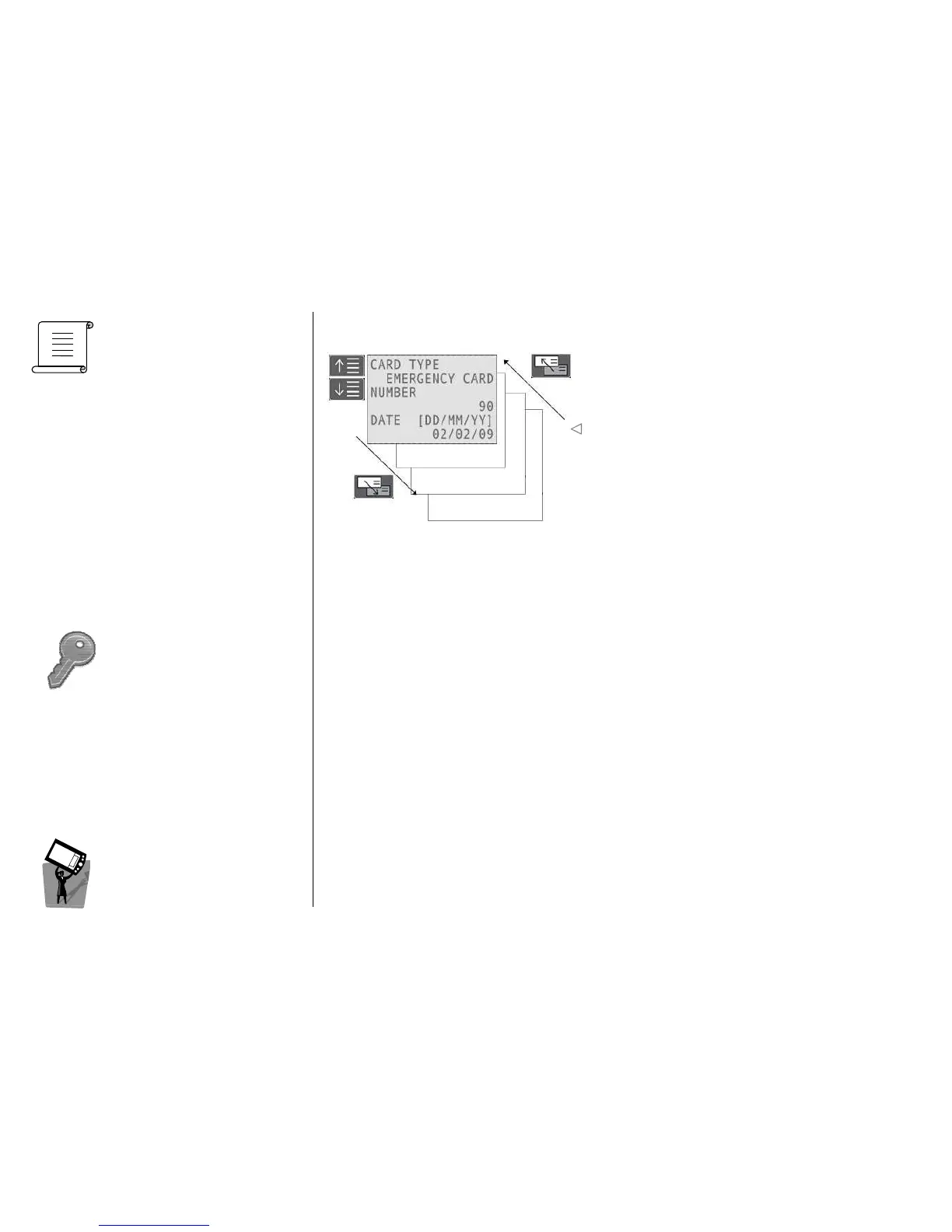
BLACK LIST DISPLAY DATA
BLACK LIST DISPLAY DATABLACK LIST DISPLAY DATA
BLACK LIST DISPLAY DATA
It will display the cancelled cards on the lock, i.e. the
cards in the lock black list.
Beginning of card validity
Selecting this option of the menu, the lock connected to the HHI will be opened.
It is important to note that the lock has to be connected to the HHI before it is possible to open it; the
connection can be obtained by selecting the System Menu and then the Connect to Special Lock
voice.
Note
NoteNote
Note: on wireless locks, it is possible to perform this operation by remote.



 To Next Page