This menu allows the creation of a Synchro service card. With this specific card, it is possible to
synchronize the device with respect to the encoder which issued it.
This operation can be performed by issuing a Synchro card and then presenting it to the device; when
completed, the device gives two green blinks. Such operation is necessary during the plant start-up or
after a device battery change.
In particular, a Synchro card permits the device to acquire from the encoder the following information:
• date and time;
• the daylight saving time settings;
• the holidays settings (which days of the year are considered as holidays).
Note
NoteNote
Note: it is important to present the Synchro card to the device just after issuing it, in order to preserve
its function of date and time alignment between device and encoder. After a synchronization has
been performed, the Difference [min] field in the device info should contain a 0 value.
C
CC
C
REATE
REATE REATE
REATE
I
II
I
NIT
NIT NIT
NIT
C
CC
C
ARD
ARDARD
ARD
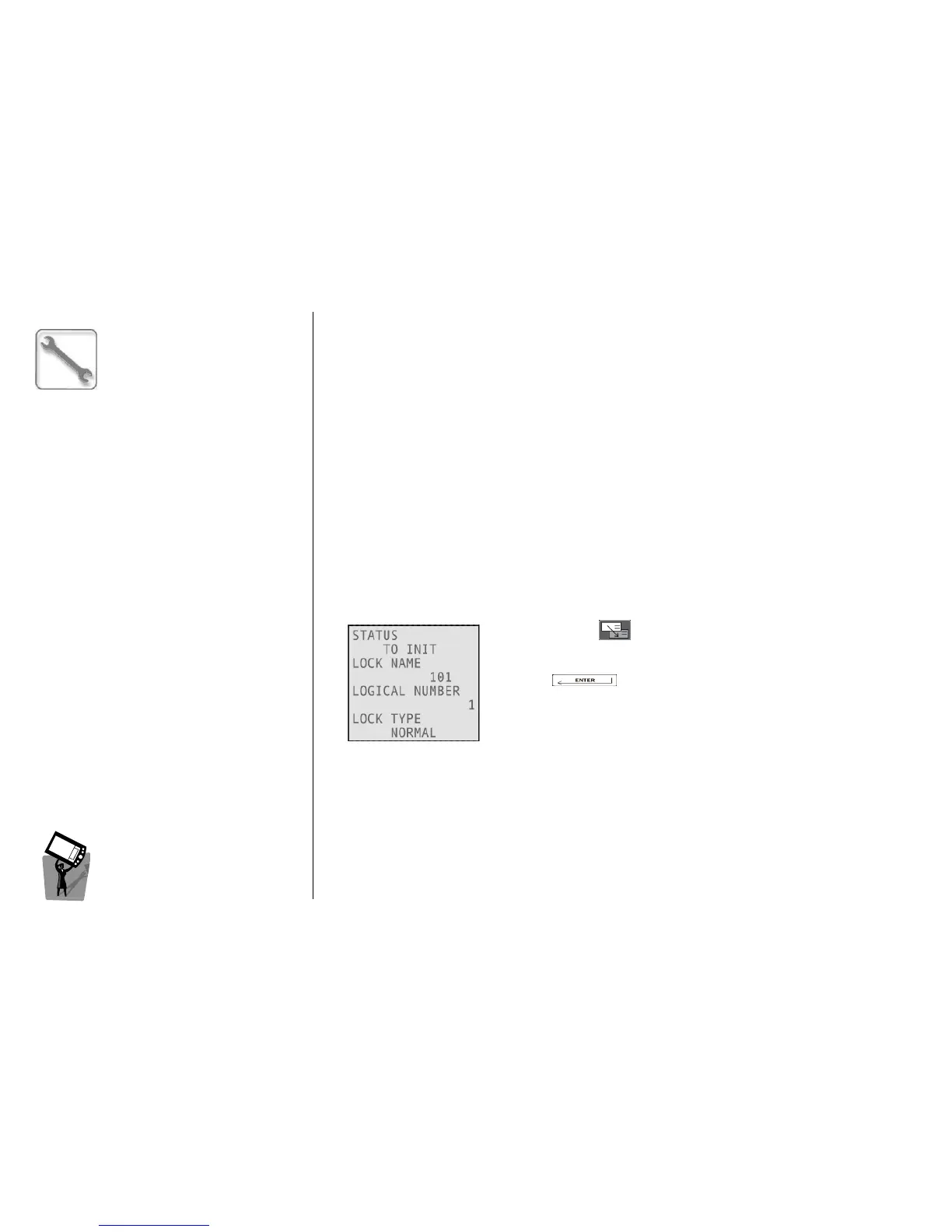
This menu allows the creation of an Init card. With this specific card, it is possible to initialize a device as
(with the name of) one of the locks included in the keyplan.
Navigating with you can select the lock name that the device
will assume after the initialization.
Pressing you will confirm the creation of a device Init card
for the selected lock name.
The card must then be presented to the device; when the operation is
complete, the device gives two green blinks.
It is necessary to reset the device before presenting this card; If the device is already initialized when
presenting an Init card, it returns three red blinks while beeping twice.
C
CC
C
REATE
REATE REATE
REATE
R
RR
R
ESET
ESET ESET
ESET
C
CC
C
ARD
ARDARD
ARD
This menu allows the creation of a Reset card. With this specific card, it is possible to reset a device to
an out-of-.factory state. After this operation, the device can be re-initialized and synchronized.
Note
NoteNote
Note; the only card accepted by a device in Reset state is an Init card. To make other cards work, it is
necessary to initialize the device.



 To Next Page