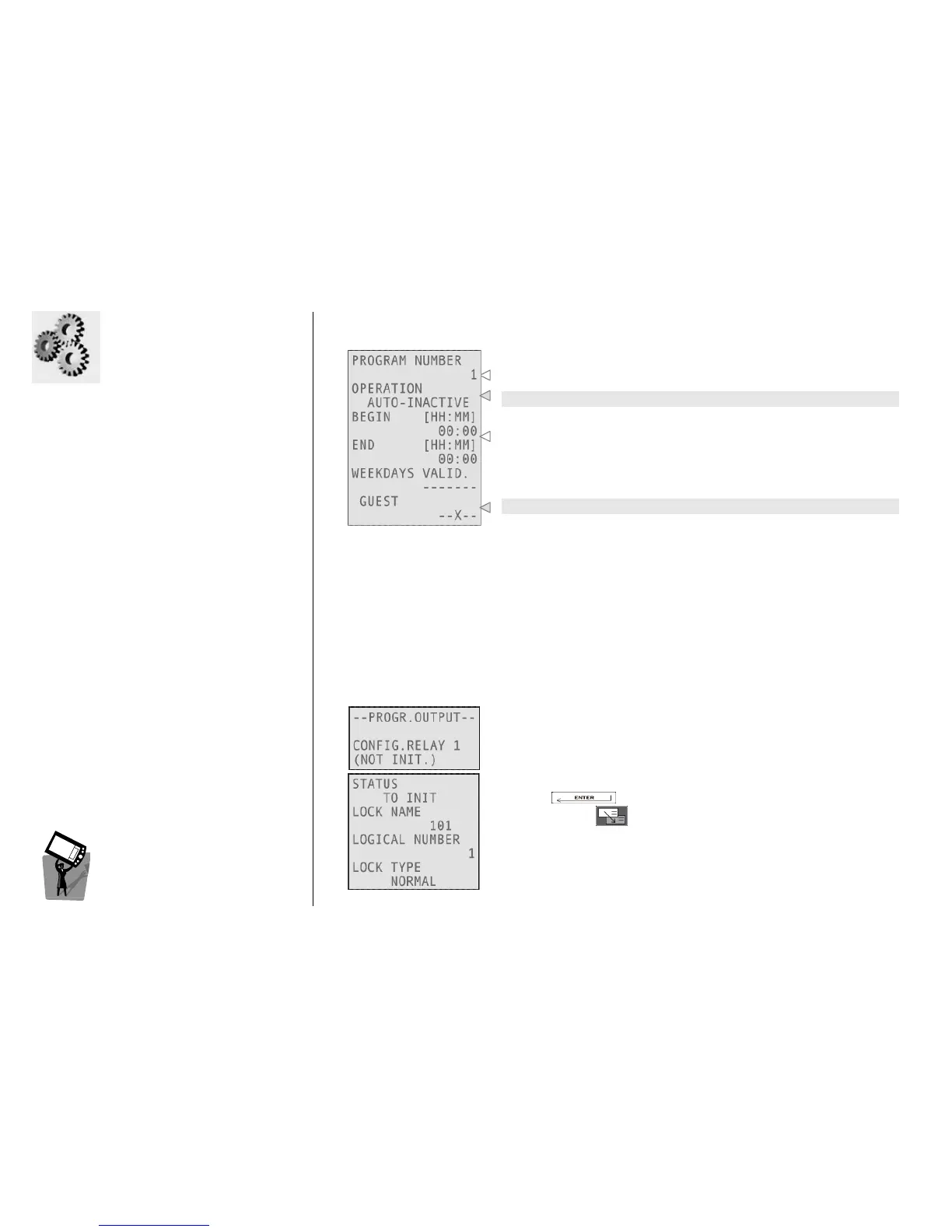
This menu allows you to program automatic functions in the specified days and hours.
You can set up to 15 programs for normal locks and up to 60
programs for special locks.
This is the operation type (see below).
Beginning and end of autoprogram period of validity (with 15
minutes tolerance) and weekdays of validity.
It is possible to lockout several types of cards (Guest, Staff 1, 2, 3, 4).
These are the possible operations:
• AUTO-OFFICE ON: the lock is always open during the specified time shift;
• AUTO-LOCK OUT: it locks out the specified cards (Guest, Staff 1, 2, 3, 4) for the specified time shift;
• AUTO-MOTOR ON: this function actives the motor inside the lock for a cycle of 5 sec. It can be
useful to prevent motor blocking in particular hostile environment of installation. This autoprogram
is regulated by a parameter inside the Change Opening Time menu, called MAX MOT.IDLE [DD]: it
permits to set the day delay between last and current motor activations by the autoprogram;
• AUTO-INACTIVE: current autoprogram is not configured.
P
PP
P
ROGRAM
ROGRAM ROGRAM
ROGRAM
O
OO
O
UTPUT
UTPUTUTPUT
UTPUT
This function is available in plants with an installed Multi Input Output
device: this is a special device which capable of extending the capacity
of a special access control unit, adding up to 48 other special doors. It
can be used, for example, for special applications such as elevators.
Pressing you can initialize the relay 1.
Navigating with you can select a different relay to configure.



 To Next Page