To view the terms and conditions of the license agreement, click the
License
Agreement link under MANAGEMENT SETTINGS in the left-
hand settings menu.
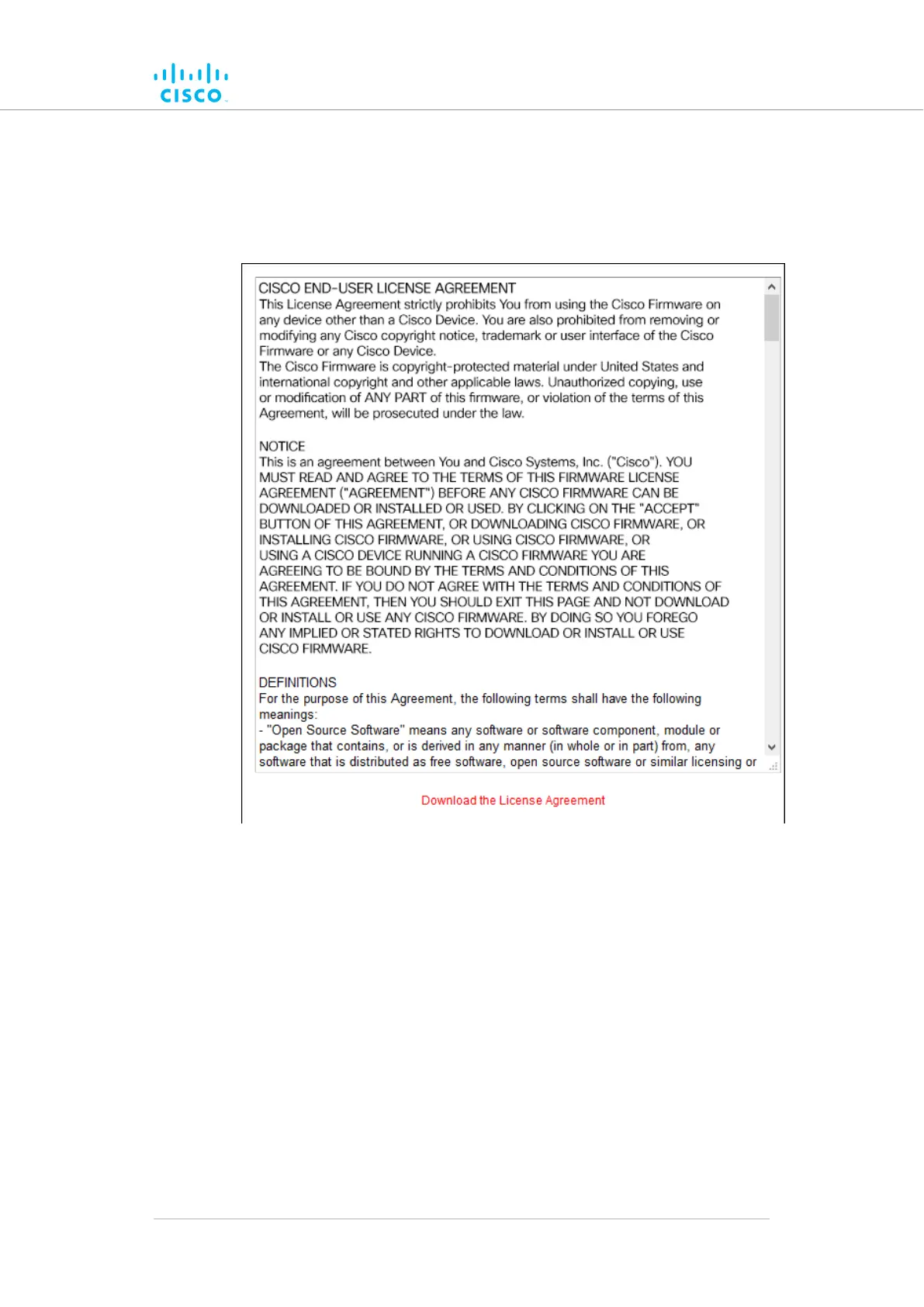
• The license agreement dialog will be shown (Figure 67 (page 156)).
Figure 67. Configurator GUI (End-user license agreement)
T
o read the end-user license agreement as an *.HTML web page in your
browser, left-click the Download the License Agreement link.
• The end-user license agreement will be shown under a new tab in
your web browser.
To download the end-user license agreement as a standard text (*.TXT)
file, do the following steps:
1. Right-click the Download the License Agreement link.
2. Click the Save Link as... option and follow the software prompts
to download the agreement as a text file.
Device configuration using the configurator interface
© 2021 Cisco and/or its affiliates. All rights reserved. Page 156 of 189



 To Next Page