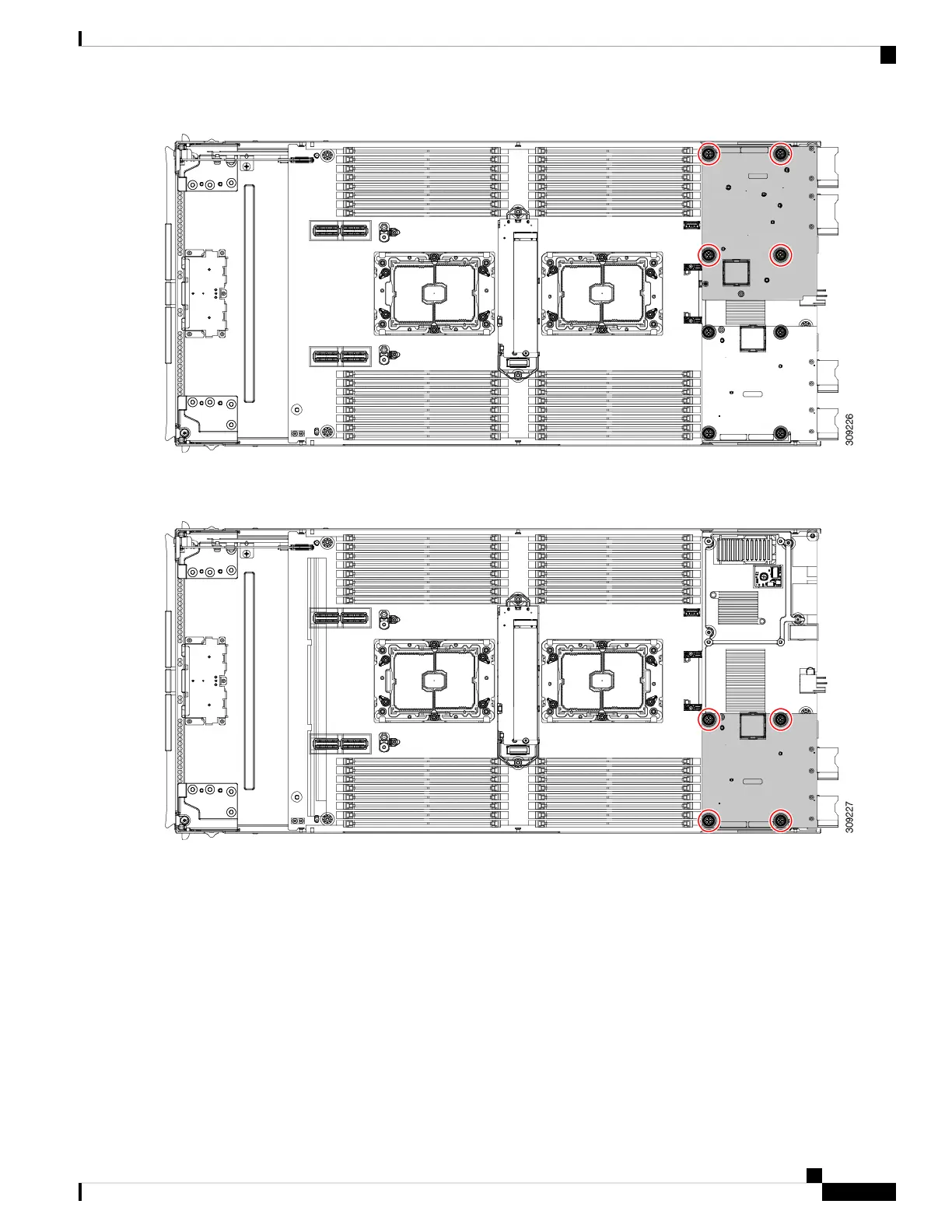
Step 5 (Optional) If the mLOM card is installed, use the #2 screwdriver to remove the four captive screws, then remove the
card.
Step 6 Using a T10 Torx driver, remove the two M3 screws and remove the middle M.2 module.
Cisco UCS X210c M6 Compute Node Installation and Service Note
71
Servicing a Compute Node
Recycling the PCB Assembly (PCBA)


 To Next Page
 Loading...