Therefore you must take
while selecting (linking) this test
repeat loops especially when other levels of test sequence may not be
of the same test type nature e.g. DC IR , DC Hipot etc.
For H102 only
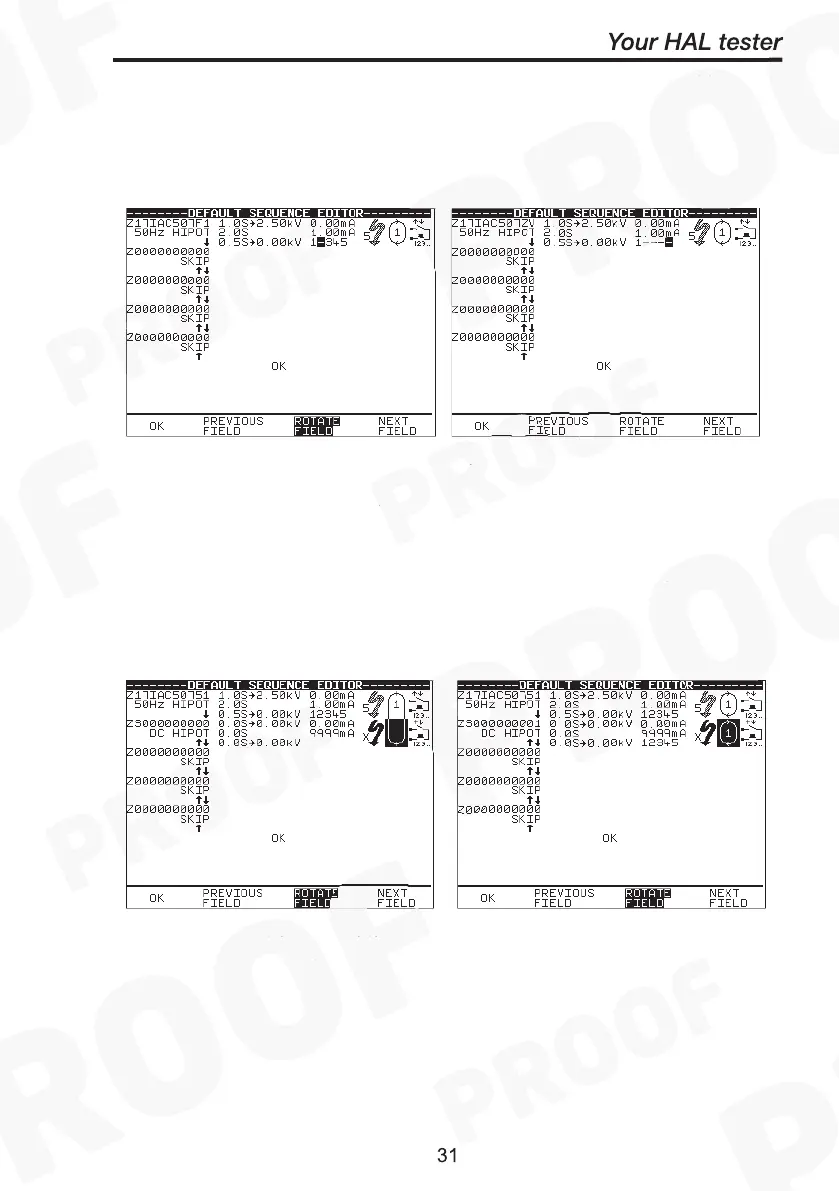
Notice that the 1
st
test sequence level will show the
integers
12345 as
default. It may be necessary to edit it for the desired output channels
before initiating the test programmes. To select output channels for the
next test sequence level you must first create (add) the test sequence
level, then bring cursor to highlight bottom of circular icon (the repeat
loop, second from right), press G
once will display the
integers
field on that sequence level. Repeat process as previous page to
select/deselect option for output channels.
Caution: It must be noted that only the integer(s) selected will conduct
the test voltage(s), a blank ‘ – ‘ will be by-passed.



 To Next Page