Lea
– this is the upper limit for the leakage current.
L
– this is the lower limit for the leakage current. It is used to
determine that a EUT is correctly connected.
– this shows the level set for the detection of any arc that
may occur in the EUT, during testing.
– shows the action needed to initiate the test sequence. This
refers to the usage of the e
ernal safety guard switch
only
, the
ernal guard switch
and
the G
button or the G
button
only
.
T
est status – here this shows that the test is in the hold phase. This
part of the display is used to indicate what part of the test cycle is
being performed.
Elapsed t
– this is shown below the test status.
H
V
– this is displayed to show that a voltage is being generated by
the tester, and if connected, will appear at the EUT.
⊕
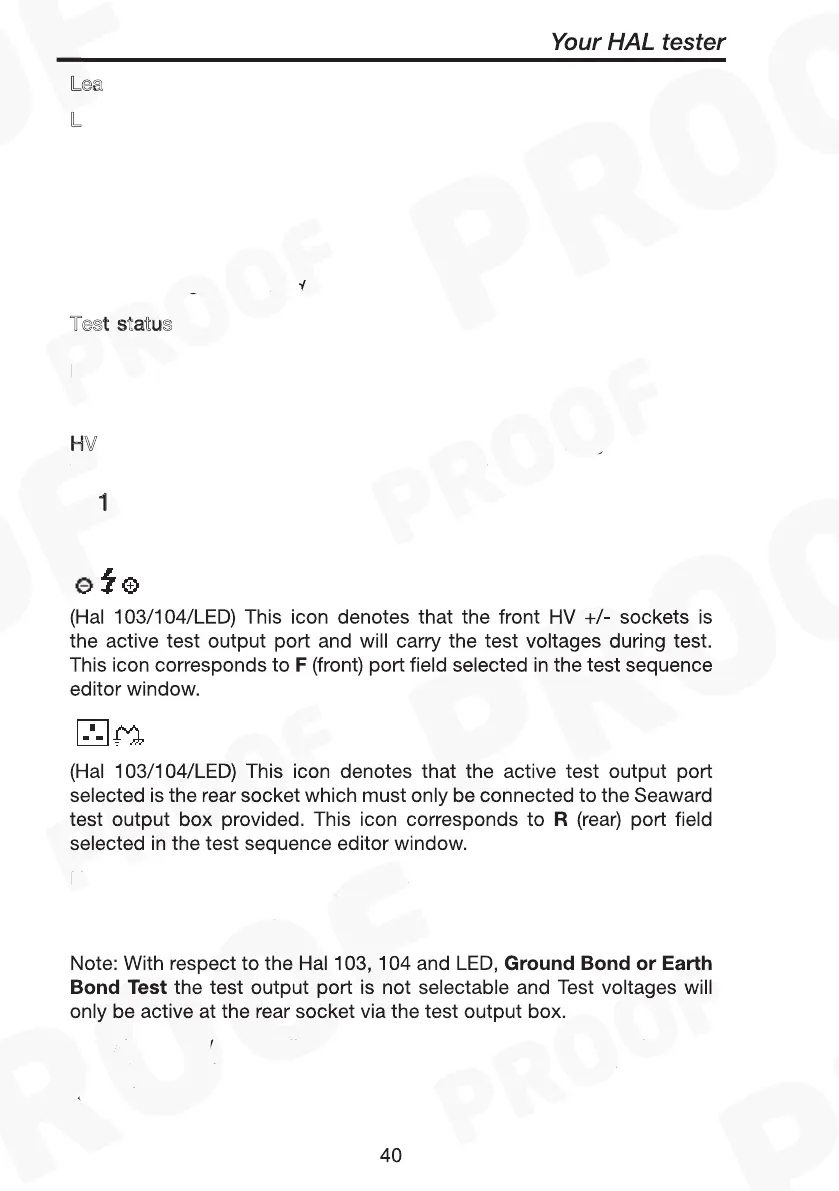
1 ⊕ (Hal 102) This icon indicates which active terminal output
channel pair is selected.
F
R
Ground Bond or
Earth Bond Test
Leak Hi
Leak Lo
Arc detect
Start
ext
ext Green Green
Test status
test time
HV icon
1
F
R
Ground Bond or
Earth Bond Test
Leak Hi
Leak Lo
Arc detect
Start
ext
ext Green Green
Test status
test time
HV icon
1
F
R
Note: if both the F & R icons are enabled, the tester will perform the
test twice, once for the front output and then the rear output with a
prompting in between the tests.
Ground Bond or
Earth Bond Test
Leak Hi
Leak Lo
Arc detect
Start
ext
ext Green Green
Test status
test time
HV icon
1
F
R
Ground Bond or
Earth Bond Test
The
right panel
of the display shows the output voltage and leakage
current or insulation resistance, depending on which test is being
applied.



 To Next Page