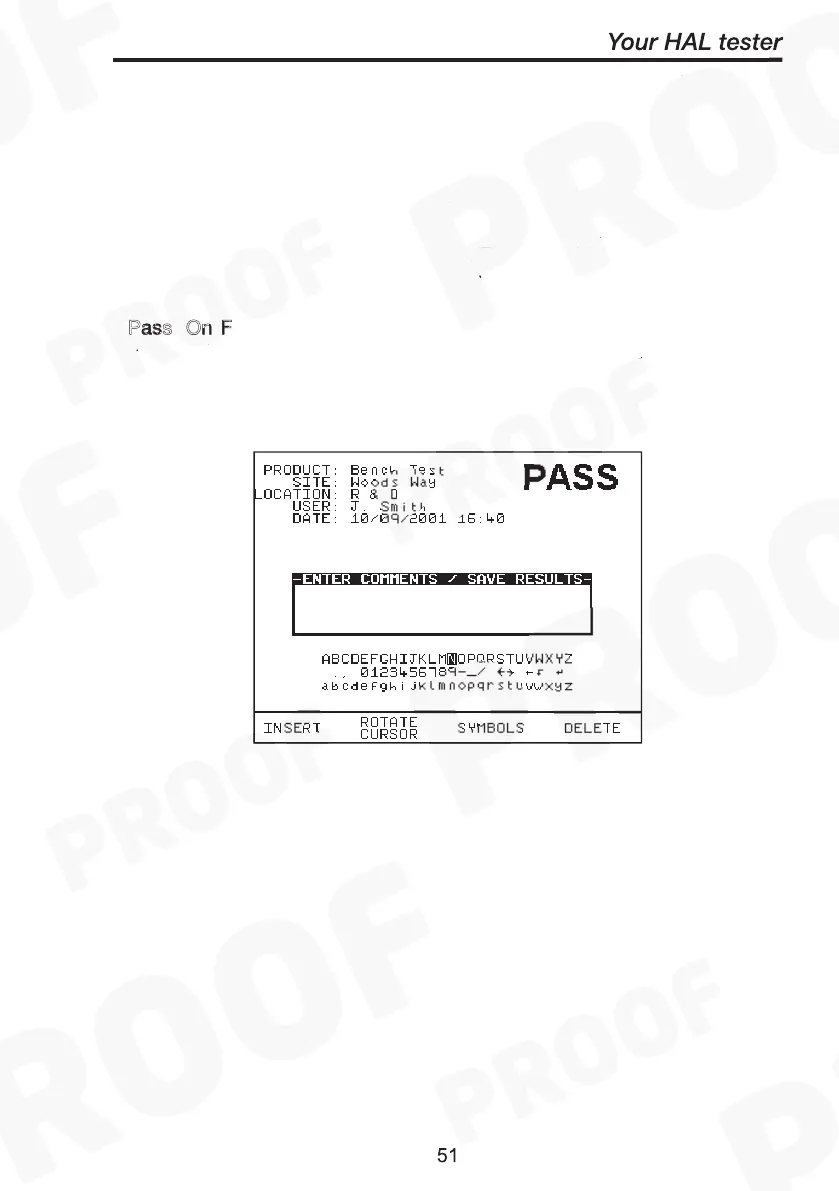
If a Product Number has been created, the test result will be stored
under the entered number. To store tests to memory choose Enter
Comments / Save Results.
Enter Comments/Save Results
When you have completed a test you can enter comments which will
be referenced to the Product number. To select this option, at System
configuration setup choose Comments: A
to display this box after
each test. Alternatively you can choose this comments box only O
Pass, On F
or N
. Use encoder or Barcode scanner to enter
comments into box. Select Rotate Cursor and turn encoder for a new
line. To store the comments press G
. Your results and comments
will now be stored.
Always
On
Pass On Failure Never
Green



 To Next Page