Ho
w to download Data (Results)
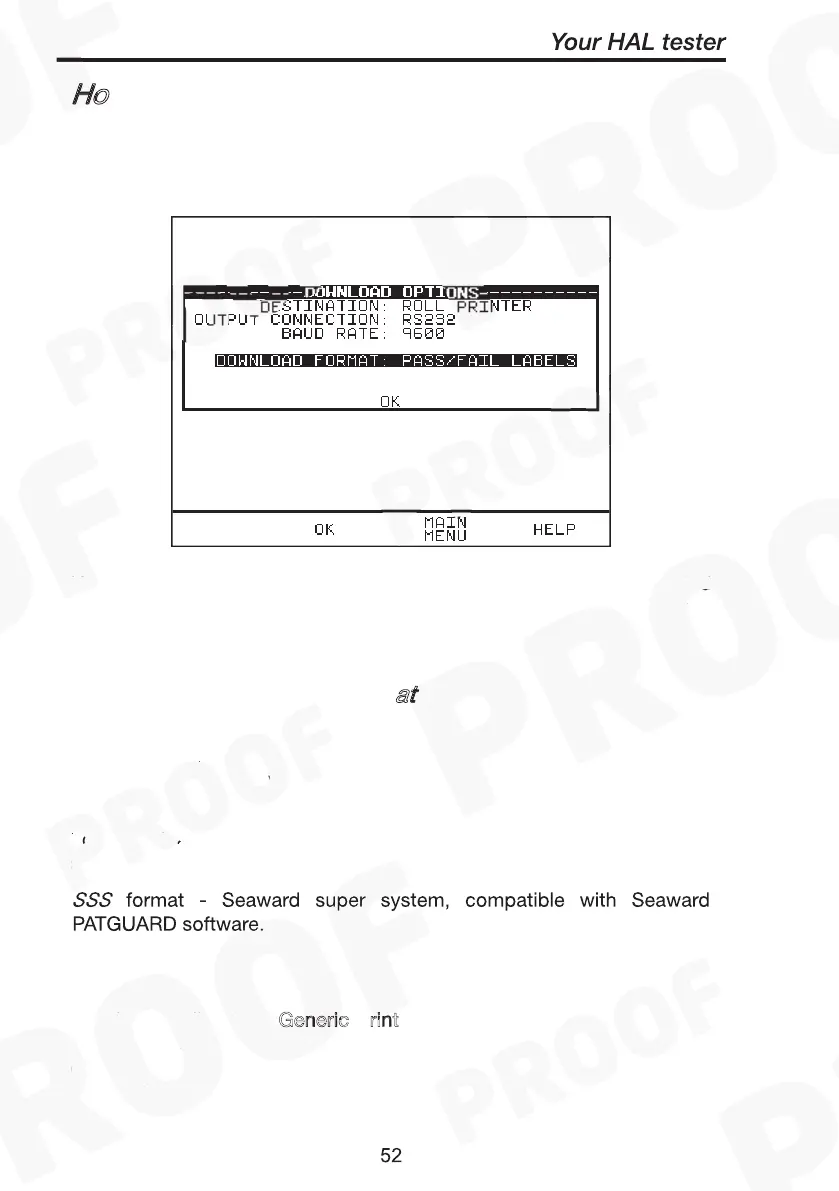
To download results stored in memory, use the encoder to highlight the
Download Results option from the Main Menu and press Green to
display the following menu: -
Destination & Download Format
PC Z-Modem
Generic printer
How to download Data (Results)
Use the encoder to highlight the required parameters. Use repeated
presses of the green button to show the desired options for
destination, output connection and baud rate.
Destination & Download Form
at
The destination field allows user to direct the download data to a PC,
Z-modem, Generic printer or Roll printer. The download format shows
the format choices available depending upon the destination option
selected.
For downloading to a P
or Z
the user has the option of
sending data in:-
How to download Data (Results)
Destination & Download Format
PC Z-Modem
Generic printer
How to download Data (Results)
Destination & Download Format
PC Z-Modem
Certificate
- downloads results in certificate format. These are done
through COMMS 1.
For downloading to a G
eneric
rint
(A4) the user has the option of
sending data as a certificate, or a list, or as pass/fail labels. In the
certificate format the user has the option to produce one certificate per
page or to produce continuous printouts.



 To Next Page