This option will delete (permanently) the e
re test results of all
Products tested and currently stored in memory and should be used
with C
!
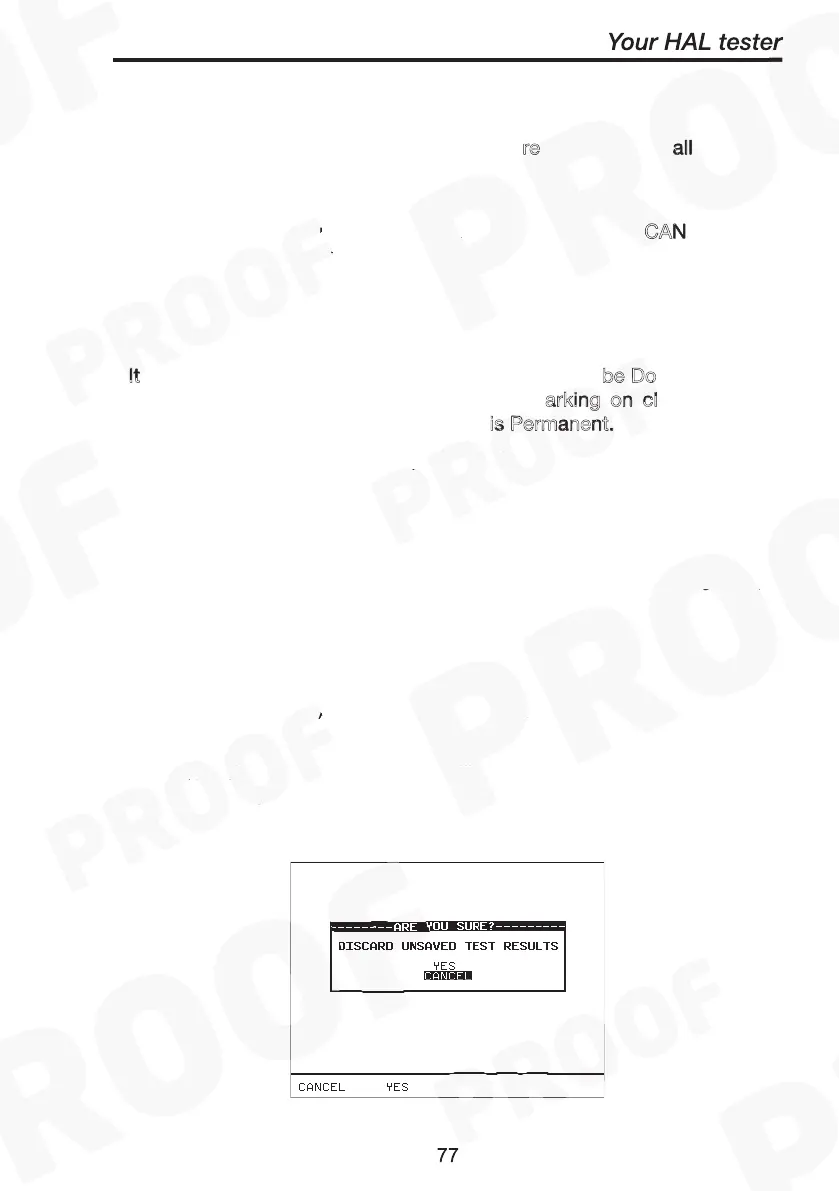
A warning ‘Are You Sure?’ prompt will appear. Press the C
AN
(NO) fast key to return to the previous menu or press the Y
fast key
to perform the delete (Clearing) operation and return to the previous
menu.
It
is recommended that the memory Results should
be Do
wnloaded to
other retrievable form or format before emb
arking on cl
earing them
from the system memory. This Deletion
is Permanent.
To ensure unauthorized tempering this Option must always be
password protected for access.
This option will delete all of the Product codes that have been
uploaded from an external computer and should be used with
!
Note
Users will be asked whether they are sure about performing
this action.
A warning ‘Are You Sure?’ prompt will appear. Press the C
fast
key to return to the previous menu or press the Y
fast key to perform
the delete operation and return to the previous menu.
Clear Results Memory
entire all
CAUTION
CANCEL
YES
Note
It is recommended that the memory Results should be Downloaded to
other retrievable form or format before embarking on clearing them
from the system memory. This Deletion is Permanent.
Clear Upload Memory
CAUTION
CANCEL
YES



 To Next Page