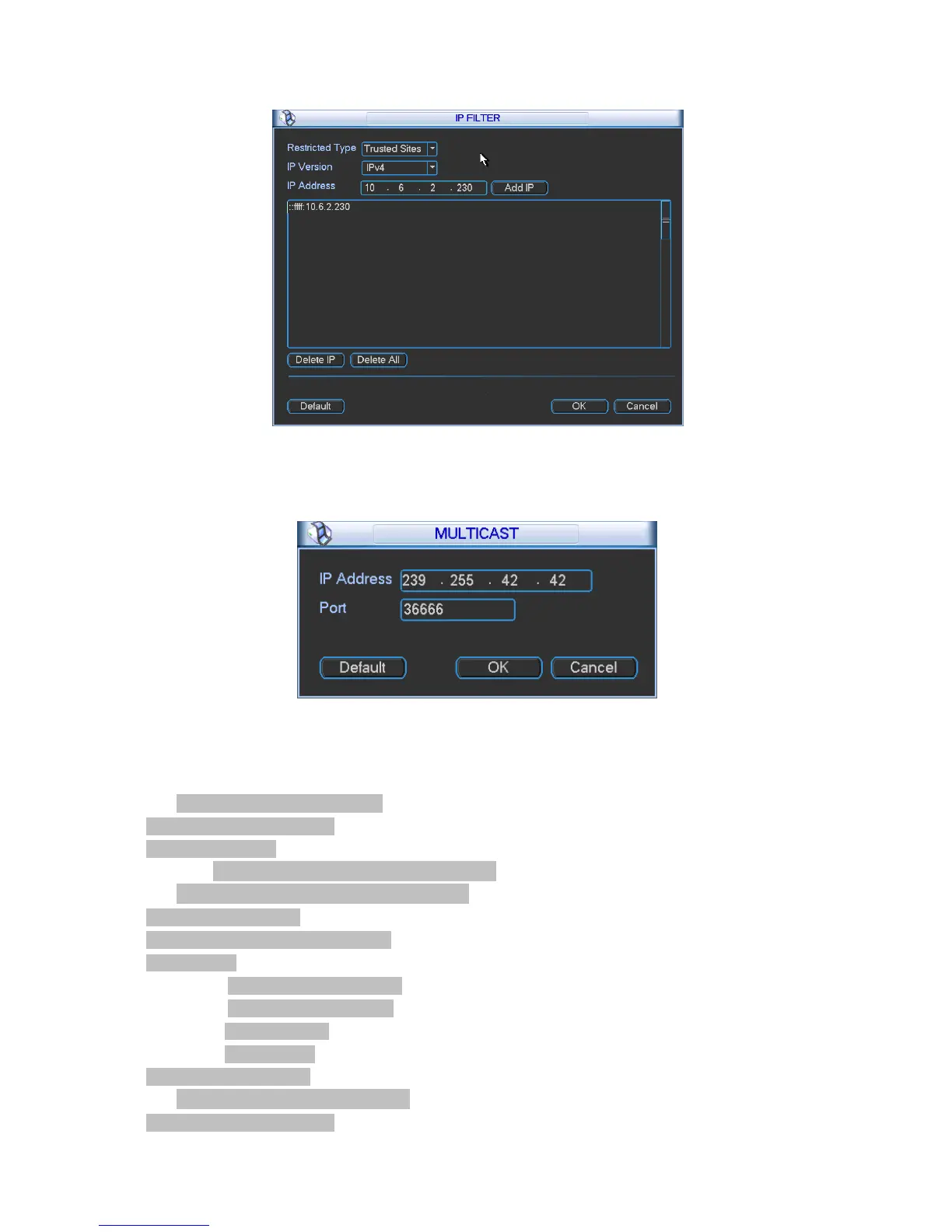
If you disable this function, all IP addresses can access current DVR.
5.3.4.3 Multiple Cast Setup
Figure 5-10
Multiple-cast setup interface is shown as in Figure 5-11.
Figure
5-11
Here you can set a multiple cast group. Please refer to the following sheet for detailed
information.
•
IP multiple cast group address
-224.0.0.0-239.255.255.255
-“D” address space
•
The higher four-bit of the first byte=”1110”
•
Reserved local multiple cast group address
-224.0.0.0-224.0.0.255
-TTL=1 When sending out telegraph
-For example
224.0.0.1 All systems in the sub-net
224.0.0.2 All routers in the sub-net
224.0.0.4 DVMRP router
224.0.0.5 OSPF router
224.0.0.13 PIMv2 router
•
Administrative scoped addressees
-239.0.0.0-239.255.255.255


 To Next Page