Multi-Appliance Touch Pad Control
PNE2002 Series Control
Page 15
Ducted Gas Central Heatin
Step 5 To turn the heater OFF Press the ON/OFF button on the touchpad.
The Touch Pad remembers your SET TEMPERATURE setting and uses it next time you turn it
ON.
As your activities vary, you may find you need different temperature settings, e.g. a
temperature comfortable for sitting is usually too warm compared to when your moving about.
For economical operation, set a lower set temperature during the day when you are active, or use
economy (ECON). Switch the Touch Pad OFF when asleep and ON again when awake. These cost
saving functions can be programmed to operate automatically (see Programmed Control).
ECONOMY & BOOST
FOR HEATING
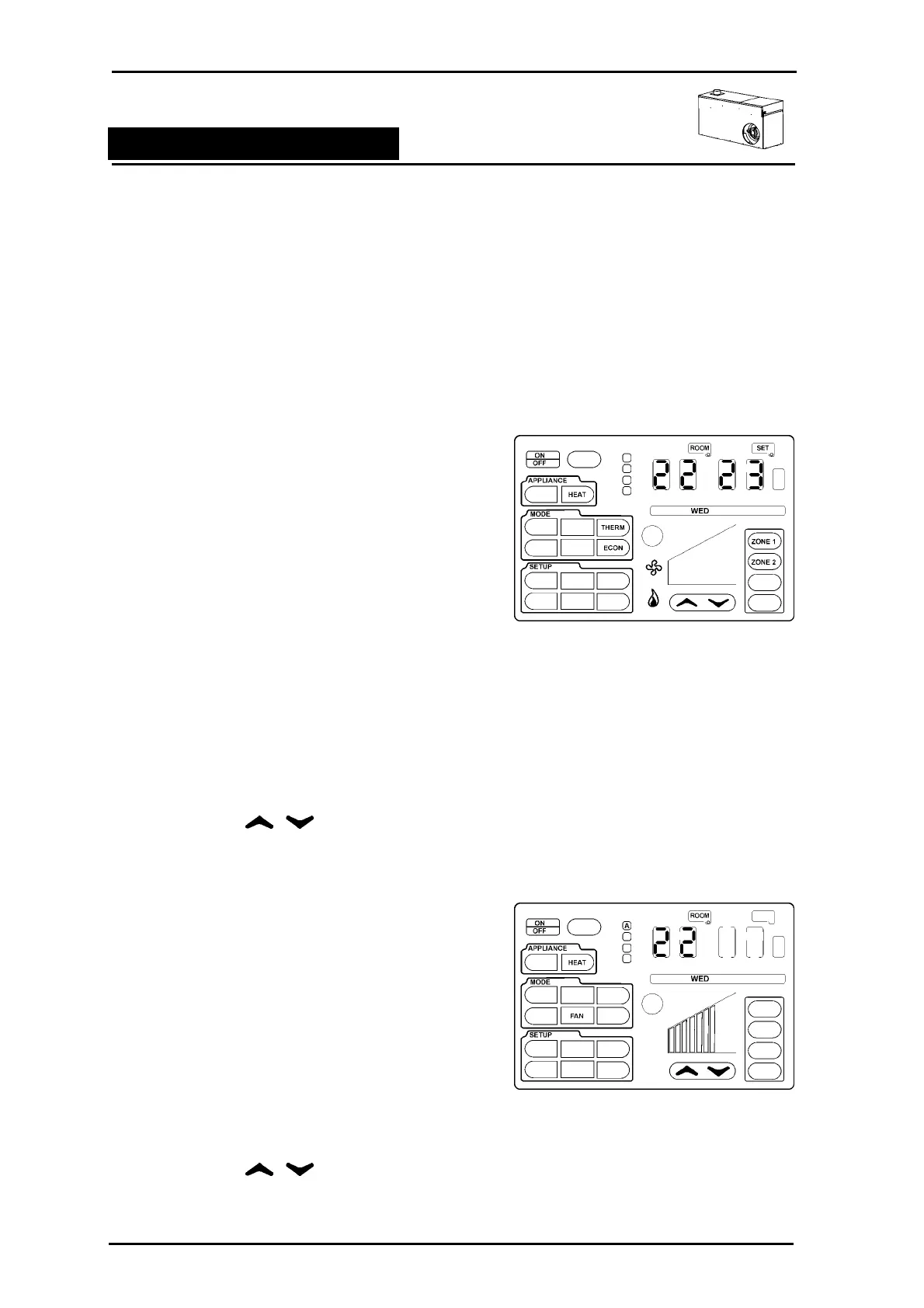
Economy (ECON) operates the heater at the lowest fan
speed and a lowest possible gas rate,
BOOST operates the heater at the highest fan speed and
a highest possible gas rate.
The unit will switch off when the SET TEMPERATURE is
reached.
Step 1 To select economy or boost switch the Controller
ON
Step 2 Ensure the APPLIANCE outline is set to HEAT.
Step 3 Press any where in the MODE outline to see the
available icons.
Step 4 Press the ECON or BOOST icon so that it stops
flashing. The remaining icons will flash 3 more
times and disappear.
Step 5 Use the arrows to adjust the
SET temperature as required.
S
UMMER FAN
The fan in your heater can be used to circulate the room
air without running the heater. To run the summer fan
option:
Step 1 To select FAN only switch the Controller ON
Step 2 Ensure the APPLIANCE outline is set to HEAT.
Step 3 Press any where in the MODE outline to see the
available icons.
Step 4 Press the FAN icon so that it stops flashing. The
remaining icons will flash 5 more times and
disappear. The room air fan will now run.
Step 5 Use the to adjust the fan speed as
required.



 To Next Page