31
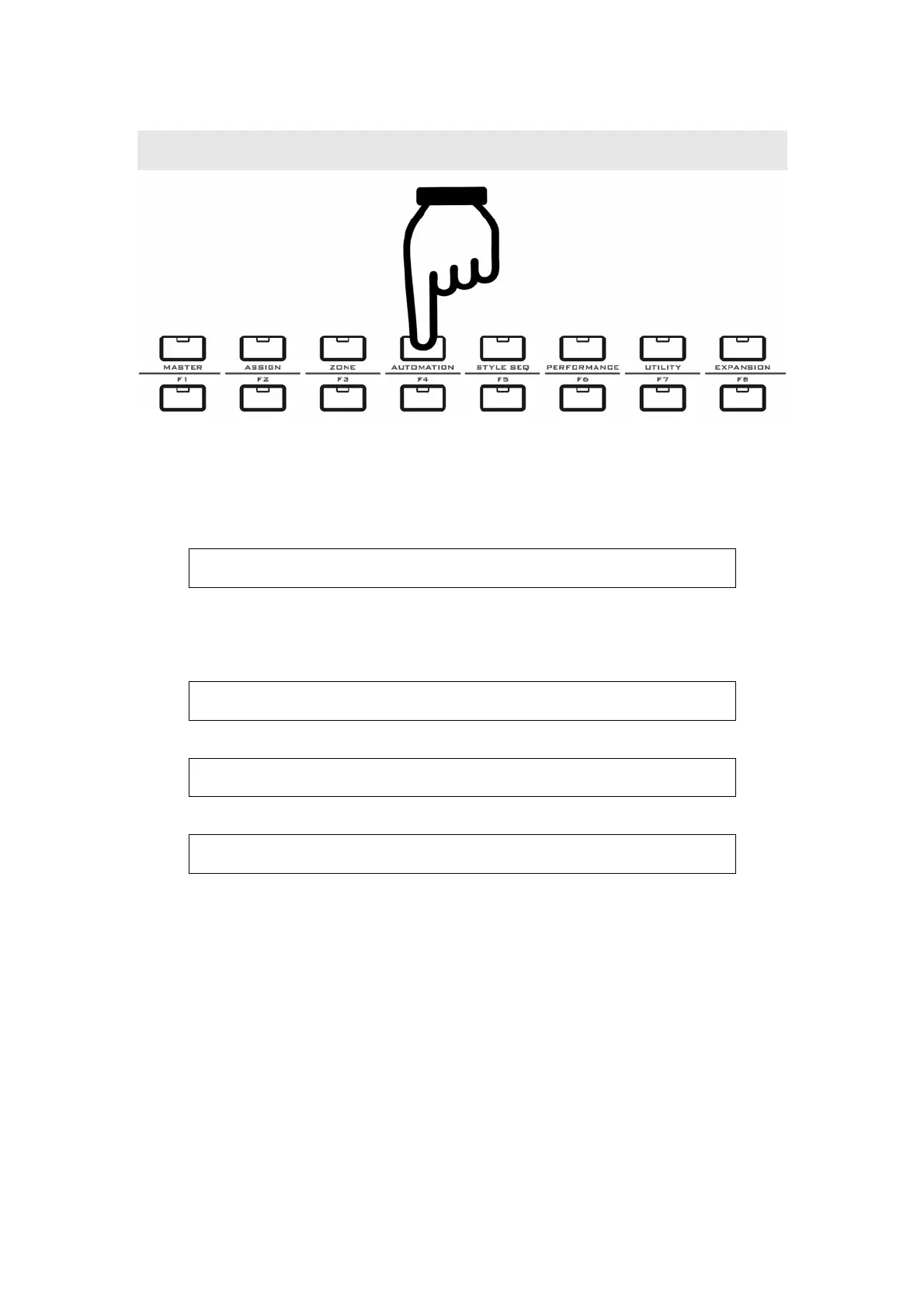
10 AUTOMATION
Notes for the AUTOMATION function:
z You can use this function to record and play back the fader 1-9 movement, so you
can make the faders move automatically.
z Faders 1-9 are map to tracks 1-9, each time you can record the movement of one
fader, and you can play all the faders movement later.
z The information on LCD:
T r a c k 1 : 0 0 0 M 0 0 0 0
S t op T: 120 4 / 4
Track1 means the current track is 1 for fader 1, you can set it to 1-9.
Stop means the status of recording. The status can be also Rec or Play.
z When you press the Rec button, there will be 4 count-in beats and the Rec button
flashes 4 times:
T r a c k 1 : 0 0 0 M 0 0 0 0
4 T : 1 2 0 4 / 4
Then it begins recording, the movement of one corresponded fader will be
recorded until you press the STOP button.
T r a c k 1 : 0 0 0 M 0 0 0 0
R e c T : 1 2 0 4 / 4
z When you press the PLAY button:
T r a c k 1 - 8 M 0 0 0 0
P l a y T : 1 2 0 4 / 4
The faders will move according to the recording.


 To Next Page