32
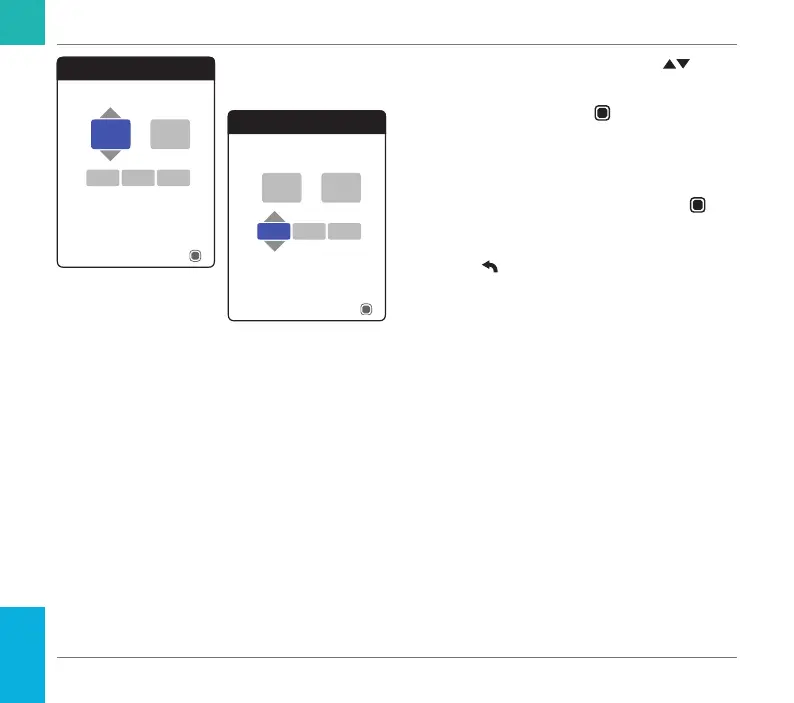
8 Use the up/down arrows button to set
the current hour.
9 Press the Enter button
to conrm the
hour. The next input eld (minutes) will be
highlighted.
10 Proceed with setting the remaining elds
(year, month, day). The Enter button
always conrms a setting (and highlights
the subsequent eld, if available), the Back
button
allows you to jump back to the
previous eld.
Time & Date
13
17Sep
Next
45:
2018
Time & Date
13
17Sep
Next
45:
2018
Starting Up
CoaguChek INRange User’s Manual



 To Next Page