e-mark create marking device Chapter 5 Operation
CODI Standard 1.0 36/60
Operating and Maintenance Manual
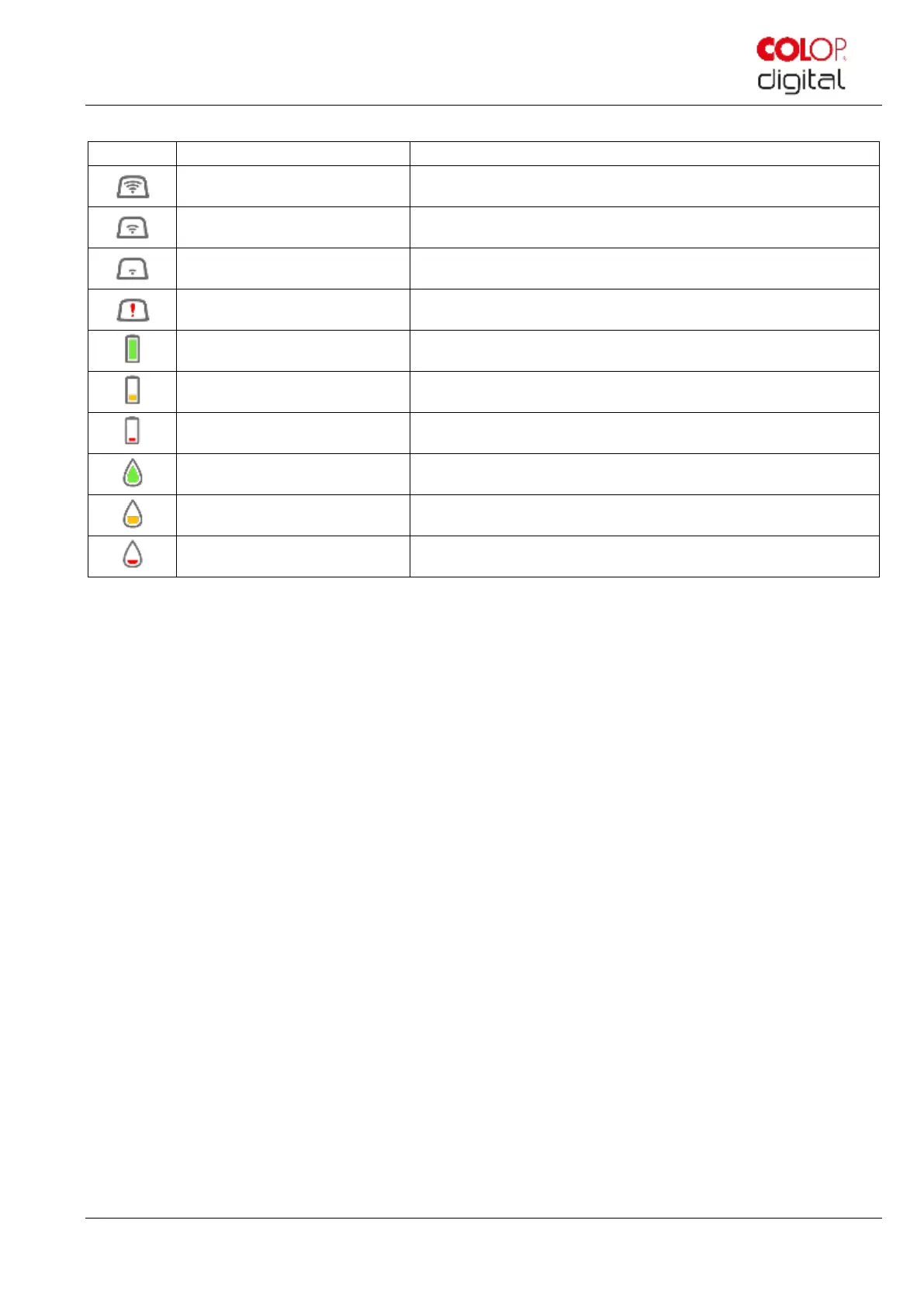
Symbols in the app:
Excellent WIFI connection to the e-mark create
Battery level display green
Battery level between 41 and 100%
Battery level display yellow
Battery level between 20 and 40%
Battery level display red
Critical battery level, below 20%
Ink level between 40 and 100%
Ink level between 20 and 40%
Critical ink level (below 20%)



 To Next Page