EasyManua.ls Logo

Colop e-mark create - Page 35

Colop e-mark create
60 pages
Print Icon
To Next Page IconTo Next Page
To Previous Page IconTo Previous Page
Loading...
e-mark create marking device Chapter 5 Operation
CODI Standard 1.0 35/60
Operating and Maintenance Manual
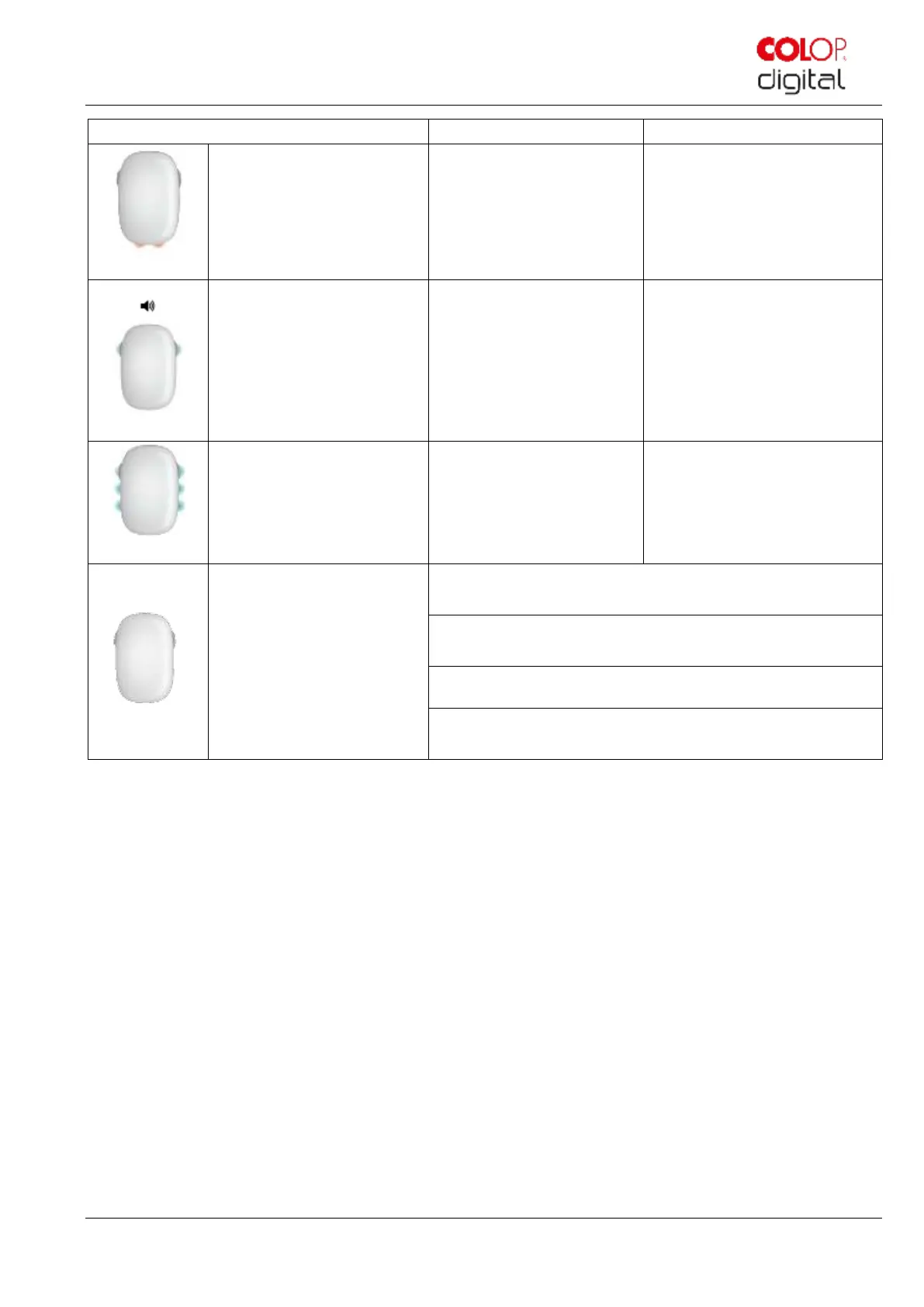
Light Guide
Designation
Description
LED 1, 7
Red double flashing of all
lights and sounds
Warning: cartridge is drying
out
The e-mark create must be
returned to the docking station
immediately
LED 8, 9
green flashing light
(left or right side)
During printing mode
Printing to the right or left side. A
short signal sounds when the
end of the imprint has been
reached
LED 3, 5 ,2, 6
green light
Ready to print
The e-mark create has been
removed from the docking
station and powered up.
Ready for printing.
No lights
e-mark create switched off
Battery empty
Battery contacts are covered
Sleep mode

Table of Contents