Components & Controls
37
C3M2-OM-EN-02
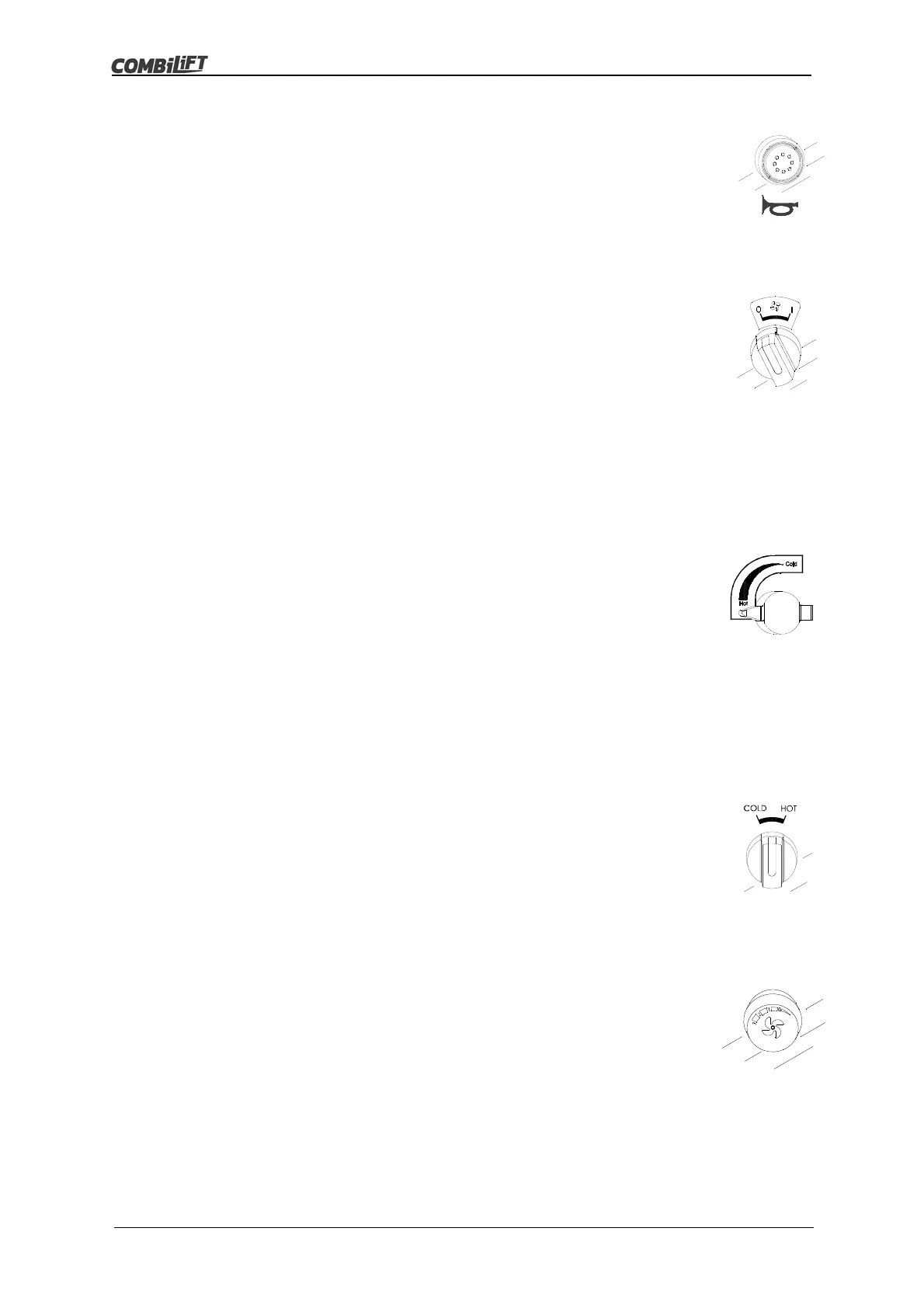
Horn Button
The horn button is a momentary push button switch located on
the left hand side of the dash. See Item 18 in figure 3.2 on page
28.
Press the horn button to activate the horn.
Release the horn button to deactivate the horn.
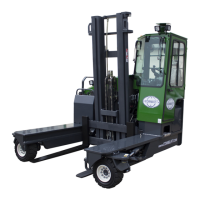
Cabin Cooling Fan Switch
The cabin cooling fan switch is a two position rotary switch
located on the right hand side of the dash. See Item 20 in figure
3.2 on page 28.
Turn the switch to ‘I’ to activate the fan in the top rear right hand
corner of the cabin.
Turn the switch to ‘0’ to deactivate the fan in the top rear right
hand corner of the cabin.
3.2.6 Switches/Buttons for Optional Extras
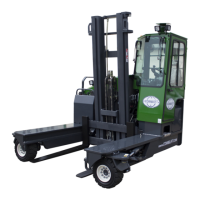
Heater Air Temperature Control (If Fitted)
The heater air temperature control is mounted on the right
hand side of the cabin (if fitted). See Item 6 in figure 3.2 on
page 28.
It is used in conjunction with the cabin air blower fan switch (if
fitted).
To increase the temperature of the air expelled from the air
vents (if fitted) turn the knob anti-clockwise.
To decrease the temperature of the air expelled from the air
vents (if fitted) turn the knob clockwise.
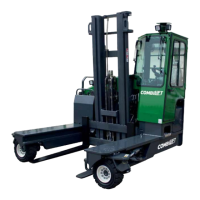
Cabin Heating Switch (If Fitted)
The cabin heating switch is a two position rotary switch located
on the dash (if fitted).
It is used in conjunction with the cabin air blower fan switch (if
fitted).
Turn the switch to hot, to activate the cabin heating.
Turn the switch to cold, to deactivate the cabin heating.
Cabin Air Blower Fan Switch (If Fitted)
The cabin air blower fan switch is a four position rotary switch
located on the dash (if fitted). See Item 20 in figure 3.2 on page
28.
It is used to switch on the cabin air blower fan and to select
between - 1 low, 2 medium or 3 high fan speed.



 To Next Page