ALARM
12
CONTENTS
Area 1: Front garden
Area 2: Back garden
Area 3: Garage 1
Area 4: Garage 2
Area 5: Day zone
Area 6: Night zone
DISARMED
DISARMED
DISARMED
DISARMED
DISARMED
DISARMED
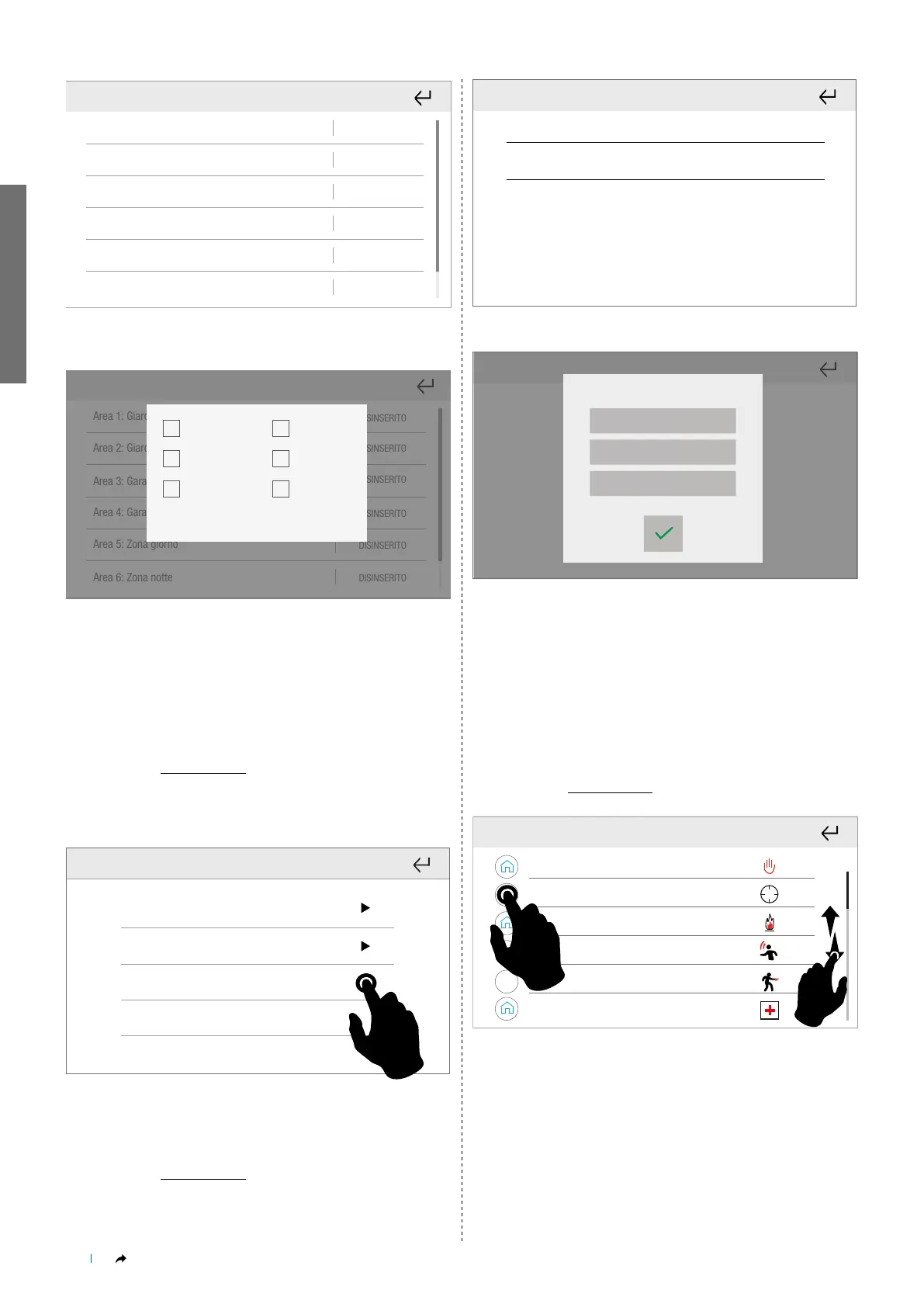
Select/deselect the corresponding box to enable/disable the
burglar alarm, then confirm or cancel the procedure.
Area 1: Giardino ingresso
DISINSERITO
DISINSERITO
DISINSERITO
DISINSERITO
DISINSERITO
DISINSERITO
Area 2: Giardino retro
Area 3: Garage 1
Area 4: Garage 2
Area 5: Zona giorno
Area 6: Zona notte
Dis. totale
Ins. totale
P1
Immediato
Annulla Conferma
P1+P2
P2
Full disarm
Full arm
Instant
Cancel Confirm
1. Instant burglar alarm activation in the selected areas (delayed by
default)
2. P1 and P2, configured via Safe Manager, are partial activations of
the alarm in a specific area.
Activation control
Alarm-Alarm menu-Activation control
The function can be used to execute the alarm activation scenarios
created on the alarm control panel.
Scenario P1
Scenario P2
Scenario P1+P2
Scenario 4
Press to start the selected scenario immediately.
Output command
Alarm-Alarm menu-Output command
This function can be used to change the status of the system outputs.
Uscita 1
Uscita 2
Output 1
Output 2
Select the desired output.
Attiva
Disattiva
Bascula
Active
Unset
Toggle
• ACTIVATE to activate the output
• DEACTIVATE to deactivate the output
• TOGGLE: to change the status (if the output is activated, it will be
deactivated and vice-versa)
Press the desired status.
» The system confirms the changes made.
Quick commands
Alarm-Alarm menu-Quick commands
Furto
H24
Incendio
Panico
24
Rapina
Medico
Burglar
Fire
Panic
Robbery
Medical
Press the circle to select the quick alarm commands for which you
want to create a link in the main alarm menu.



 To Next Page