USER SETUP
35
CONTENTS
Condizione 1
Or
Condizione 1
Condizione 1
COndizione allarme 4
00:00
You can set an expiry time for the conditioned scenario
(activated by the condition/s by the alarm) after which the
scenario will be deactivated again.
• ADVANCED FUNCTIONS
See “Advanced functions" on page 33
To edit conditions, refer to the previous paragraph.
______________________________
Consumption
Setup-User setup menu-Consumption
The menu can be used to set parameters relating to Consumption
functions.
Rates
Setup-User setup menu-Consumption-Rates
You can set the meter rates according to the time band. The information
will then be used to construct the graphs in the Consumption menu.
Example 1
Example 2
Example 3
Example 4
Select the desired meter.
00:00
24:00
07:00
07:00
0.15
0.15
0.2519:00
19:00
From To
€/kwh
Mon
Tue Wed Thu
Fri
Sat
Sun
Proceed as in paragraph on page 23
Daily programming should cover a full 24-hour period. Any hours
not programmed by the user will be set by the system automatically!
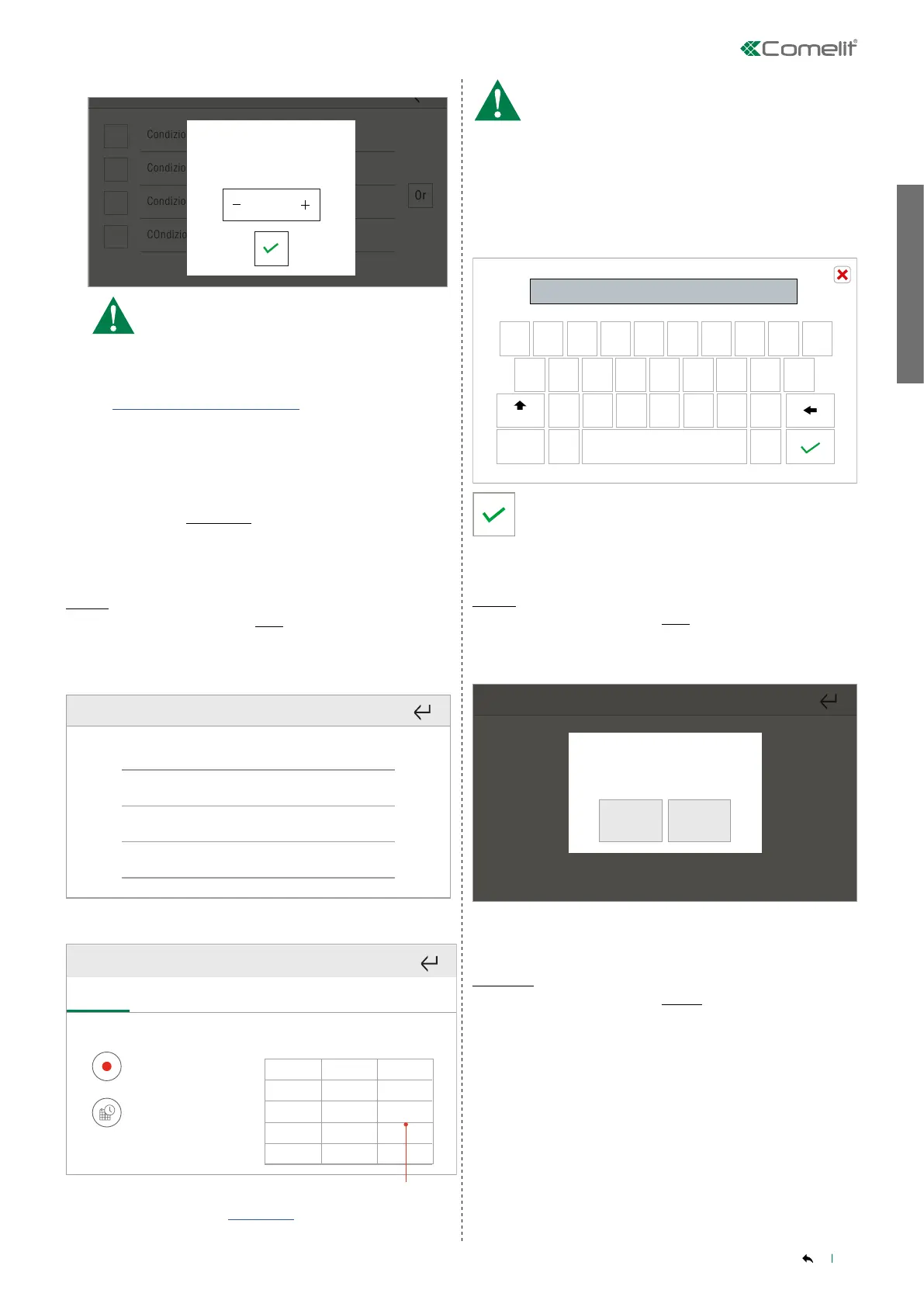
Set the unit cost.
EXAMPLE: set the cost of 1 kWh to a value of 53.10 cents € per unit.
53.10 cents/Euro = 0.531000 €
enter the value 0.531000 on the screen
1 2 3 4 5 6 7 8 9 0
ä ã â á
æ
ç
j
k
l
Í
ñ ó õ ö
ø
ú
Abc
Aa
O.531000
-.
Confirm.
Reset
Setup-User setup menu-Consumption-Reset
The function resets all the meters.
Confermare?
Confirm?
YES NO
Confirm the reset.
Settings
Setup-User setup menu-Consumption-Settings
This function can be used to set parameters for configured metering
modules.
Select the desired metering module from those available.
Select the parameter you wish to set:



 To Next Page