USER SETUP
38
CONTENTS
Rename key
Setup-Key-Advanced functions-Rename
Press to rename the key.
Alarm
Setup-Key-Advanced functions-Alarm
• This function allows you to register the key on the VEDO
alarm control panel.
• Once registered, the key can be used to execute
scenarios that contain commands addressed to the
VEDO control panel.
Select Alarm to register the key on the control panel.
» The system confirmation screen opens again.
______________________________
Anti-intrusion
Setup-User setup menu-Anti-intrusion
This menu allows the user to manage some of the alarm system
options,for activation/deactivation purposes.
Enter the alarm password to access the area.
Voice menu
Installer
Tones
Timer
Auto activation
Configuration
See paragraph “Alarm option" on page 13
______________________________
Output protection
Setup_User setup menu_Output protection
This menu can be used to manage configured output protection by
means of SimpleProg software, as well as the password.
Activate output protection
Select the box to activate the function.
Enter the password (Default 111111).
Change outputs password protection
1 2
1111
3
4 5 6
7 8
0
9
PASSWORD
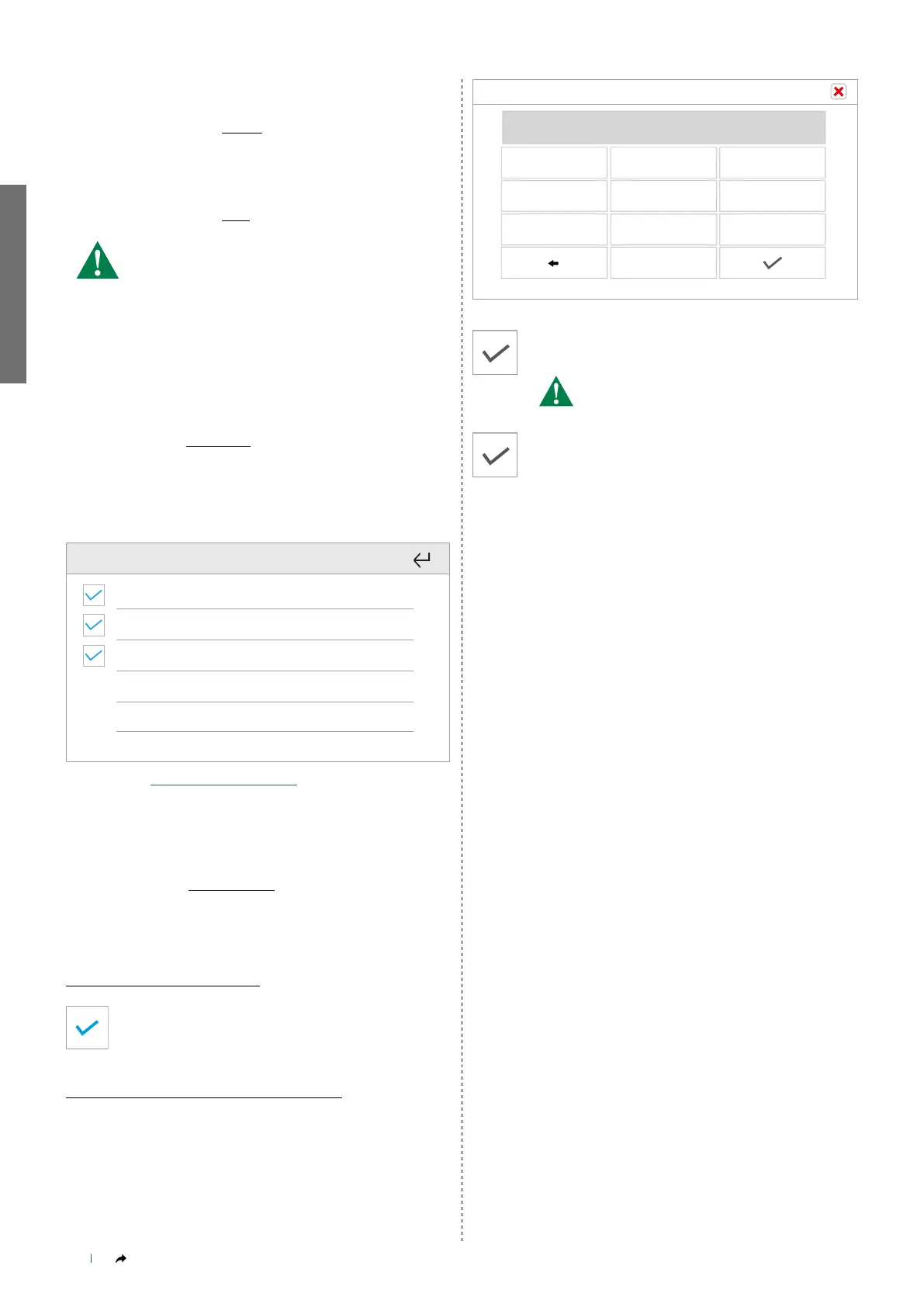
Enter the password (Default 111111) and confirm.
Enter the NEW password and confirm.
MAX. password length is 8 digits!
1 2
1111
3
4 5 6
7 8
0
9
PASSWORD
Repeat the entry and confirm.
1 2
1111
3
4 5 6
7 8
0
9
PASSWORD



 To Next Page