USER SETUP
31
CONTENTS
Data e ora
Citofonia
Attuatori e apriporta
Telecamere
Luci
Clima
Date and time
Door entry system
Actuators and lock-release
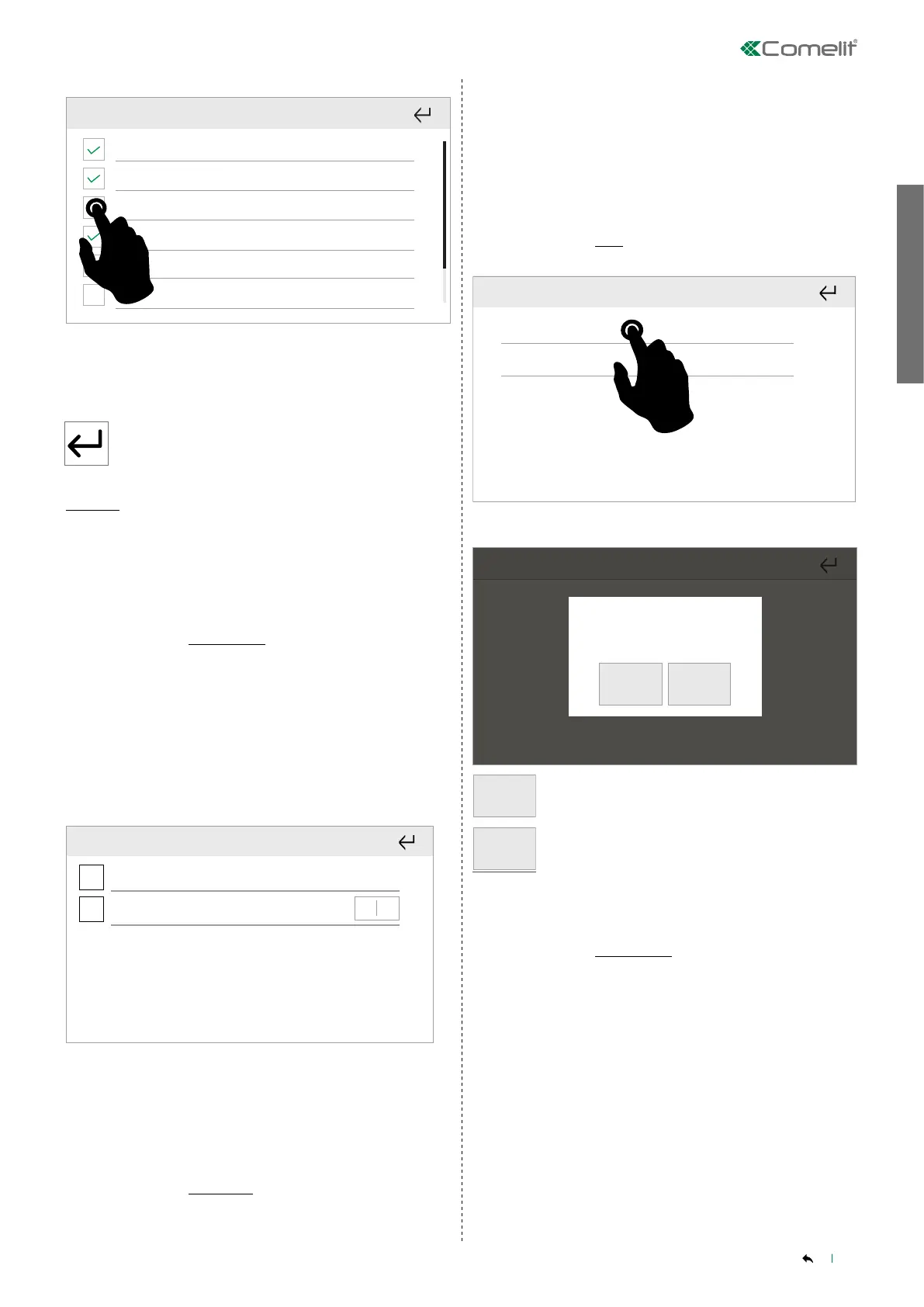
Select the desired function
Select the elements to show in the Widgets menu. Depending
on the selected function, it will be possible to add the general
command, for the room or for an individual element.
Press to exit
To delete:
Deselect the function menu you want to remove from the
homepage.
______________________________
Set screensaver
Setup_User setup menu_Set screensaver
When the monitor is in standby, as an alternative to the display being
o you can choose to show a series of images that change every 5
seconds.
• Images can be uploaded in .jpeg and .png format
• You can save up to 50 images.
• You adjust the brightness by moving the cursor from 0 to 9.
Upload the images onto a micro SD card (not supplied) in a folder
called ssaver.
Insert the SD card into the monitor
- +
Abilita screensaver
Durata screensaver 0
Luminosità schermo
Enable screensaver
Screensaver time
Display brightness
Select Enable screensaver
Set the duration of the screensaver display by setting a time in
seconds (up to 600) or by setting Always active.
______________________________
Burglar alarm
Setup_User setup menu_Burglar alarm
ViP functions to manage an alarm by sending a priority call to a ViP
address upon closure of an input configured as Burglar alarm.
This menu can be used to change the password (Default 1111) and
adjust the activation/deactivation delay for the Burglar alarm, as well
as its duration, by setting a value in seconds.
______________________________
Reset
Setup_User setup menu_Reset
Reset app registrate
Reset password amministratore
Reset registered apps
Reset administrator password
Select the type of reset you want to perform
Confermare?
Confirm?
YES NO
YES
Confirm
NO
Or cancel the procedure
______________________________
Update product
Setup_User setup menu_Update product
When firmware updates are available in the Comelit Cloud, the device
will update automatically.
The Update product menu can be used to manually force a search for
updates.
√ The device must be connected to the internet.



 To Next Page