SCENARIOS
26
CONTENTS
Conditioned
The conditioned scenario is executed automatically by the system
once the set conditions have arisen.
The menu shows the list of saved scenarios.
scenario 10
scenario 11
scenario 12
However, you can press the name to instantly start the scenario
without needing to wait for the schedule to begin or the
conditions to arise.
YES
Confirm
NO
Or cancel the procedure
SCENARIOS
The scenario function allows the triggering of automations through
manual activation, or via scheduling, or when certain specified
conditions arise.
Press the icon to access the menu.
To create, rename, edit, delete scenarios, see paragraph
“Scenarios" on page 32
DESCRIPTION
Instant
The instant scenario is executed manually by the user.
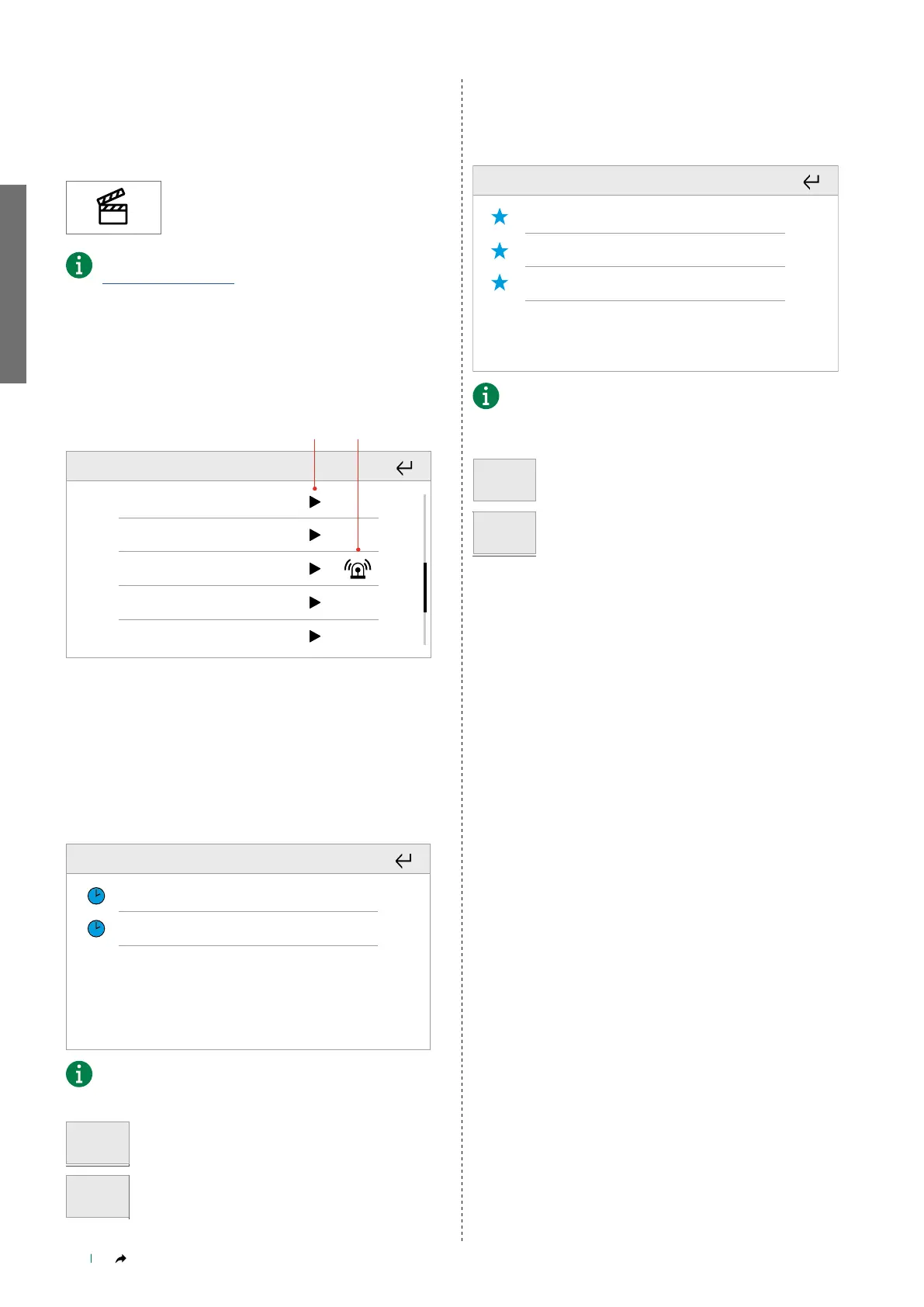
The menu shows the list of saved scenarios.
scenario 1
scenario 2
scenario 4
scenario 3
scenario 5
1. PLAY&STOP scenario
2. Instant scenario with function linked to the anti-intrusion system
Scheduled
The scheduled scenario is executed automatically by the system
according to the programmed times.
The menu shows the list of saved scenarios.
scenario 8
scenario 9
However, you can press the name to instantly start the scenario
without needing to wait for the schedule to begin.
YES
Confirm
NO
Or cancel the procedure



 To Next Page