18
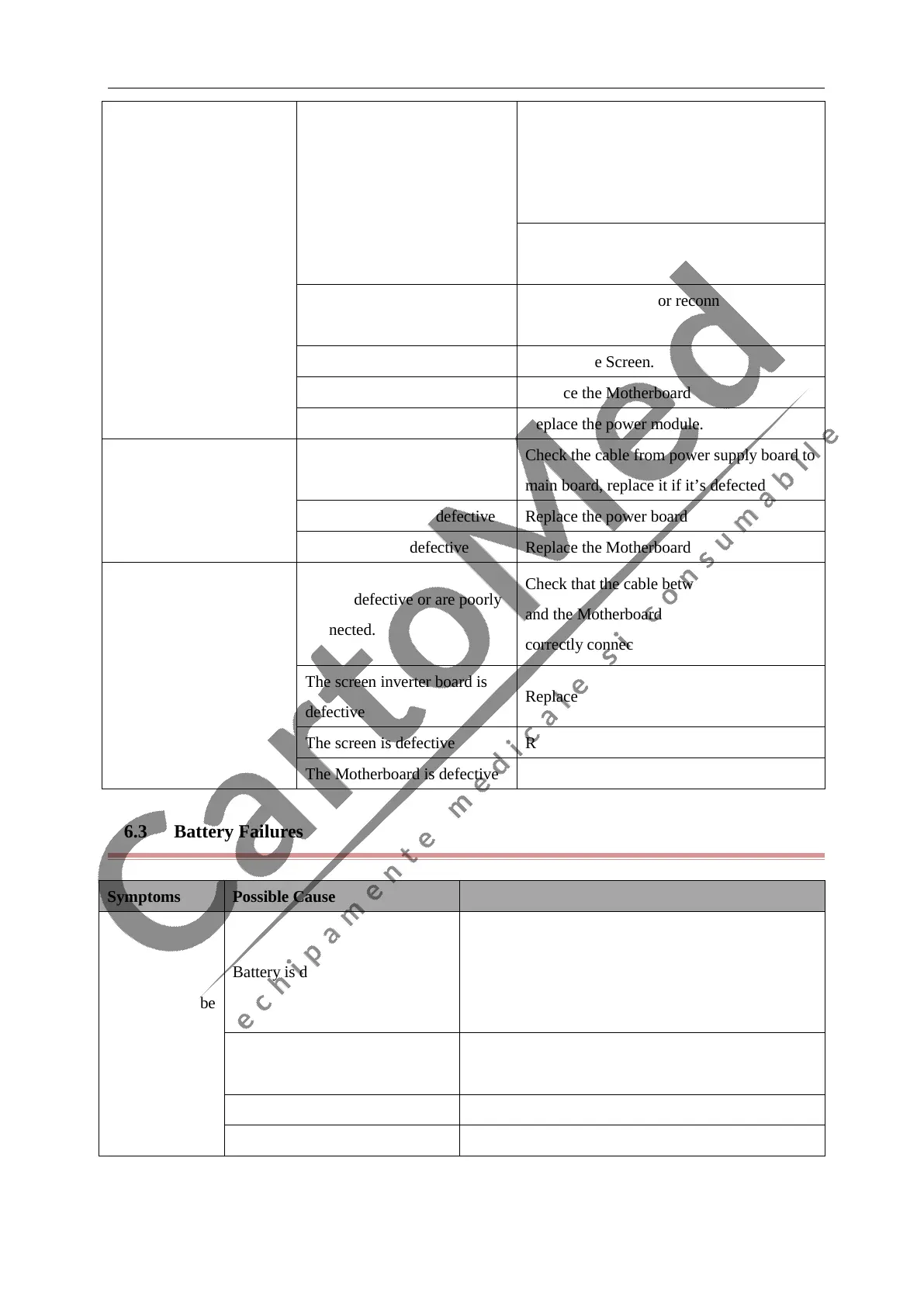
Integrated display is blank
but the patient monitor still
works
Cables connected
Motherboard with screen
defective or connected poorly
1. Check that cables from the screen to the
Motherboard and from the screen adapter
board to the button board display are
correctly connected.
2. Check that the cables and connectors are
not damaged.
Adapter board or its cables
defective
Replace the adapter or reconnected the
cables
Screen is defective Replace the Screen.
Motherboard is defective Replace the Motherboard
Power module is defective Replace the power module.
Integrated display is blank
and the patient monitor
does not work
Cables defective or poor
connected.
Check the cable from power supply board to
main board, replace it if it’s defected
The power board is defective Replace the power board
Motherboard is defective Replace the Motherboard
Screen displays splash or
flashing specks
Cables defective or are poorly
connected.
Check that the cable between the display
and the Motherboard(or inverter board) is
correctly connected.
The screen inverter board is
defective
Replace the Screen inverter board
The screen is defective Replace the screen
The Motherboard is defective Replace the Motherboard
4.6.3 Battery Failures
Symptoms Possible Cause Corrective Action
Battery can’ t be
recharge
Battery is defective
Recharge the battery for about 4 hours, check out
how long it can operate and check out its voltage
with a multi-meter. Please refer to our international
after sales Dept about the exact values
Cable defective or
poorly connected
Check that cable between battery and power module
is correctly connected.
Power board failures Replace power board
The Mother board is defective Replace the mother board



 To Next Page