41
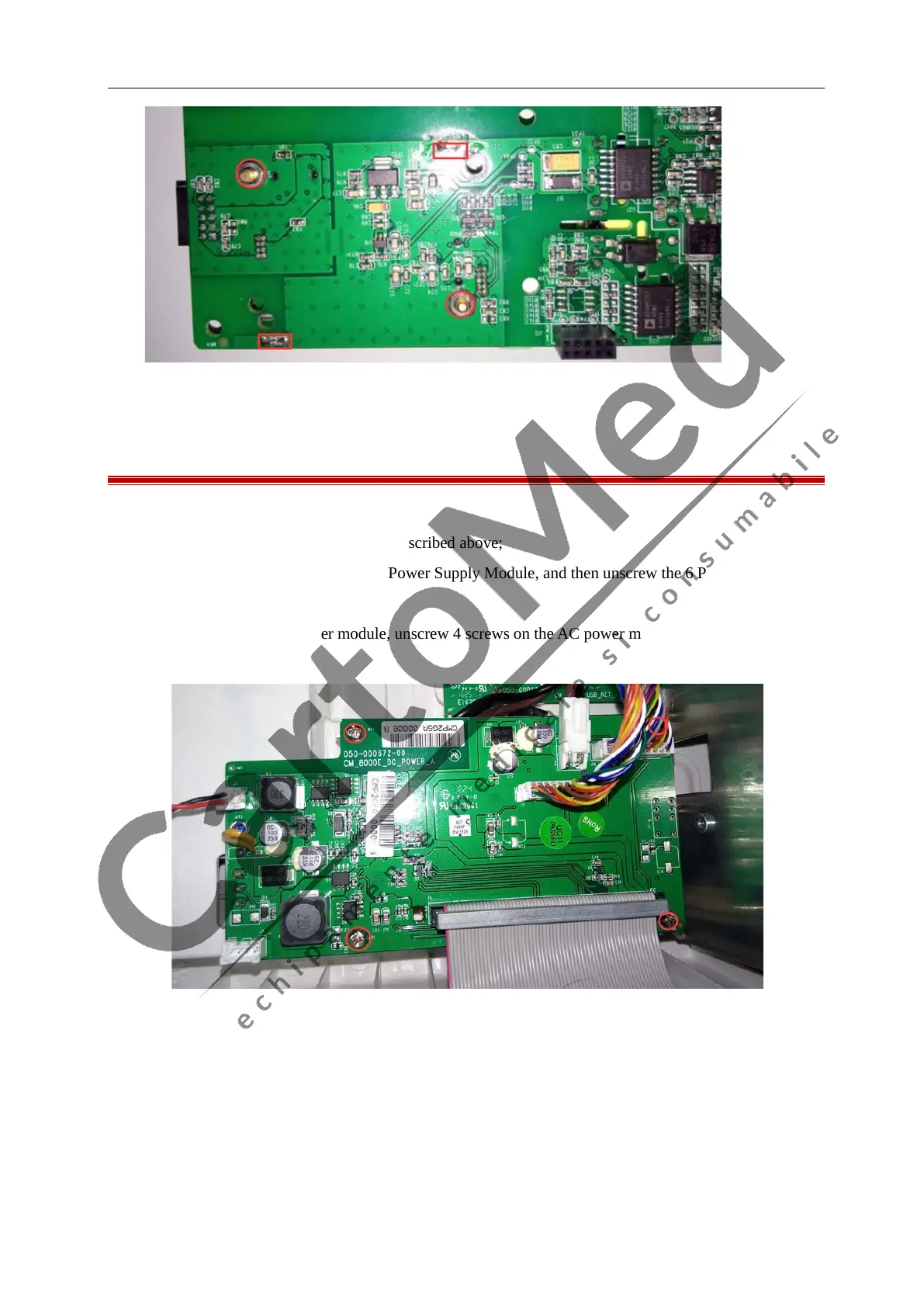
7.12 Removing the Power Supply Module
1. Remove the Battery as described above;
2. Separate the front and rear housing as described above;
3. Unplug the cables that connect to the Power Supply Module, and then unscrew the 6 PM3×6mm and
on the Power Supply Module;
4. After removed the DC power module, unscrew 4 screws on the AC power module, then you can remove
the AC power module;



 To Next Page